AI Christmas Photo
Upload a photo of a person, a couple, a family or a pet and pick a Christmas setting. Nano Banana Pro makes your AI Christmas photo for 2026 and keeps the faces. Each picture costs 380 credits.
Quick answer
What is the AI Christmas Photo?
Turn a photo into an AI Christmas photo with Nano Banana Pro: fireplace, snowy street, card, ugly sweater, workshop or anime. 380 credits. Price shown first.
Examples
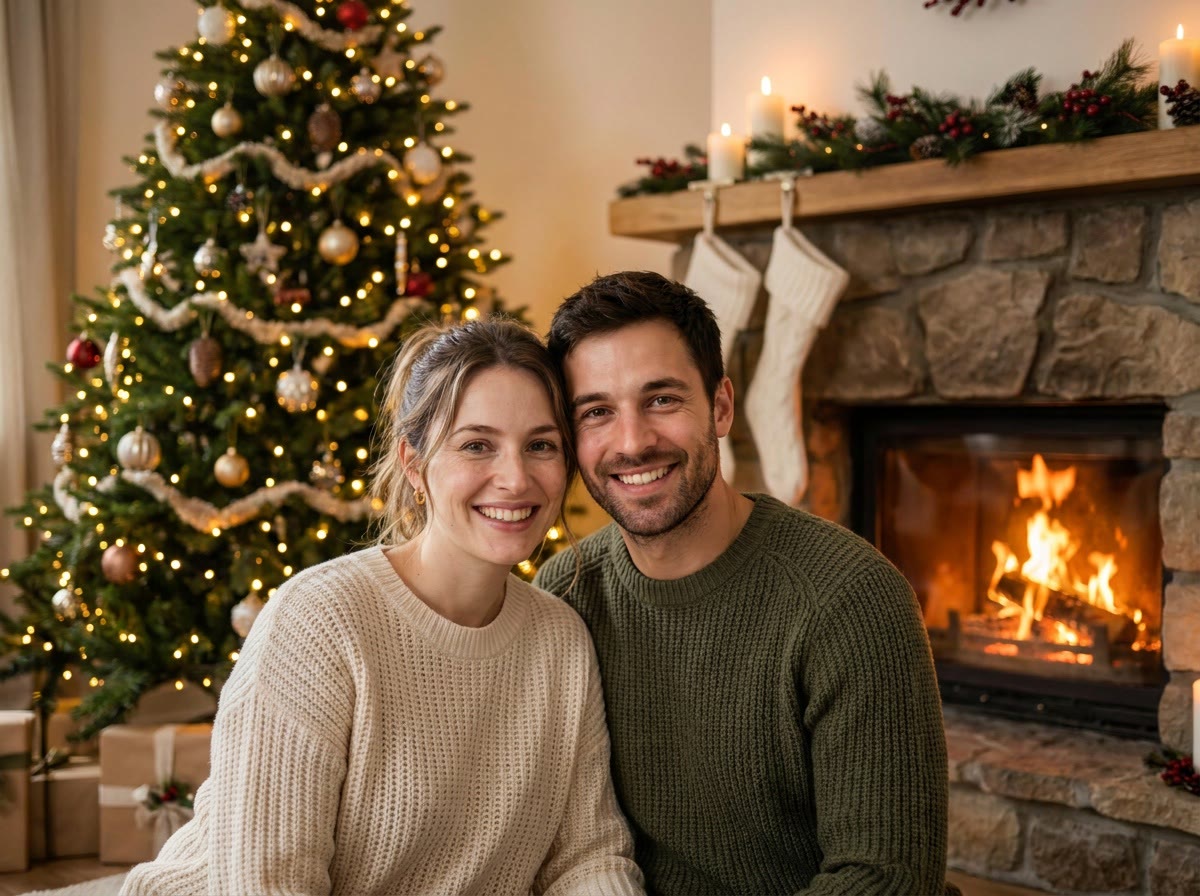
Cozy fireplace setting. The couple keeps their faces, and a big tree glows behind them.
380 credits
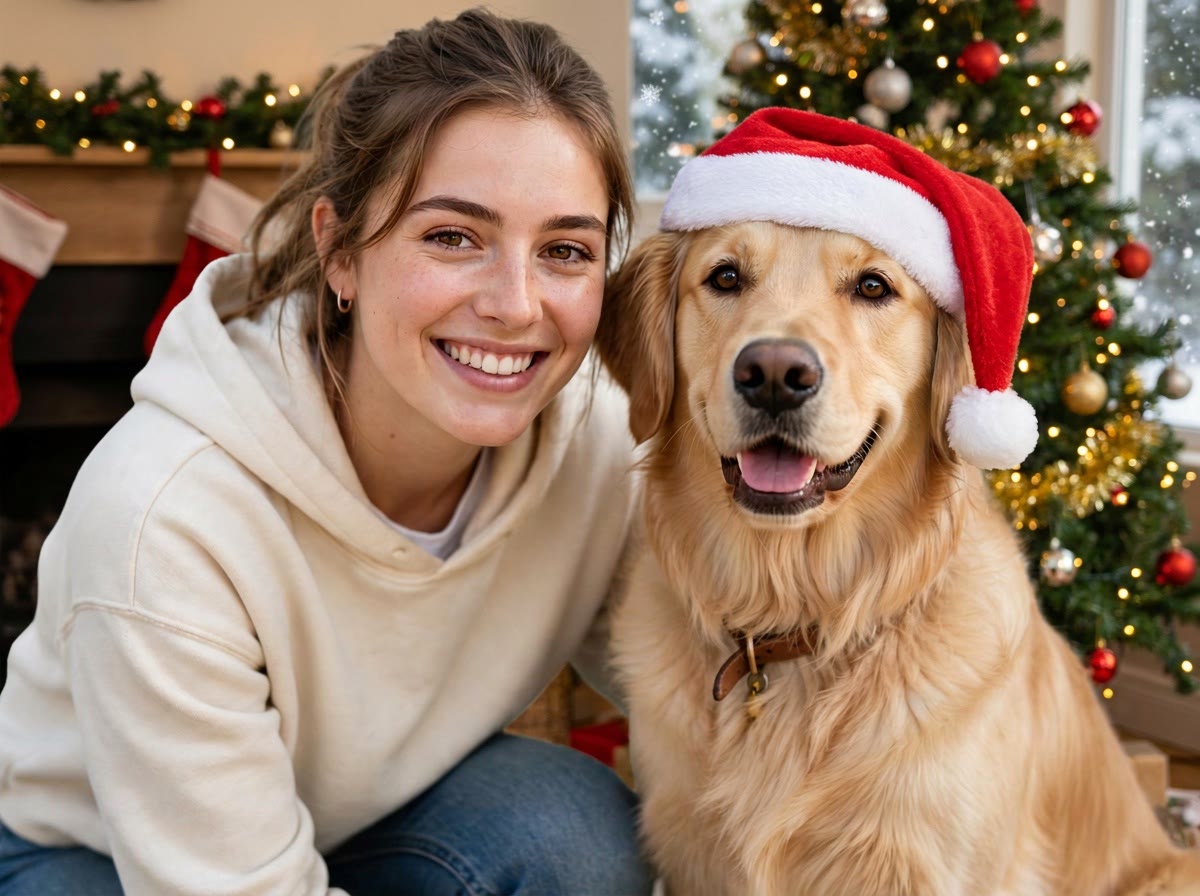
Christmas card setting, with a golden retriever in a Santa hat beside her.
380 credits
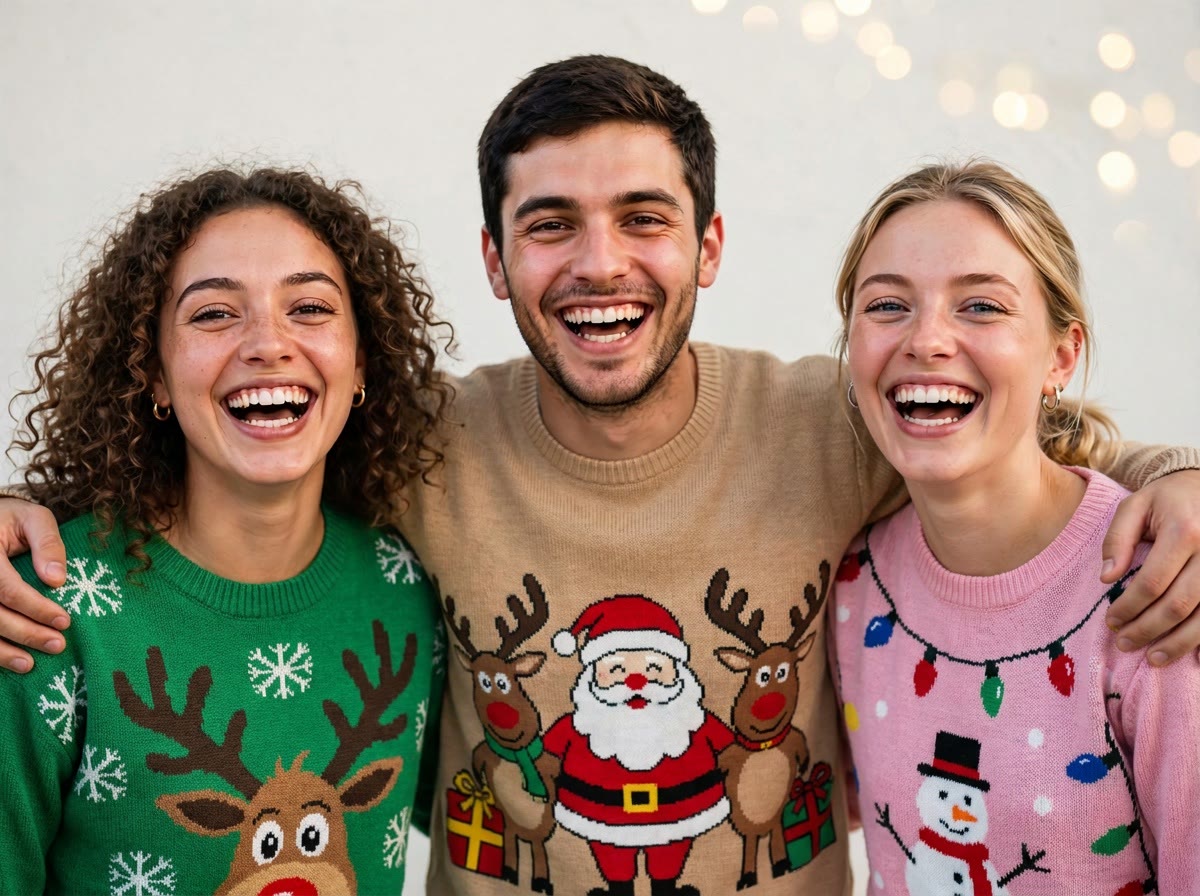
Ugly sweater setting. Three friends in reindeer and snowflake sweaters.
380 credits

Anime Christmas setting. The same face shape and hair, redrawn as anime with soft snow.
380 credits
Try it with your own photo.
This result costs 380 credits.
How it works
- 01
Upload a clear photo with the faces visible: a selfie, a couple, a family or a pet. A well-lit, front-facing photo works best.
- 02
Pick a Christmas setting. Add a short detail if you like, such as a tree glowing behind them.
- 03
The AI makes your Christmas picture and keeps the faces. Download it and share it.
What you get
Six Christmas settings
A cozy fireplace, a snowy street, a Christmas card, an ugly sweater, Santa's workshop or anime.
The faces stay yours
The photo is told to keep every face, hair and skin tone the same. Only the scene changes.
People, couples, families and pets
One person or a whole group, a dog or a cat, all in the same Christmas picture.
Who it's for
Families and couples
Make a Christmas picture for the family chat, a message or a card you print yourself.
Pet owners
Put the dog or the cat in a Santa hat by the fireplace, without a costume fight.
Creators and small shops
Make a holiday post or a seasonal profile picture from a photo you already have.
Try it with your own photo.
This result costs 380 credits.
Ideas and uses
| Setting | The scene | Good for |
|---|---|---|
| Cozy fireplace | A warm room with a fireplace, stockings and a tree | Couples and families |
| Snowy street | A winter street with falling snow and string lights | Selfies and walking-home shots |
| Christmas card | A clean, festive portrait with greenery and lights | A card or a holiday post |
| Ugly sweater | Bright, funny knitted sweaters for everyone | Friends, teams and party invites |
| Santa's workshop | A cheerful workshop with toys, elves and a warm glow | Kids and pets |
| Anime Christmas | The photo redrawn as anime in a snowy scene | Profile pictures and fan-style cards |
Make an AI Christmas photo from your own photo
The AI Christmas Photo tool puts the people and pets in your photo into a Christmas scene for 2026. Upload a photo, pick one of six settings and get a new picture with the same faces: by a fireplace, on a snowy street, in a Christmas card portrait, in ugly sweaters, in Santa's workshop or redrawn as anime.
It is a digital picture. Share it in a message, post it, or print it yourself.
How to get the best Christmas photo
The result follows your photo, so start with a good one:
- Faces visible: front-facing and well lit, with no sunglasses or hands over the face.
- Simple background: a plain wall or a blurred room lets the AI build the new scene around the people.
- Not too many people: two or three faces stay clearest. For a big family, try a few smaller photos.
- One detail: add a short line, such as "a big decorated tree glowing behind them" or "matching red and green pajamas".
Christmas photo ideas to try
- Couples: a cozy fireplace with a tree, or a snowy street with string lights.
- Families: a Christmas card portrait with greenery, or matching pajamas by the tree.
- Friends: ugly sweaters with reindeer and snowflakes, for a party invite.
- Pets: a dog in a Santa hat, or a cat by the fireplace.
- Anime fans: the Anime Christmas setting for a profile picture with soft snow.
Privacy and your photos
Your uploaded photo is deleted from our server within 24 hours. To make the result, the photo is sent to our AI provider, fal, which keeps its own copy under its own retention rules. Only upload photos you have the right to edit.
Nano Banana Pro and other photo models
This tool edits your photo with Nano Banana Pro. In Ziztu Studio you can run a photo edit on these image models too, with the price shown first.
- Nano Banana Pro, from Google: photo edits and sheets at 1K, 2K or 4K, with up to 14 reference images. One 2K image costs 380 credits.
- GPT Image 2.5, from OpenAI: takes up to 16 reference images, with sizes up to 4K. One high quality 2K image costs 150 credits.
- Meta Muse Image: the Studio default for character sheets, plates and reference shots, with up to 10 reference images. One image costs 30 credits.
Frequently asked questions
Is the AI Christmas photo tool free?
Not free, but cheap. One photo costs 380 credits, shown before you start. Start for $7 a month.
Do I need an account?
Yes. Sign in and have credits on the account; your results are kept there.
What kind of photo works best?
A clear, well-lit photo with the faces visible and facing the camera. A plain or simple background gives the cleanest result. Groups work best when everyone is easy to see.
Does it change my face?
It is told to keep the faces, hair, skin tone, age and expressions exactly the same. Nano Banana Pro redraws the whole photo, so small changes can happen. The Anime Christmas setting redraws the picture as anime on purpose.
Does it work with pets and families?
Yes. Pets come out in the same scene with their fur colors and markings, and groups of two or three people whose faces are clearly visible work best.
Can I use it for a Christmas card?
You get a picture file. Add it to a card, send it in a message or print it yourself. Ziztu does not print or ship anything.
Is my photo stored?
Your uploaded photo is deleted from our server within 24 hours. To make the result, the photo is sent to our AI provider, fal, which keeps its own copy under its own retention rules. Only upload photos you have the right to edit.
Can I use the picture commercially?
Every paid plan includes commercial use of what you make here. Only upload photos of people who agreed to it.
Which AI model makes the Christmas photo?
Nano Banana Pro, Google's image editing model, edits your photo for 380 credits. Studio also offers GPT Image 2.5, Grok Imagine Image and Meta Muse Image for photo edits.
More like this
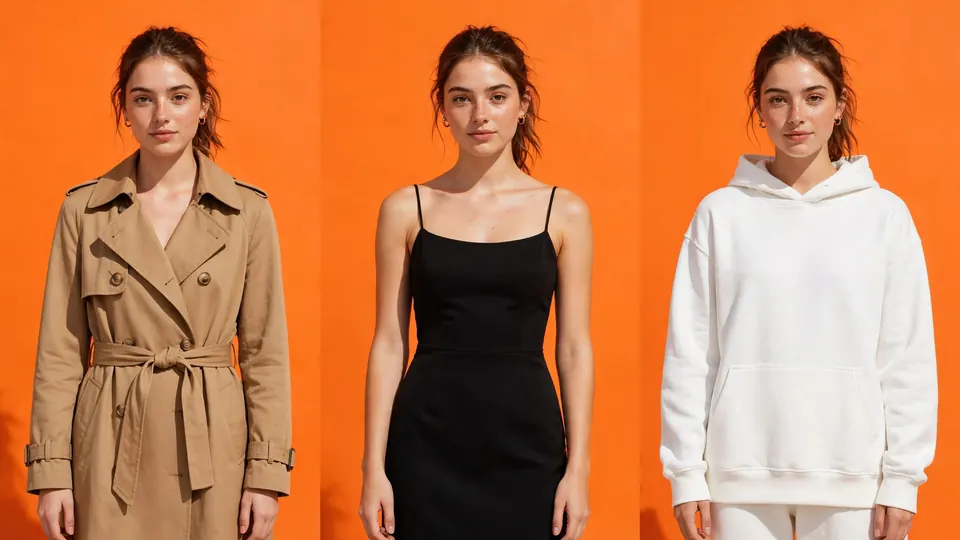 AI Clothes ChangerUpload a photo, pick a style and add details if you like.
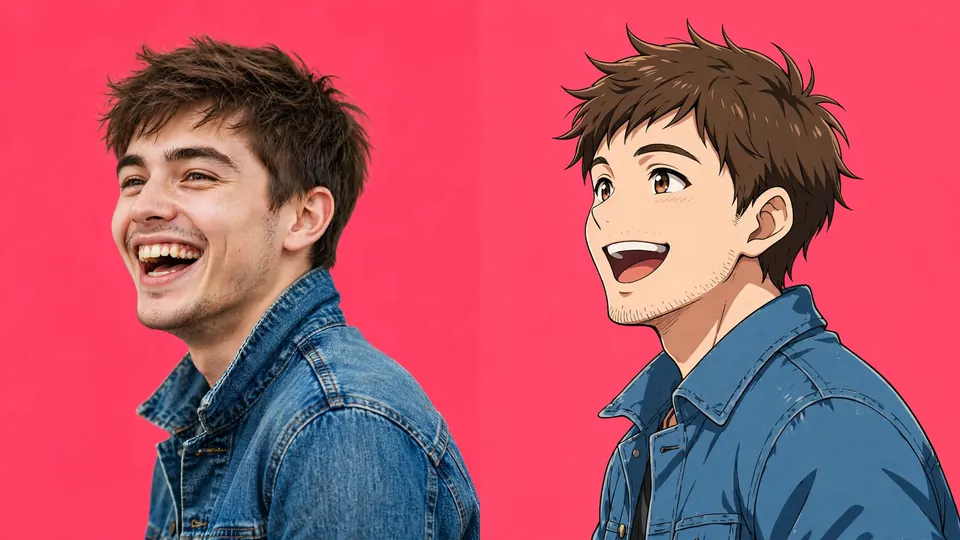 AI Anime GeneratorUpload a photo of yourself, a friend or a pet and Nano Banana Pro redraws it as anime art, with the same face, hair, outfit and pose.
 AI Selfie GeneratorUpload a clear photo of yourself, pick a setting and a look, and Nano Banana Pro draws a new selfie of the same person.
 AI Headshot GeneratorUpload a clear photo of yourself, pick a style and a background.
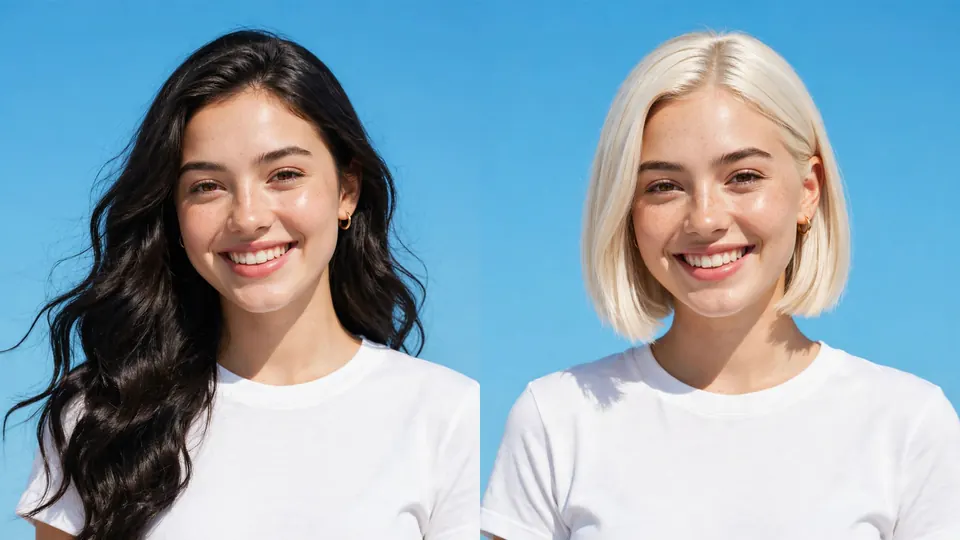 AI Hairstyle ChangerUpload a photo, pick a style and a color. Nano Banana Pro changes the hair and keeps the face, clothes and background.
Updated
More AI tools
- AI Clothes ChangerUpload a photo, pick a style and add details if you like.
- AI Dance GeneratorUpload one full-body photo and pick a dance style.
- AI Movie Poster GeneratorDescribe your film, put the title in quotes and pick a genre.
- GIF CompressorA free GIF compressor with no signup. Upload a GIF, make it narrower, drop some frames or use fewer colors, and see the before…
- GIF to Video ConverterA free GIF to video converter with no signup.
- Shot List GeneratorA shot list generator. Paste a scene or describe the day and get a shot list example made for your story: numbered shots with…
- TikTok Transcript GeneratorA free TikTok transcript generator. Paste a TikTok link and get the video's words as a transcript with timestamps.
- Transparent Image MakerMake any image transparent. This transparent image maker removes the background from a JPG, PNG or WebP and gives you a PNG to…
Also on Ziztu
- AI Melt Effect
- Isekai First Episode TemplateThe first three minutes of an isekai: our world, the wrong turn, the arrival, the rule, the first town and the hook.

Make your Christmas photo.