Transparent Image Maker
Make any image transparent. This transparent image maker removes the background from a JPG, PNG or WebP and gives you a PNG to place on any color or photo. 2 free cut-outs a day, no sign-up.
 BeforeAfter
Choose a picture to remove its background. No account needed.
Examples
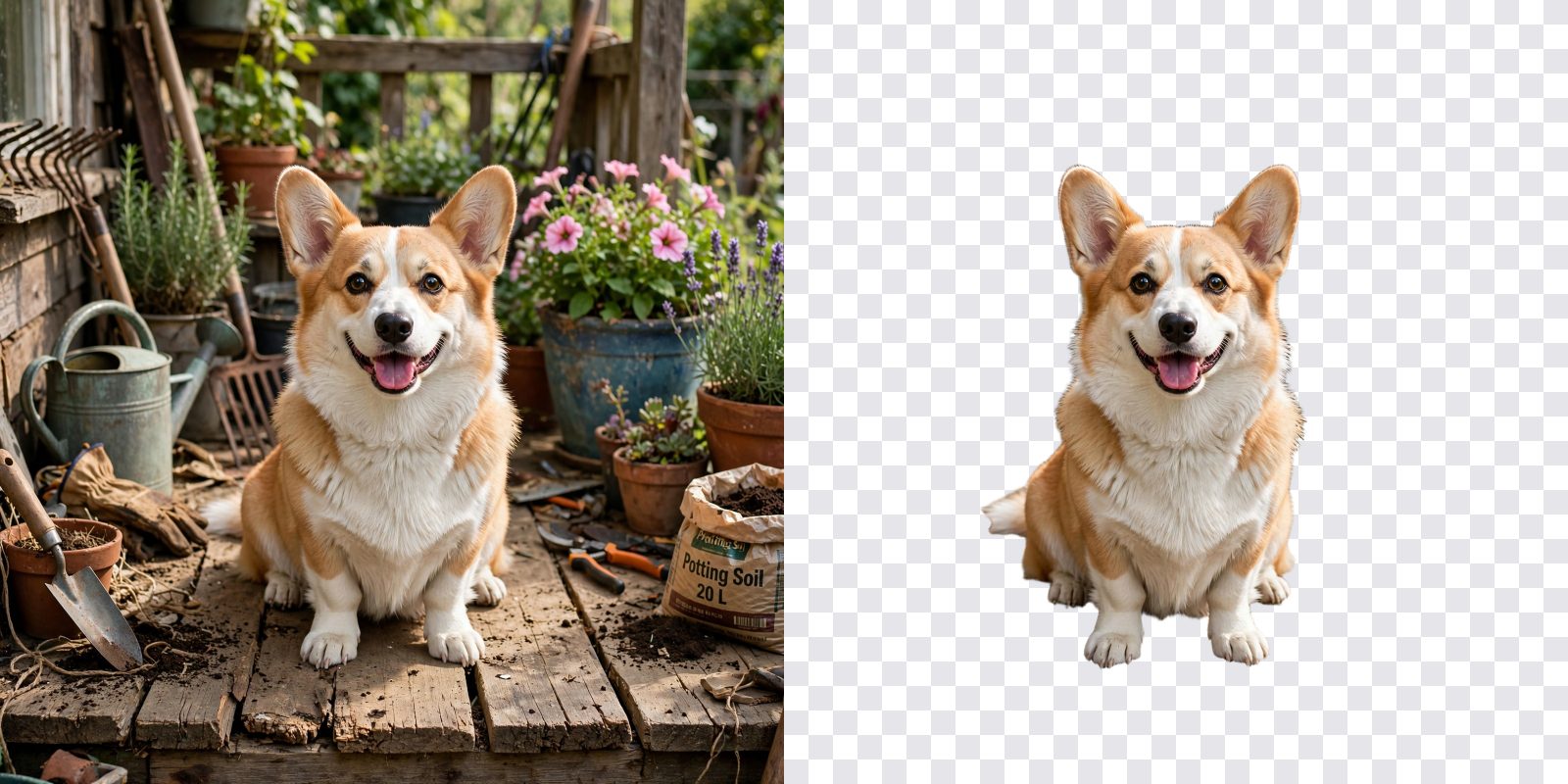
BeforeAfterAn AI-made photo of a corgi on a lawn, cut out in one step. The checkerboard shows what is transparent.
 BeforeAfter
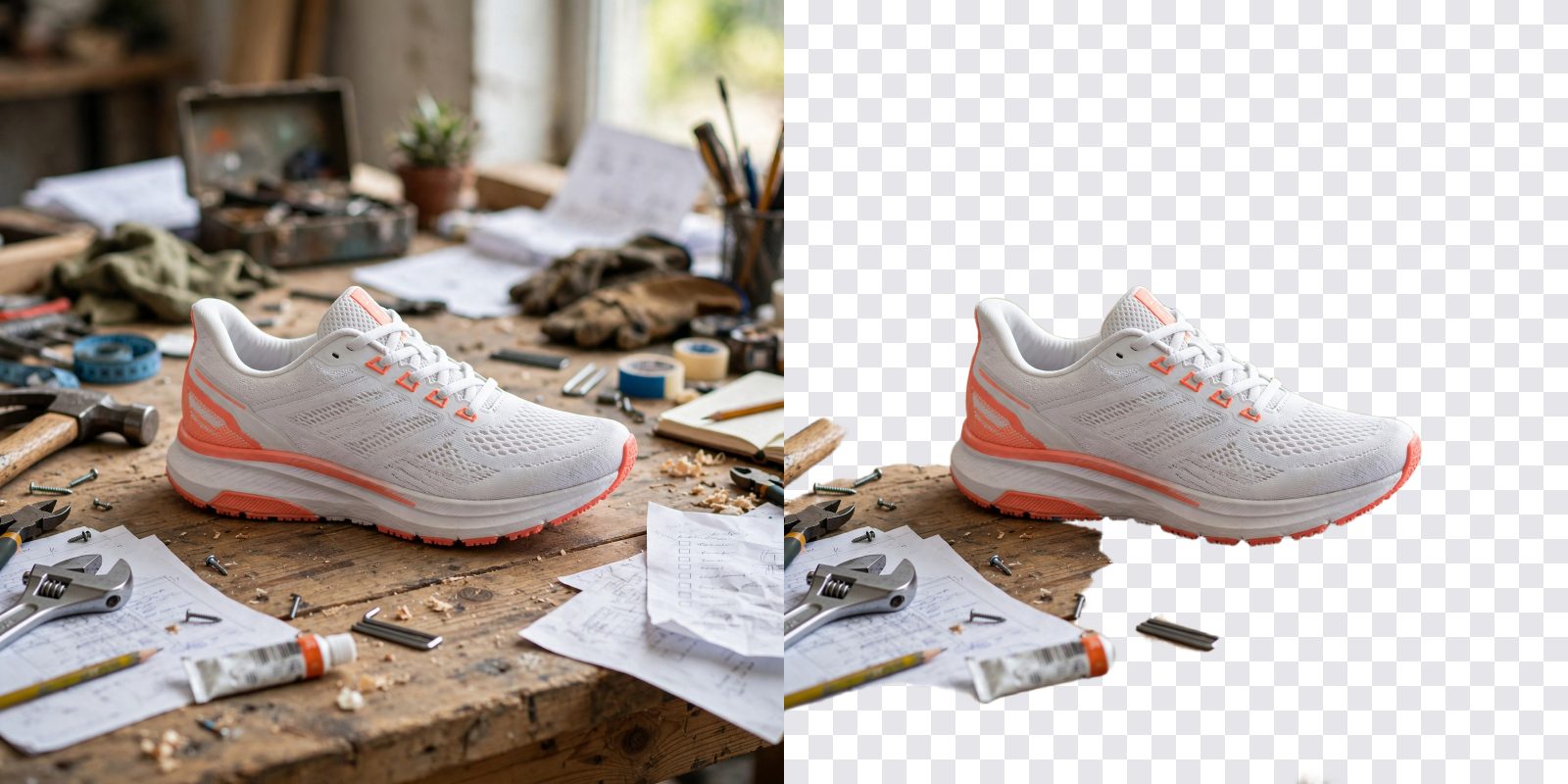
An AI-made product photo of a sneaker on a messy table. The table is gone, the shoe stays.
 BeforeAfter
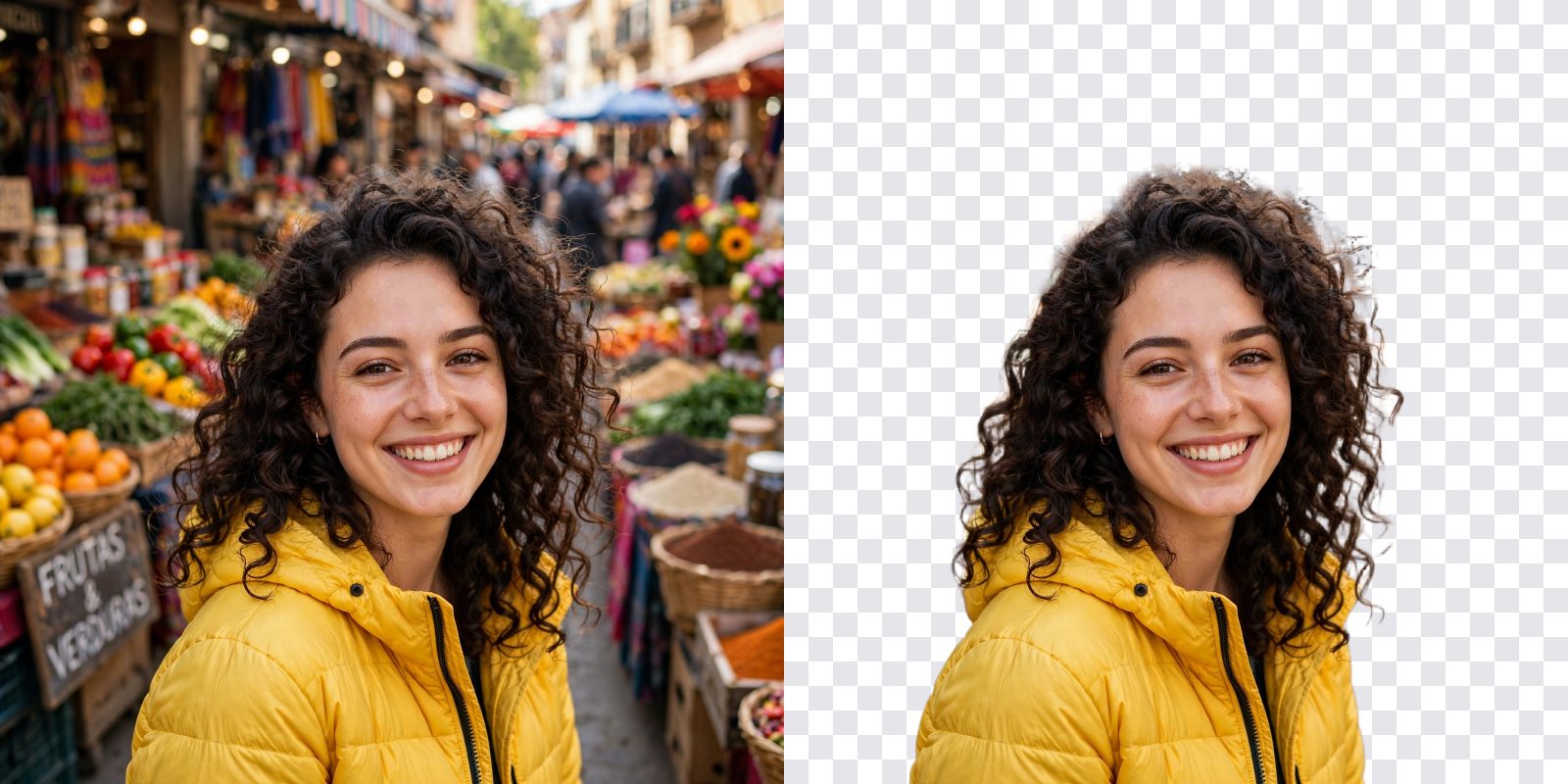
An AI-made portrait of a smiling woman in front of a plain wall, cut out with her hair intact.
How it works
- 01
Choose a picture
Pick a JPG, PNG or WebP, or drop it on the box. It can be up to 10 MB.
- 02
Remove the background
Press the button. The picture goes to our AI provider and the cut-out comes back as a PNG.
- 03
Check it and download
See it on a checkerboard, white, black, a color or a photo-like background, then download the PNG.
What you get
A real transparent PNG
The background is removed, not painted over. You download a PNG that works on any color, photo or design.
Free to start, no account
2 free cut-outs a day, no sign-up. Nothing to install, and the free ones come back every day.
Ready in a few seconds
Choose a picture from your phone or computer. The cut-out usually comes back in a few seconds, and you can check it on several backgrounds before you download.
Who it's for
Sellers
Put a product on a clean white background, or on any color, for a shop page or a listing.
Designers and creators
Cut out a person, a pet or an object for a thumbnail, a poster, a sticker or a logo.
Students and teachers
Put a photo into slides, projects and posters without a white box around it.
| Item | What to know |
|---|---|
| Files you can use | JPG, PNG or WebP. One picture at a time. |
| Largest file | 10 MB |
| Large pictures | A picture larger than 2048 px on its long side is made smaller in your browser before it is sent, so the cut-out is at most 2048 px on its long side. |
| What you get | A PNG with a transparent background. |
| Free cut-outs | 2 a day for each visitor, no sign-up. They reset at midnight UTC. |
| After the free ones | 50 credits for each cut-out with a free account. New accounts get 400 free credits, enough for 8 cut-outs. |
| GIFs and animations | Not supported. This tool takes one picture. |
How to get a clean cut-out
The tool does the cutting. You choose the picture, and a few habits help a lot.
- Pick a picture where the subject stands out. A person, a pet or a product that differs from its background in color and light is cut out best.
- Use good light and a sharp picture. A blurry or very dark picture gives a soft or ragged edge.
- Expect soft edges on hair and fur. Fine strands are the hardest part of any cut-out. Look at them before you use the file.
- Be careful with glass and see-through things. The tool has to decide what is the object and what is the background behind it, and it can get that wrong.
- Check the edge on two backgrounds. A light halo shows on black and a dark one shows on white. Use the chips under the result.
If the result is not right, try another picture of the same subject. Each free cut-out counts, so look at your picture before you press the button.
PNG, JPG or WebP: which one keeps transparency?
A PNG can hold a transparent background, and so can a WebP. A JPG cannot: it has no transparency at all, so a transparent area is filled with a solid color when you save a picture as a JPG. That is why this tool gives you a PNG. It keeps the see-through parts wherever the file is opened. If you save the cut-out in another format later, make sure that format supports transparency, or the background will come back as a solid color.
Can I remove the background from a GIF?
Not with this tool. It cuts out one picture, and a GIF is many frames, so we do not offer a background remover for GIFs. If you need one frame, take a screenshot of the frame you want and use that picture here. If you want to change a GIF in other ways, the free GIF to video, video to GIF and GIF compressor tools can turn a GIF into an MP4, a short video into a GIF, or a big GIF into a smaller one.
What happens to your picture
Your picture is read in your browser, made smaller if it is larger than 2048 px on its long side, and sent to our server. Our server passes it to our AI provider, fal, which cuts out the background with Bria and sends the PNG back. Nothing is kept on our server after the answer: we do not store your picture or the cut-out. The provider keeps its own copy under its own retention rules. Only upload pictures you have the right to edit.
What to do with a transparent PNG
Put it on a clean white background for a product picture. Drop it on a slide or a poster. Turn it into an emote with the emote resizer, or into a character for streaming with the PNGTuber maker. Want a sticker or an emoji made from scratch? Try the AI sticker maker or the AI emoji maker. Need a new picture to cut out first? The AI image generator makes one from a few words.
Frequently asked questions
Is the transparent image maker free?
Yes, to start. You get 2 free cut-outs a day with no sign-up and no card. When they are used up, a free account lets you go on: each cut-out costs 50 credits, and new accounts get 400 free credits. The free daily cut-outs reset at midnight UTC.
How do I make an image transparent?
Choose your picture, press Remove the background and wait a few seconds. The tool takes out the background and gives you a PNG with a transparent background. Check it on the checkerboard, then press Download PNG.
What files can I use?
JPG, PNG and WebP, one picture at a time, up to 10 MB. A picture larger than 2048 px on its long side is made smaller in your browser before it is sent, so the cut-out you download is at most 2048 px on its long side.
Do I need an account?
No, not for the 2 free cut-outs a day. After those, you need a free account to go on with credits, and new accounts get 400 free credits.
Why are the edges of my cut-out rough?
Edges depend on the picture. Hair, fur, glass, smoke and fine detail are hard for any background remover, and a subject that looks like its background is harder still. A clear, well-lit subject that stands out from the background gives the cleanest edge. Check the result on white and on black to see any halo.
Can I remove the background from a GIF?
No. This tool takes one picture and cannot cut out a GIF or any animation, frame by frame. If you only need a still, save one frame of the GIF as a picture and use that here.
Which format keeps transparency: PNG, JPG or WebP?
A PNG can hold a transparent background, and so can a WebP. A JPG cannot, so a transparent area turns into a solid color if you save the picture as a JPG. This tool gives you a PNG.
Can I pick a new background for the picture?
You can preview the cut-out on white, black, a color you choose or a photo-like background, but the preview is only on your screen. The file you download stays transparent, so you can put it on any background in your own editor or slides.
Is my picture stored?
No. Nothing is kept on our server: your picture and the cut-out are gone as soon as the answer is on your screen. To make the cut-out, the picture is sent to our AI provider, fal, which uses Bria background removal and keeps its own copy under its own retention rules. Only upload pictures you have the right to edit.
Can I use the cut-out in my own work?
As far as the law and our model providers' terms allow, you own the results you create. You are responsible for having the right to the picture you upload.
More like this
 Twitch Emote ResizerUpload one image and get every platform size instantly: Twitch emotes (28, 56, 112 px), badges (18, 36, 72 px), Discord emoji (128 px) and 7TV.
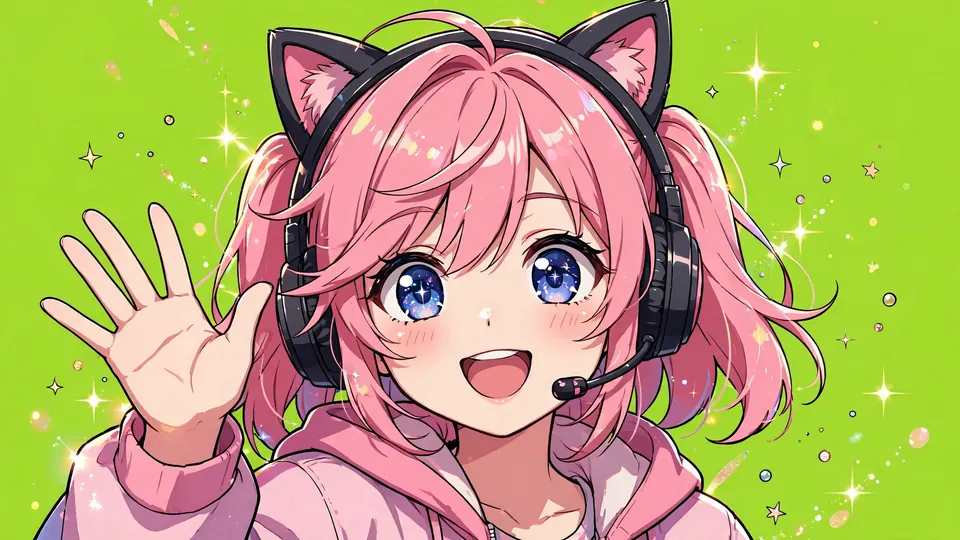 PNGTuber MakerUpload one character image. AI makes four transparent states (idle, talking, blink idle, blink talking) for Veadotube mini and OBS, or you add your own art for each state and export for free.
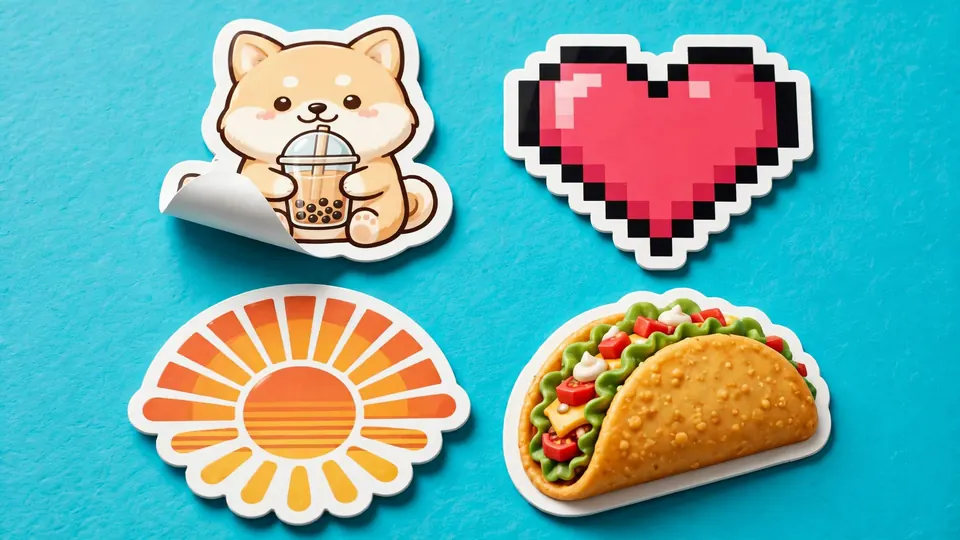 AI Sticker MakerDescribe your sticker and get a die-cut design with a thick white border on a plain background.
 AI Emoji MakerDescribe your emoji, pick a style and get one round, readable icon centered on a plain white background.
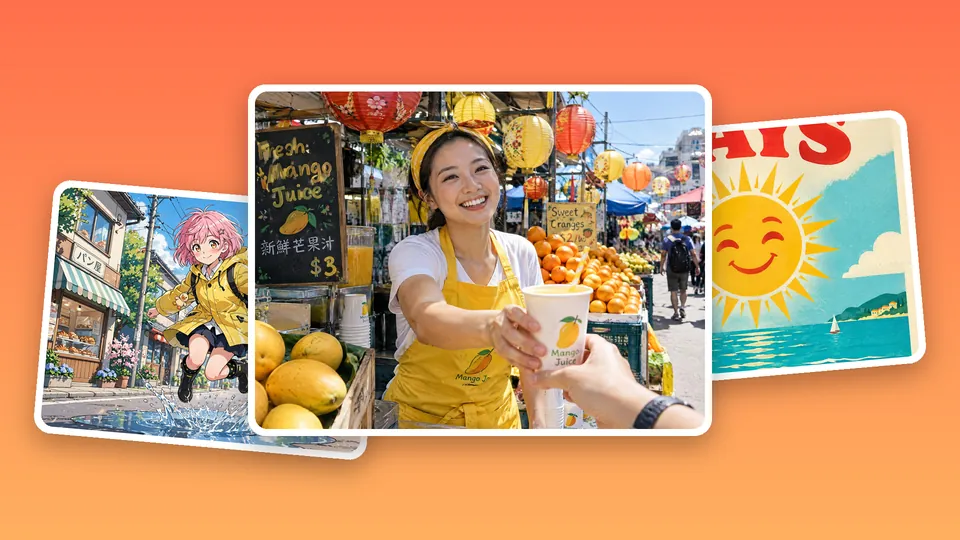 AI Image GeneratorWrite a prompt and let Auto pick the model, or choose from 23.
Updated
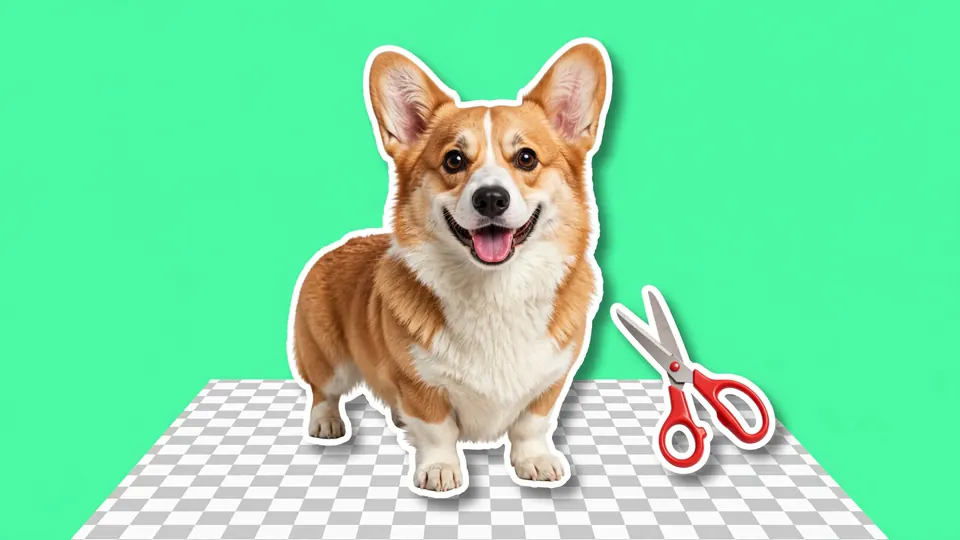
Make your picture transparent in seconds.
2 free cut-outs a day, no sign-up. A free account adds 400 free credits. No credit card required.