Muse FLUX Z-Image Seedream Wan Krea Kling Nano Banana MAI
AI Image Generator
Write a prompt and let Auto pick the model, or choose from 23. The price shows before you run, and you can run one prompt on up to 4 models to compare.
- 23 image models
- Price before every run
- Compare up to 4
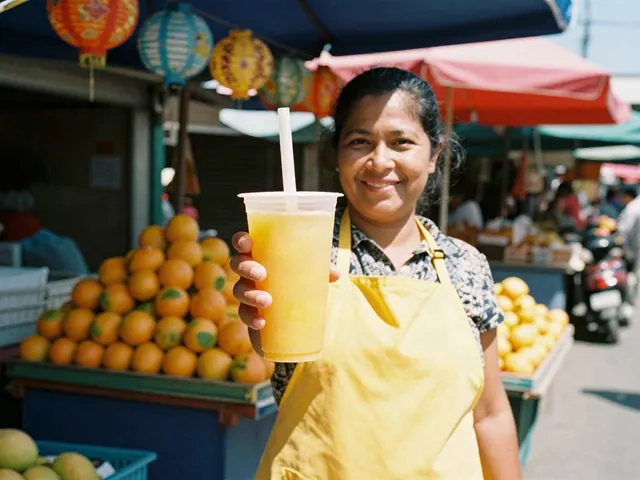
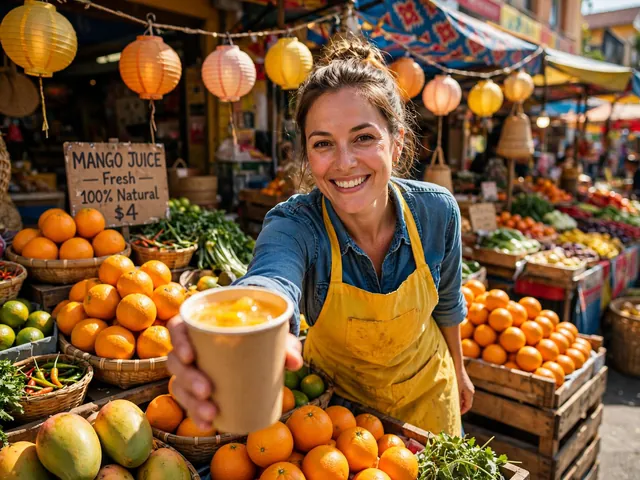
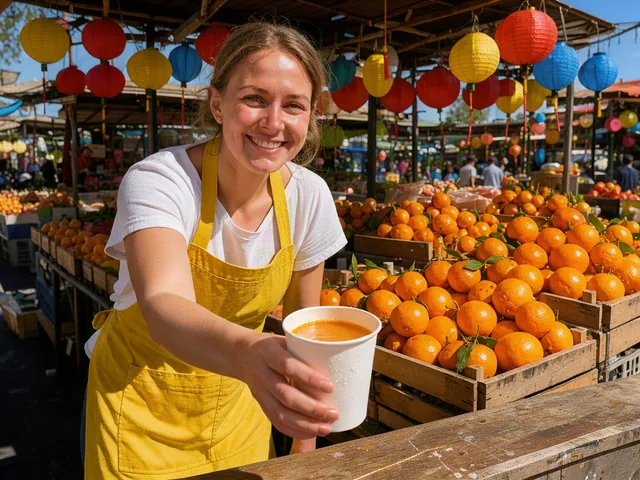
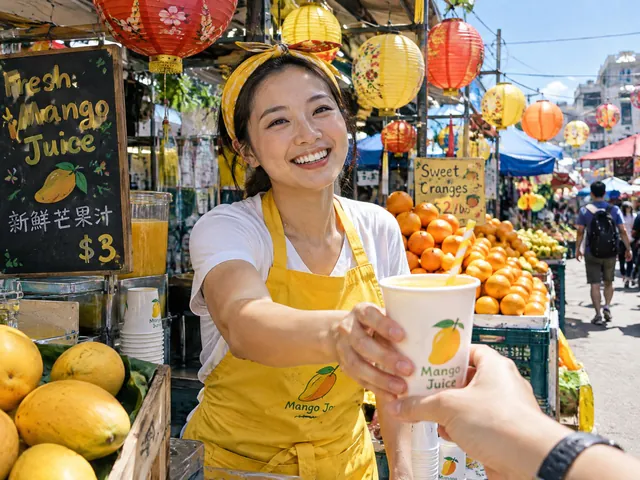
One prompt, 4 of 12 models. See them all
What do you want to see?
Describe the picture. We pick the model, or you do.
The same prompt on different models
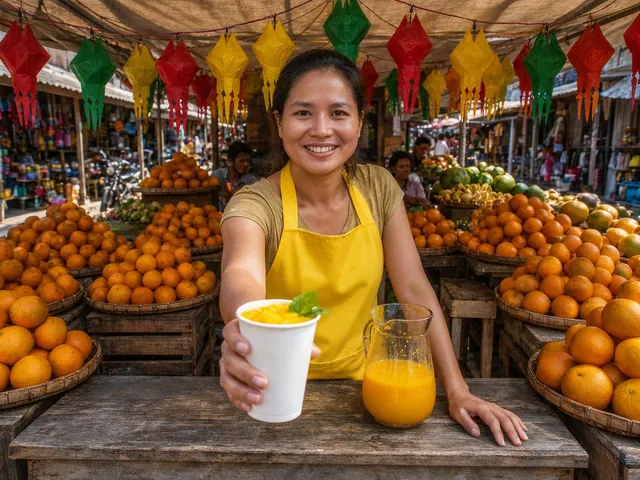
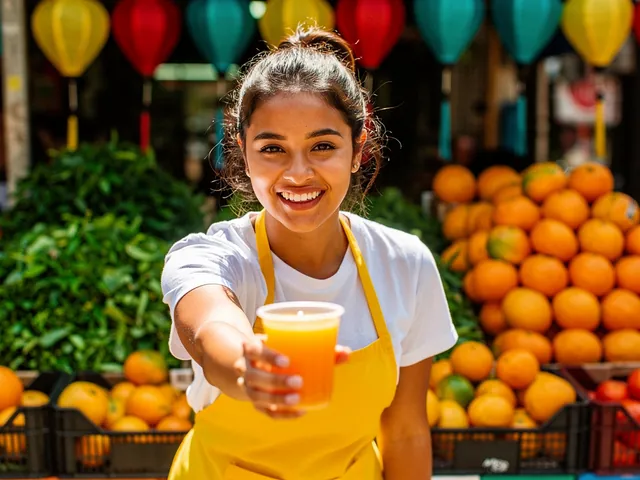
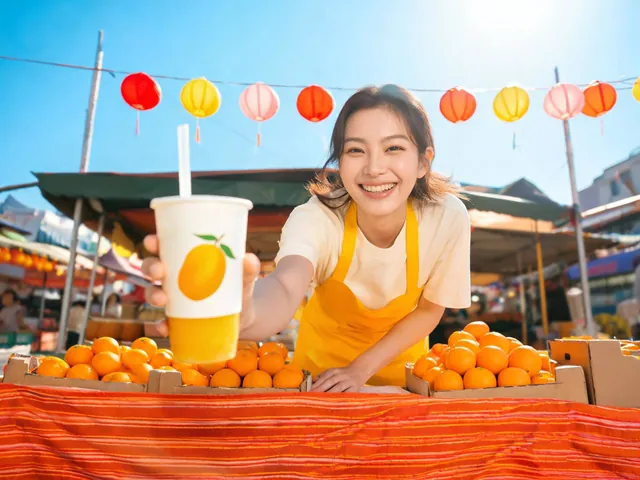
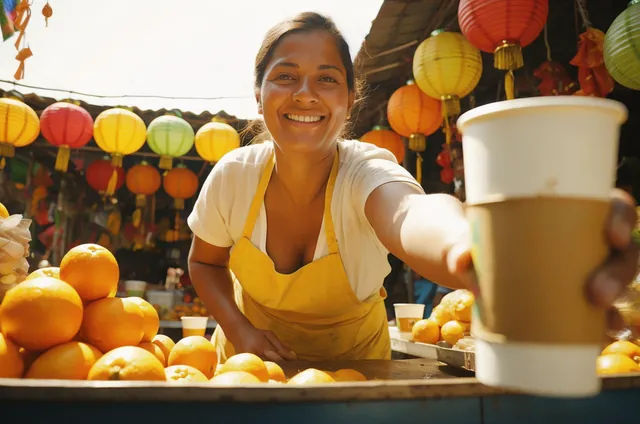
Each picture is a real result, made with the request this tool sends. The model and what it cost are under every one. Made on 2026-10-20.
A street market
A smiling woman in a yellow apron hands a paper cup of mango juice across a colorful street market stall, strings of paper lanterns and piles of oranges behind her, bright midday sun, 35mm photo, sharp focus

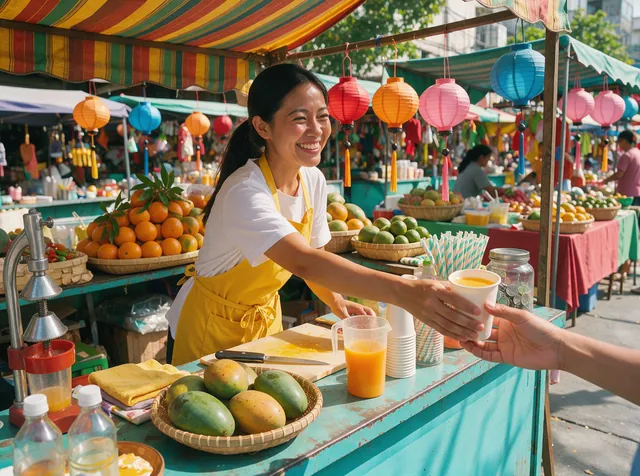
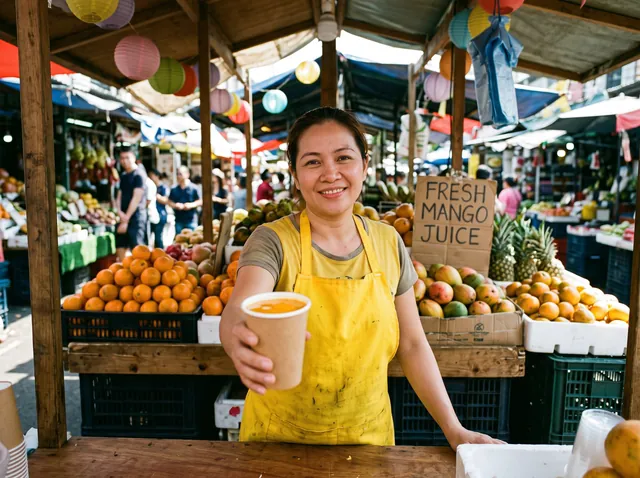
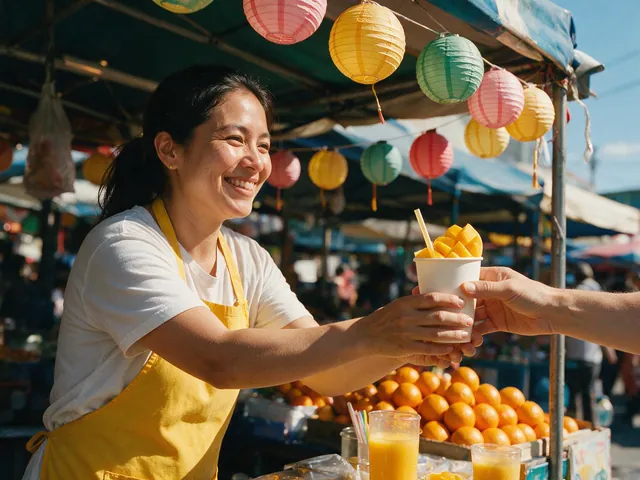
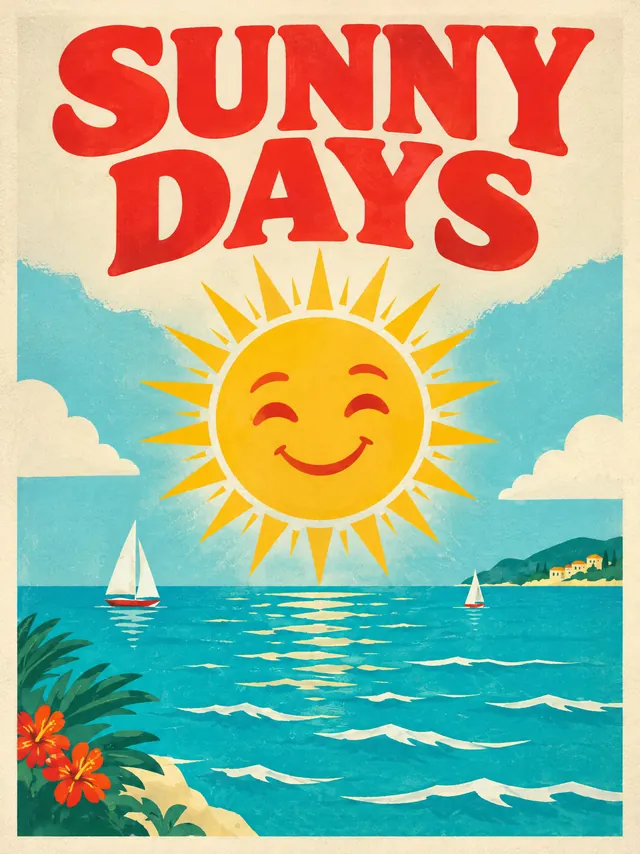
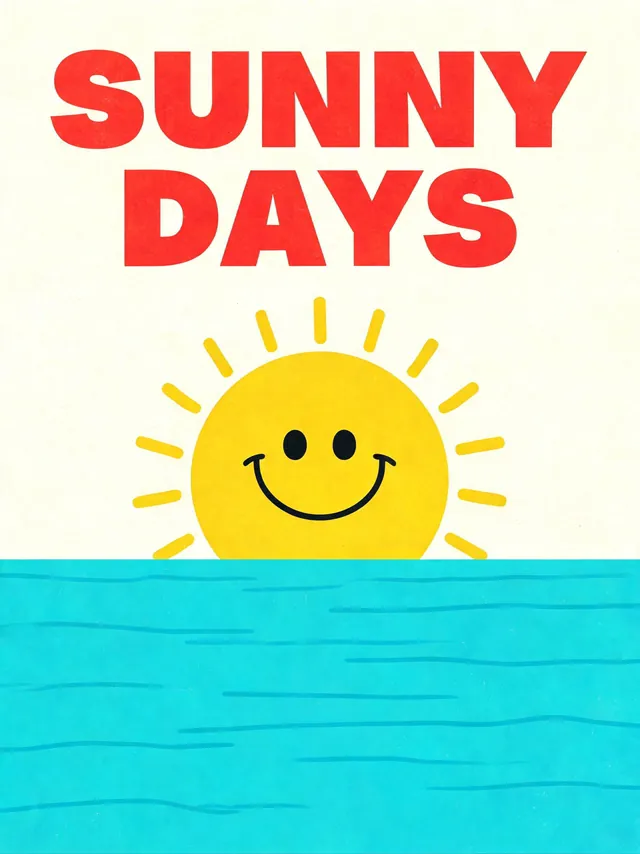
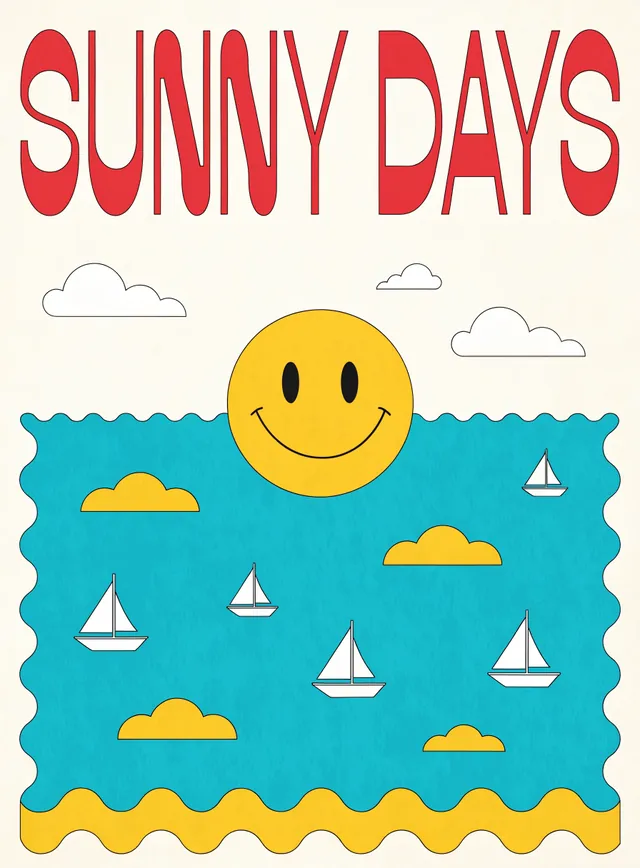
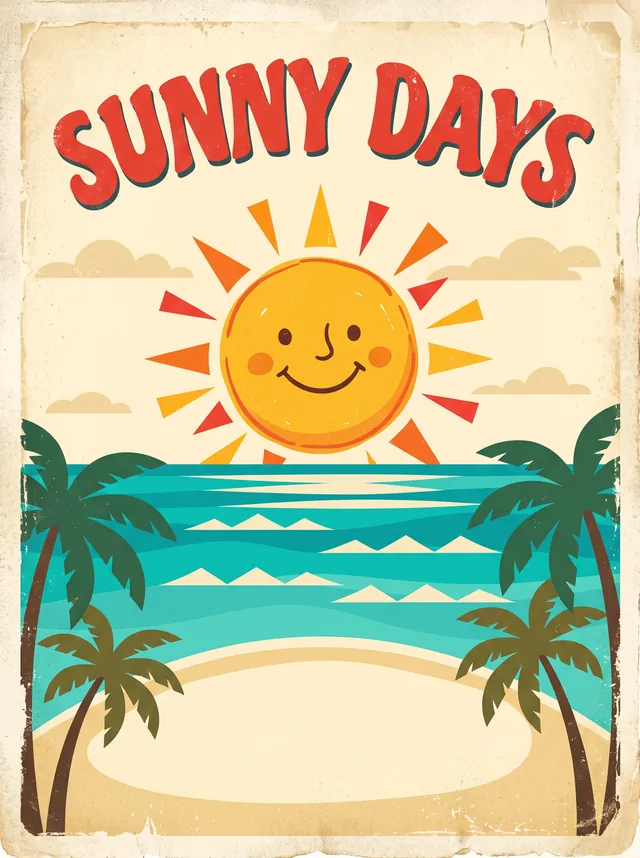
A poster with words
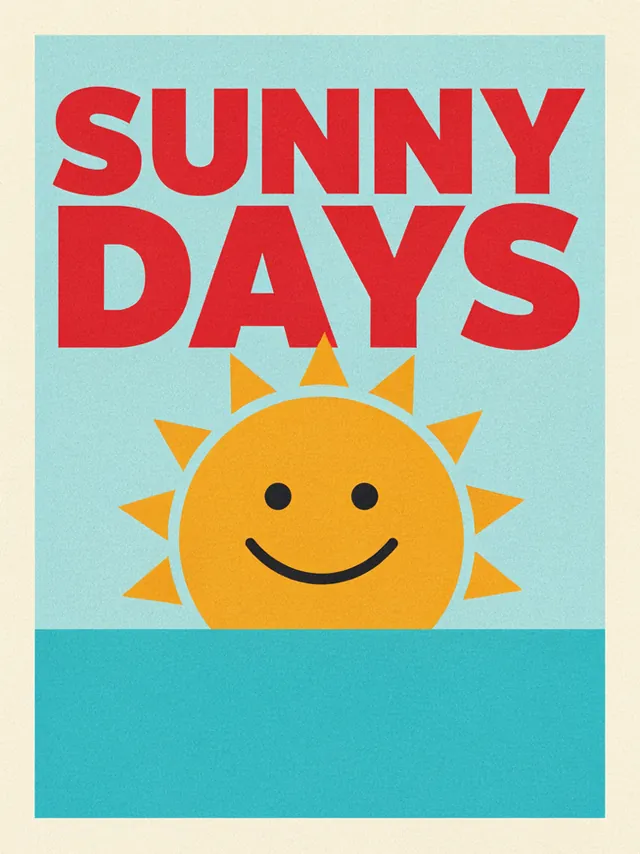
A bright retro travel poster with the words "SUNNY DAYS" in big red letters above a smiling sun over a turquoise sea, flat colors, cream paper texture
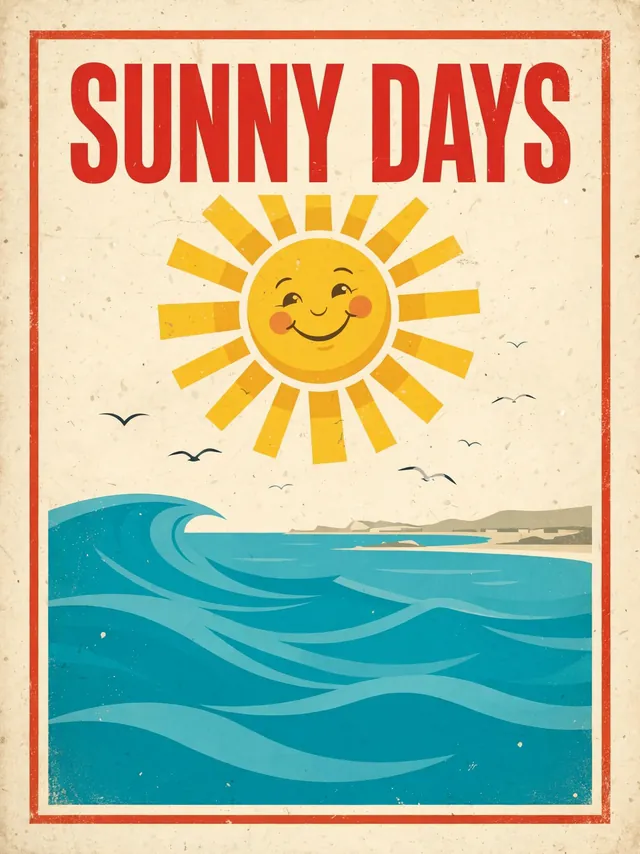
Anime key art
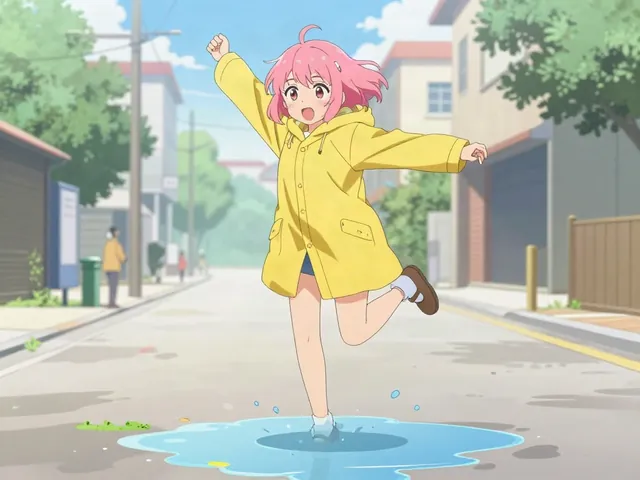
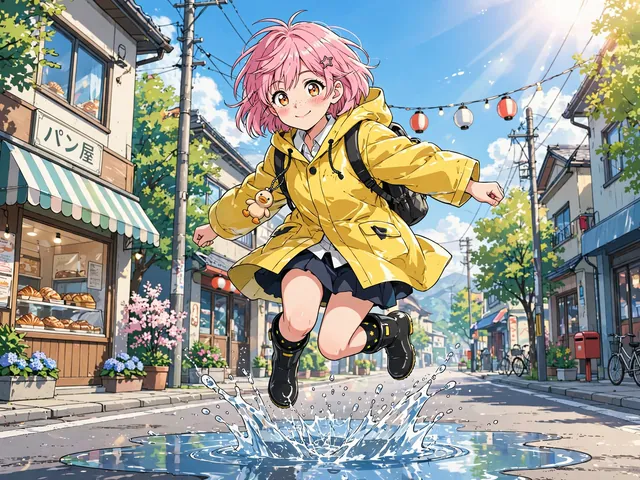
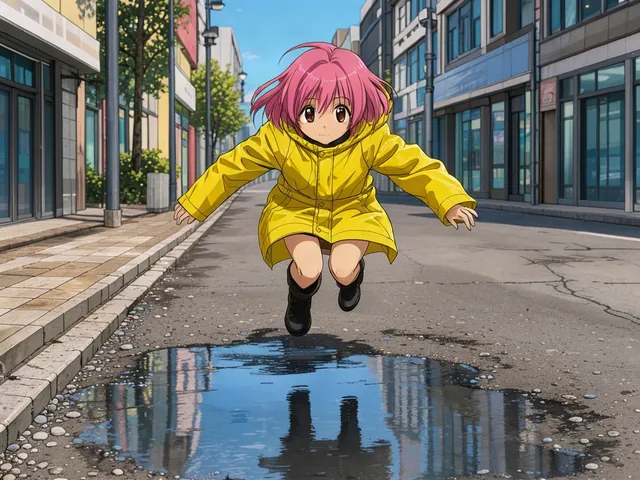
Anime key art: a girl with short pink hair in a yellow raincoat jumps over a puddle on a sunny street, cel shading, clean line art, bright saturated colors
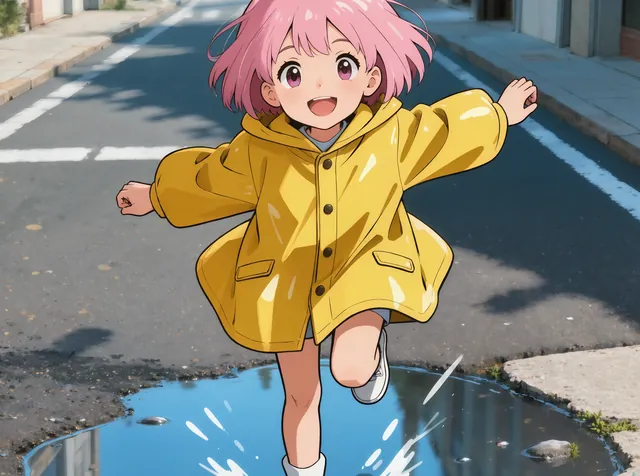
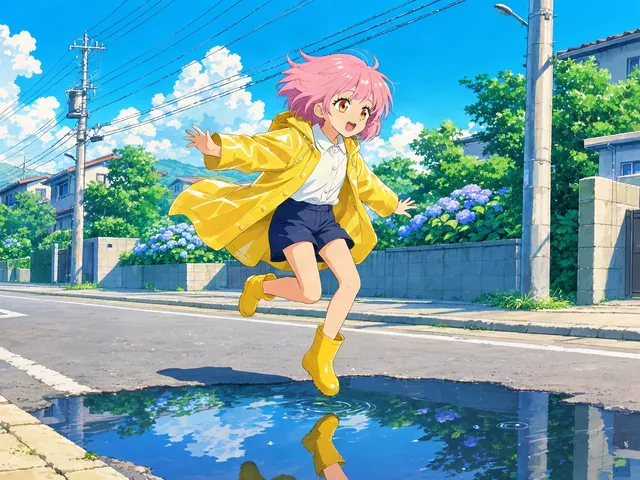
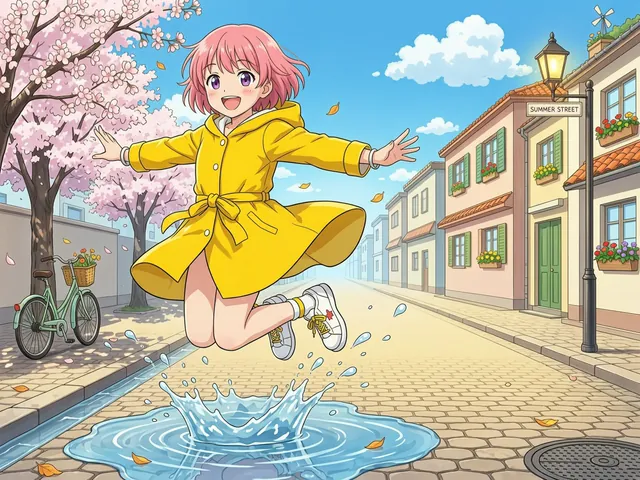
What to write
Describe one picture the way you would brief a photographer or an illustrator: who or what is in it, where, what is happening, the light and the style. Put any words you want in the picture inside quotation marks, and keep them short.
- A photo. Name the lens and the light: "35mm photo, bright midday sun".
- Anime or art. Name the look: "cel shading, clean line art", "soft watercolor", "storybook".
- A poster or a logo. Say the exact words in quotes, the colors and the shape: "the words 'RISE' in orange, round badge".
Quality words such as 8k or masterpiece add nothing. Press one of the example prompts above the box to start from a working one.
Weak prompt, better prompt
Weak: "a cool picture of a girl in the rain, beautiful, 8k". The model has to invent the person, the place, the light and the style, so every model gives you a generic poster.
Better: "a girl with short pink hair in a yellow raincoat jumps over a puddle on a sunny street, anime key art, cel shading, clean line art, bright saturated colors". Now every part of the picture has an owner, and a second model will give you a different picture of the same idea, which is what Compare is for.
The models, by what each is best at
A model sits in the group it is known for, and also in the groups it is a fair pick for. The line under each name is what its maker documents, never a ranking: to choose, run your own prompt on two or three with Compare.
Photoreal
People, products and places that look photographed.
Anime and illustration
Drawn, painted and stylised pictures.
Text in pictures
Posters, signs and covers where the words must be right.
Design and logos
Layouts, brand work and clean graphic shapes.
Fast and cheap
Many tries for pennies, to find the idea.
Editing
Change a picture you have: add references, keep the person.
Auto: Basic, Pro or Ultra
You pick how much effort. We route the prompt to a model that suits it, show which one ran, and fall back to the next one in the tier if a model fails. The price of a tier is fixed for your prompt before you press the button.
| You ask for | Basic | Pro | Ultra |
|---|---|---|---|
| A photo | FLUX 3 Klein (30 credits) | Nano Banana 2.1 (180 credits) | Nano Banana Pro (520 credits) |
| Anime or art | Seedream 5.0 Lite (90 credits) | Seedream 5.0 Pro (210 credits) | Nano Banana Pro (520 credits) |
| A poster with words | GPT Image 2.5, medium (40 credits) | Nano Banana 2.1 (180 credits) | GPT Image 2.5, high (200 credits) |
These routes follow what each maker documents and the price of each model. They are not a judged ranking of the models; Compare runs your own prompt on the ones you pick.
What a picture costs, by model
| Model | Best at | Credits | From your pictures | Free trial |
|---|---|---|---|---|
| Meta Muse Image | Fast and cheap | 30 | Up to 10 | Yes |
| FLUX 3 Klein | Fast and cheap | 30 | Up to 10 | Yes |
| Z-Image Turbo | Fast and cheap | 20 | No | Yes |
| Seedream 5.0 Flash | Fast and cheap | 70 | Up to 10 | Yes |
| Seedream 5.0 Lite | Anime and illustration | 90 | Up to 6 | Yes |
| Seedream 5.0 Pro | Anime and illustration | 170 | Up to 10 | No |
| Wan 2.7 Image | Anime and illustration | 80 | Up to 4 | Yes |
| Krea 3 | Anime and illustration | 70 | Up to 8 | Yes |
| Kling Image O3 | Photoreal | 70 | Up to 9 | Yes |
| FLUX 3 | Photoreal | 120 | Up to 10 | Yes |
| FLUX.2 Pro | Photoreal | 80 | Up to 4 | Yes |
| Nano Banana 2.1 | Photoreal | 150 | Up to 10 | No |
| Nano Banana Pro | Photoreal | 380 | Up to 14 | No |
| MAI Image 2.5 | Photoreal | 130 | Up to 1 | Yes |
| Luma Uni-1 | Photoreal | 110 | Up to 8 | Yes |
| GPT Image 2.5 | Text in pictures | 40 | Up to 16 | Yes |
| GPT Image 2.5 Sunburst | Text in pictures | 40 | Up to 16 | Yes |
| Ideogram 4.5 | Text in pictures | 150 | No | Yes |
| Qwen-Image 3 | Text in pictures | 190 | Up to 3 | No |
| Recraft V4.1 | Design and logos | 90 | No | Yes |
| Bria FIBO 1.5 | Design and logos | 100 | Up to 4 | Yes |
| Grok Imagine Image 2.0 | Photoreal | 200 | Up to 5 | No |
| FLUX.1 Kontext [pro] | Editing | 100 | Up to 1 | Yes |
How it works
- 01
Write it, or add a picture
Describe the picture, or add pictures of your own to start from. Pick Auto (Basic, Pro or Ultra) or one of the models.
- 02
See the price first
Every model card and the Generate button show the credits for your exact settings, from the same quote billing uses.
- 03
Compare, upscale, keep
Run the same prompt on up to four models, upscale the one you keep, then animate it or save it into a project.
What you get
23 models, one balance
Muse, FLUX, Z-Image, Seedream, Wan, Krea, Kling, Nano Banana and more, one credit balance, no separate accounts.
The price before every run
Each card shows the cost per picture. A failed run is refunded.
Compare in one click
The same prompt on two to four models, side by side, with the model and price under each picture.
From one picture to a story
One picture is one frame. For a micro drama or an anime episode you need the same cast across dozens of frames, then motion. Use the pictures here as references or first frames: "Animate this" opens the AI Video Generator with your picture, and "Use in Studio" saves it into a project in Ziztu Studio, which plans the shots and keeps the characters the same.
Frequently asked questions
Which AI image models can I use in this generator?
23 models from 16 families: Meta Muse Image, FLUX 3 Klein, Z-Image Turbo, Seedream 5.0 Flash, Seedream 5.0 Lite, Seedream 5.0 Pro, Wan 2.7 Image, Krea 3, Kling Image O3, FLUX 3, FLUX.2 Pro, Nano Banana 2.1, Nano Banana Pro, MAI Image 2.5, Luma Uni-1, GPT Image 2.5, GPT Image 2.5 Sunburst, Ideogram 4.5, Qwen-Image 3, Recraft V4.1, Bria FIBO 1.5, Grok Imagine Image 2.0, FLUX.1 Kontext [pro]. They are the models Ziztu runs on fal, grouped by what each one is best at (photoreal, anime and illustration, text in pictures, design and logos, fast and cheap, editing), with the price on every card.
How much does an AI image cost here?
It depends on the model, and the page shows the exact price before you run. At Reel Factory Max's list price a Meta Muse Image picture is 30 credits, Seedream 5.0 Lite is 90 credits, Seedream 5.0 Pro 170 credits and Nano Banana Pro 380 credits. A failed run is refunded..
Is the AI image generator free?
A new account gets 400 free credits, no card, for scripts, character art, storyboards, voices and sound. 18 of the 23 image models run on free credits, and the cheapest is Z-Image Turbo at 20 credits a picture. Free pictures carry a small watermark. The dearer models and the Pro and Ultra tiers start from $7 one time. You can look at every model and price without an account.
What do Auto Basic, Pro and Ultra mean?
Auto picks the model for you. Basic is for trying an idea: fast and low cost. Pro is the picture you post. Ultra is the best we run, for the final version. You write what you want and Ziztu routes it to a model that suits it (a photo, a drawing, a poster with words) and shows which model ran. For a plain one-picture prompt Basic is 30 credits, Pro 210 credits and Ultra 520 credits. If a model fails, Auto tries the next one in its tier. Prefer to choose? Open the full model list.
Can I compare AI image models with the same prompt?
Yes. Turn on Compare, pick 2 to 4 models and run the same prompt on all of them. The pictures appear side by side with each model's name and price, so you can keep the one you like and see what the others cost for the same prompt.
Can I edit my own picture or use reference pictures?
Yes, on the 20 models that edit. Add up to as many pictures as the model takes (the card says how many), tick that you have the right to use them, and describe the change. Real people only from photos you upload, never public figures. Models that make pictures from words only are greyed out while a picture is added.
How do I get a bigger or 4K picture?
Under every result there is an upscale step with its own price: 2x or 4x, shown in credits before you click. Each model is run at the size it is priced at, so you pay for a large picture only when you keep one. The upscale keeps your original.
Which model is best for text, anime, photos or logos?
There is no single best. The makers say Seedream 5.0 Pro writes text in 14 languages, GPT Image 2.5 handles complex layouts and spelling, Ideogram 4.5 is built for posters and logos, Nano Banana Pro keeps a face steady across pictures and FLUX 3 is the newest FLUX with native 2K and 4K. The quickest way to choose is to run your own prompt on two or three of them with Compare.
Can I use the pictures commercially?
Pictures made with paid credits have no watermark, and every plan includes commercial use. Use pictures you have the right to use, and no real person without their permission.
What does the tool get wrong?
Words inside a picture can still come out misspelled on any model, so check them, and hands and small print can be wrong. Auto routes by what the makers document and by price; we have not ranked the models against each other, which is why Compare is one click. The price of Meta Muse Image could not be read from fal's own page (it returns an error), so it is the Studio figure, which OpenRouter also shows.
Where do my pictures go?
Pictures you add are deleted from our servers within 24 hours. Results stay in the history on this page in your browser, and "Use in Studio" saves one into a Ziztu project. Clear the history any time.
Can I turn a picture into a video?
Yes. "Animate this" opens the AI Video Generator with your picture as the first frame. Video starts on a plan; the first 5 second video in the studio is free, once per account.
Related tools
 AI Video GeneratorRun the same prompt on a second model to compare.
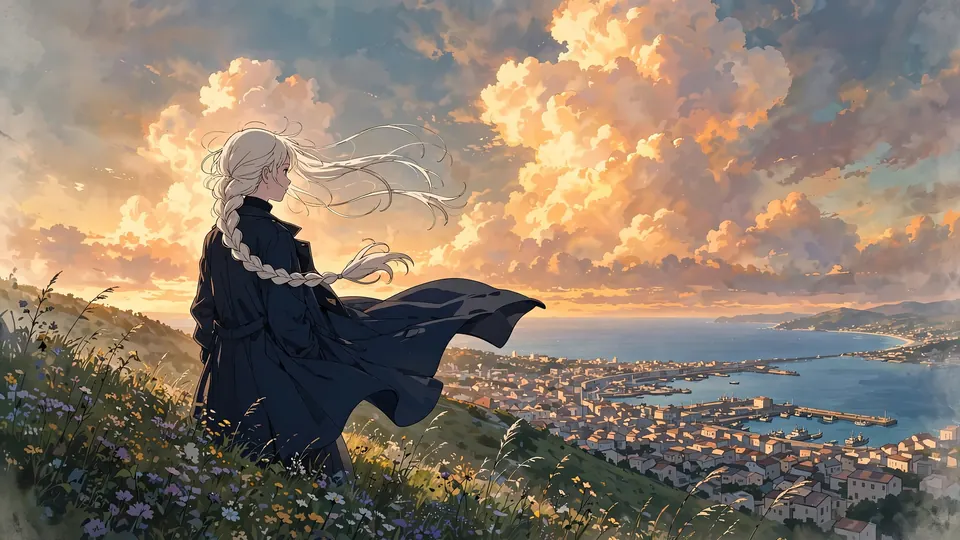 Free Anime Image CreatorDescribe a character or a scene and get anime art in seconds.
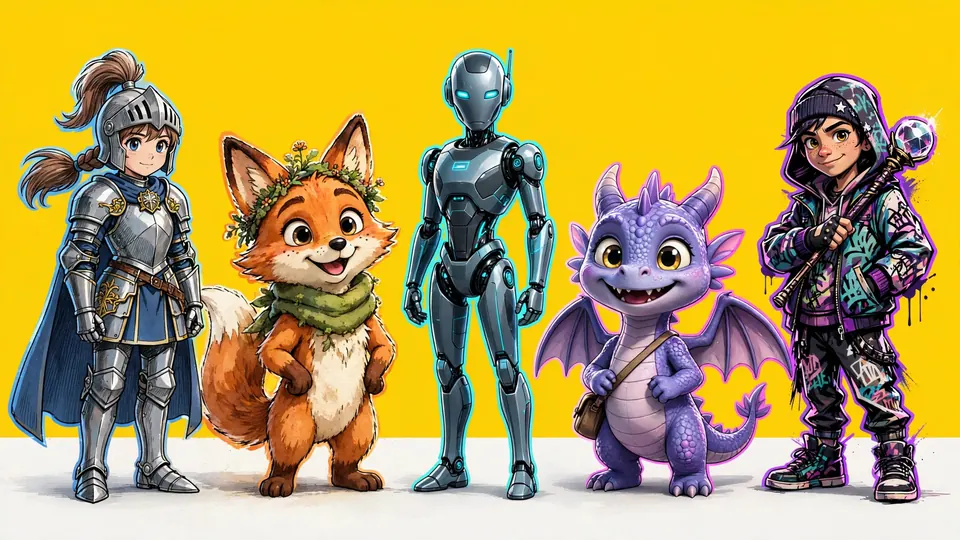 OC MakerDescribe your original character, get the picture, then make her move.
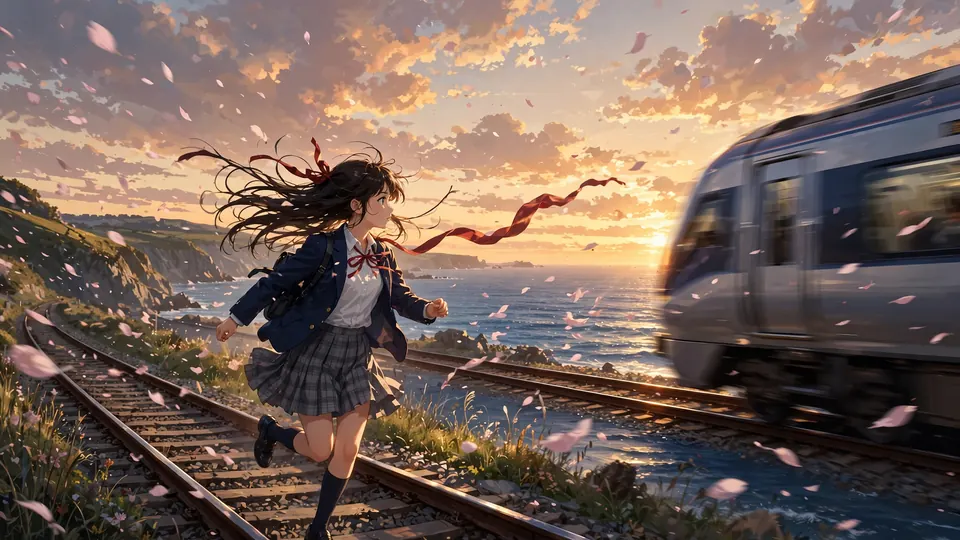 AI Anime Video GeneratorType a scene and MiniMax H3 Max Turbo (Hailuo 3) makes a 5-second anime clip in about a minute.
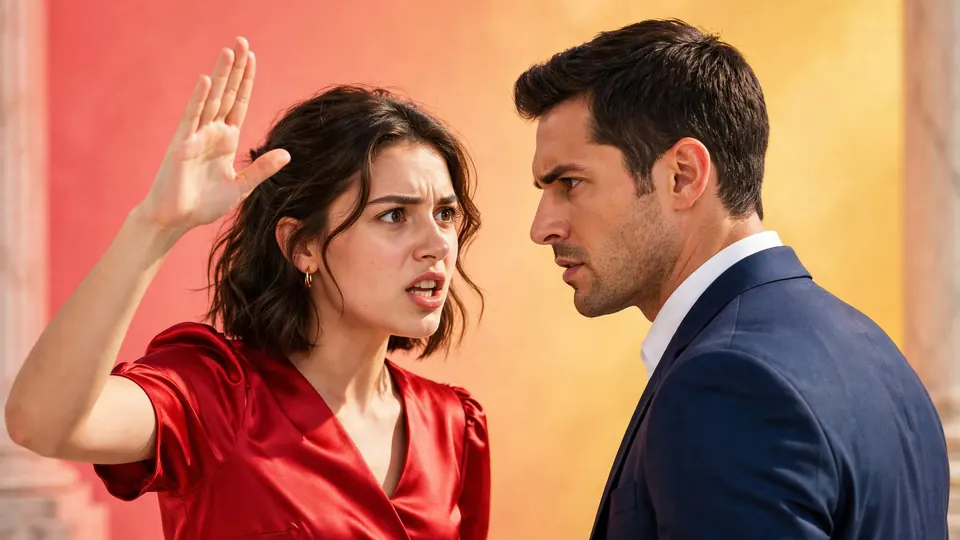 AI Micro Drama GeneratorDescribe one scene and get a 5 second vertical drama clip with sound.
 AI Video ModelsSeedance, Kling, Hailuo and Grok Imagine on one page each: what the model is, how long its clips run, what it is good at, its limits and what a clip costs.
Make your first picture.
400 free credits, no card, for scripts, character art, storyboards, voices and sound. Every image model is from $7 one time.