xAI
Grok Imagine Video 1.5
Grok Imagine Video 1.5 is xAI's video model with generated sound and lip-synced speech. It makes clips of 1 to 15 seconds from text, one picture or up to 7 reference images, at 480p, 720p or 1080p.
 Grok Imagine Video 1.5 Lite
What it is good at
- Sound and speech in the same clip: native audio with lip-synced speech, effects and ambience.
- Native 1080p for text to video and image to video.
- Short test clips: lengths start at 1 second, so a shot can be checked quickly.
Honest limits
- Reference mode runs at 480p or 720p only, with up to 7 images on this route.
- Image to video takes a first image only, with no end frame.
- Image to video follows the shape of your picture.
Grok Imagine Video 1.5 price and free credits
From 25 credits for 5 seconds. The same quote the generator and billing use.
| Version | Quality | Text | Image | Reference |
|---|---|---|---|---|
| Grok Imagine Video 1.5 | 480P | 99 credits ($1.19) | 102 credits ($1.22) | 102 credits ($1.22) |
| Grok Imagine Video 1.5 | 720P | 174 credits ($2.09) | 176 credits ($2.11) | 176 credits ($2.11) |
| Grok Imagine Video 1.5 | 1080P | 309 credits ($3.71) | 312 credits ($3.74) | Runs at 720P |
| Grok Imagine Video 1.5 Lite | 480P | 25 credits ($0.30) | 28 credits ($0.34) | - |
| Grok Imagine Video 1.5 Lite | 720P | 38 credits ($0.46) | 40 credits ($0.48) | - |
| Grok Imagine Video 1.5 Lite | 1080P | 174 credits ($2.09) | 176 credits ($2.11) | - |
- Price on Ziztu. A 5 second clip starts at 25 credits ($0.30) at 480P and reaches 309 credits ($3.71) at 1080P across the versions. The table above has every version and quality, and the Generate button shows the exact price before you start.
- Free credits on Ziztu. A new account gets 40 free credits, no card, for scripts, character art, storyboards, voices and sound. They do not pay for Grok Imagine Video 1.5 video: video starts on a plan, from $12 a month for 1,000 credits. Use the free credits to write the script, cast the characters, plan the storyboard, make voices and make cheap pictures first.
- Free from xAI. xAI may give free use of Grok Imagine Video 1.5 in its own apps. Those allowances, limits and watermark rules are set by xAI, change often and are not Ziztu's, so read xAI's own page before you count on one.
Prompts to try on Grok Imagine Video 1.5
Copy a prompt, or press Try it to open the generator with the model and the prompt in place.
A crowded night market in Bangkok, wide establishing shot. Steam rises from the stalls, signs glow in pink and green, and a vendor calls out to passers-by. Crowd noise and sizzling.
Makes: A wide establishing shot with a busy sound bed.
A woman in a mustard coat looks into the camera and says "We made it to the top!" then laughs and turns to the view of the valley. Handheld, bright morning, wind.
Makes: A short selfie style clip with a lip-synced line.
A golden retriever in a party hat waits at a table with a birthday cake, tail wagging as a child blows out the candles. Warm room light, cheering.
Makes: A cute 5 second clip with ambient sound.
A kid in a space helmet made of a cardboard box bounces across a living room "moon" of pillows. Camera at floor level, playful music.
Makes: A playful low angle shot.
A barista pours milk into a cup and makes a leaf pattern, close-up, then slides the cup over with a smile and says "Enjoy." Morning cafe sounds.
Makes: A close-up with one spoken word.
Two cyclists race along a coast road at sunrise, the camera in a car beside them, sea on the left, tires humming.
Makes: A fast tracking shot beside a moving subject.
A tiny dragon made of origami unfolds on a desk, shakes its wings and flies out an open window into a sunny sky. Soft paper rustle.
Makes: A 1 to 3 second test of motion, good for a cheap first run on Lite.
Prompt tips for Grok Imagine Video 1.5
- Describe the shot, including camera movement, lighting and sound.
- In reference mode, tag pictures in the prompt as <IMAGE_0>, <IMAGE_1> and so on.
- Text to video draws a first frame from your prompt and then animates it, so describe how the scene opens.
Which Grok Imagine Video 1.5 version
Grok Imagine Video 1.5 comes in more than one version. This is what each one is, from the maker's own pages:
- Grok Imagine Video 1.5. Grok Imagine Video 1.5 is xAI's video model with generated sound and lip-synced speech. It makes clips of 1 to 15 seconds from text, one picture or up to 7 reference images, at 480p, 720p or 1080p.
- Grok Imagine Video 1.5 Lite. Grok Imagine Video 1.5 Lite is a faster, lower-cost version distilled from Grok Imagine Video 1.5. It makes 1 to 15 second clips with lip-synced speech from text or one picture, and reaches 1080p by upscaling 720p.
Grok Imagine Video 1.5 in Ziztu
Grok Imagine Video 1.5 is in the AI Video Generator, next to the other video models, with the price shown before every run. One clip is one shot. For an episode, Ziztu Studio plans the shots, sends character sheets with every clip and lets you use Grok Imagine Video 1.5 for the shots that suit it and another model for the rest, all on one credit balance. Start with the AI Micro Drama Generator or the AI Anime Video Generator.
Other video models
Run the same prompt on a second model to compare the motion, the framing and the price.
Frequently asked questions
What is Grok Imagine Video 1.5?
Grok Imagine Video 1.5 is xAI's video model with generated sound and lip-synced speech. It makes clips of 1 to 15 seconds from text, one picture or up to 7 reference images, at 480p, 720p or 1080p. The page covers Grok Imagine Video 1.5 and Grok Imagine Video 1.5 Lite.
How much does a Grok Imagine Video 1.5 video cost on Ziztu?
A 5 second clip starts at 25 credits ($0.30) at 480P and reaches 309 credits ($3.71) at 1080P across the versions. The page, the model card and the Generate button show the exact price for your settings before you start. Dollars are at the Starter plan rate; bigger plans cost less per credit.
Is Grok Imagine Video 1.5 free?
Free credits on Ziztu. A new account gets 40 free credits, no card, for scripts, character art, storyboards, voices and sound. They do not pay for Grok Imagine Video 1.5 video: video starts on a plan, from $12 a month for 1,000 credits. Use the free credits to write the script, cast the characters, plan the storyboard, make voices and make cheap pictures first. Free from xAI. xAI may give free use of Grok Imagine Video 1.5 in its own apps. Those allowances, limits and watermark rules are set by xAI, change often and are not Ziztu's, so read xAI's own page before you count on one.
How long can a Grok Imagine Video 1.5 clip be?
From 1 to 15 seconds in one clip. A longer video is several clips cut together; Ziztu Studio plans the shots and keeps the cast the same across them.
Does Grok Imagine Video 1.5 make sound?
Yes. Sound and speech in the same clip: native audio with lip-synced speech, effects and ambience.
What can I give Grok Imagine Video 1.5: text, a picture or references?
In the Ziztu generator Grok Imagine Video 1.5 takes text, image and reference. Reference mode takes up to 7 images on this route, tagged <IMAGE_0>, <IMAGE_1> and so on. Image to video takes one image and follows its shape.
How do I use Grok Imagine Video 1.5 in Ziztu?
Open the AI Video Generator, pick Grok Imagine Video 1.5, write the shot, choose the length and the quality, and press Generate. The price is shown before you start, and a failed clip is refunded. For a whole episode, use Ziztu Studio.
Grok Imagine Video 1.5 or Seedance 2.5: which one should I use?
Grok Imagine Video 1.5 makes clips of 1 to 15 seconds and costs 99 credits ($1.19) for 5 seconds at 480P; Seedance 2.5 makes 4 to 30 seconds and costs 137 credits ($1.64) at 480P. Neither is better at everything, so the quickest way to choose is to run the same prompt on both in the generator and compare the two clips.
Can I keep the same character across Grok Imagine Video 1.5 clips?
Yes, with reference pictures: give the model the same pictures in every clip. For a whole episode, Ziztu Studio keeps character sheets and sends them with every shot.
How do I do image to video with Grok Imagine?
Open the Ziztu AI Video Generator, pick Grok Imagine Video 1.5, choose image to video, add your picture as the first frame and write only what moves and how the camera moves. The price is shown before you start.
Is there a Grok Imagine Video 1.5 API?
Ziztu is the app, not an API: it does not sell API access to Grok Imagine Video 1.5, and the generator is not a public endpoint. Developers can call Grok Imagine Video 1.5 through the platforms that host it. The endpoint IDs from the facts we read on 15 October 2026 (sources are listed at the bottom of this page) are xai/grok-imagine-video/v1.5/text-to-video, xai/grok-imagine-video/v1.5/image-to-video, xai/grok-imagine-video/v1.5/reference-to-video, openrouter/x-ai/grok-imagine-video-1.5, xai/grok-imagine-video/v1.5/lite/text-to-video, xai/grok-imagine-video/v1.5/lite/image-to-video. Check the host's own page for its price and terms.
Sources
- xAI docs (updated Oct 8, 2026): Grok Imagine Video 1.5 makes video with generated audio, lip-synced speech and native 1080p for text and image to video; clips of 1 to 15 s; 480p, 720p, 1080p; prompt guidance: describe camera movement, lighting and sound. checked 15 October 2026
- Reference to video: up to 7 images tagged <IMAGE_0>; 480p or 720p; 16:9, 4:3, 3:2, 1:1, 2:3, 3:4, 9:16. checked 15 October 2026
- Text to video with audio; 480p, 720p, 1080p; aspect ratios 16:9, 4:3, 3:2, 1:1, 2:3, 3:4, 9:16. checked 15 October 2026
- Image to video with audio; image_url input only. checked 15 October 2026
- Directs subject and camera motion, pacing, atmosphere and physical behavior; synchronized sound effects, ambience and dialogue; released July 20, 2026. checked 15 October 2026
- Grok Imagine Video 1.5 Lite: text to video and image to video with lip-synced speech at the lowest price per second, 1080p by upscaling 720p; no reference images, voices or pinned frames; recommended for simple videos. checked 15 October 2026
- Lite text to video: 480p, 720p, 1080p; aspect ratios 16:9, 4:3, 3:2, 1:1, 2:3, 3:4, 9:16. checked 15 October 2026
- Faster, lower-cost model distilled from Grok Imagine Video 1.5; text to video and image to video; trades some quality for speed. checked 15 October 2026
Related tools
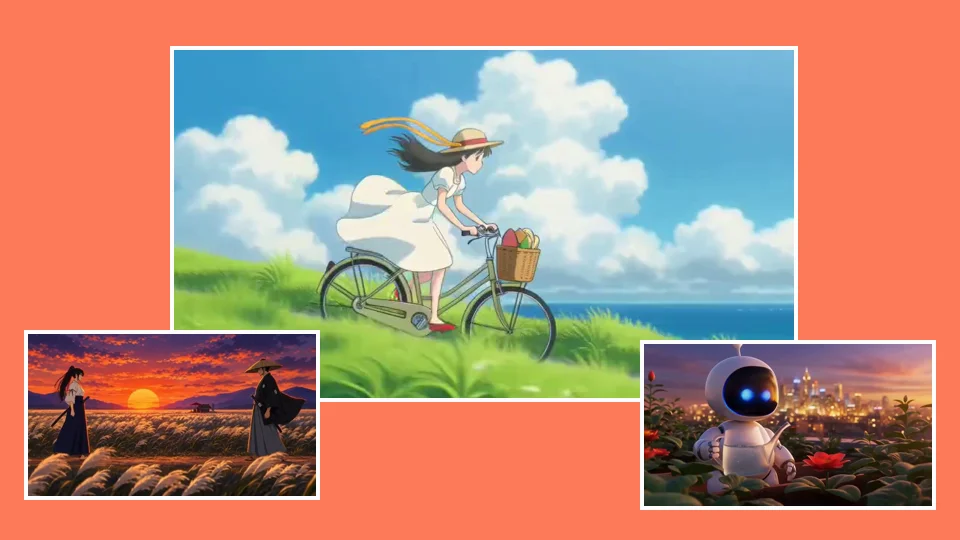 AI Video GeneratorRun the same prompt on a second model to compare.
 AI Video ModelsSeedance, Kling, Hailuo and Grok Imagine on one page each: what the model is, how long its clips run, what it is good at, its limits and what a clip costs.
 Text to Video AIDescribe one shot in plain words, pick a look and a quality, and MiniMax H3 Max Turbo (Hailuo 3) makes a 5 second widescreen clip in a few minutes.
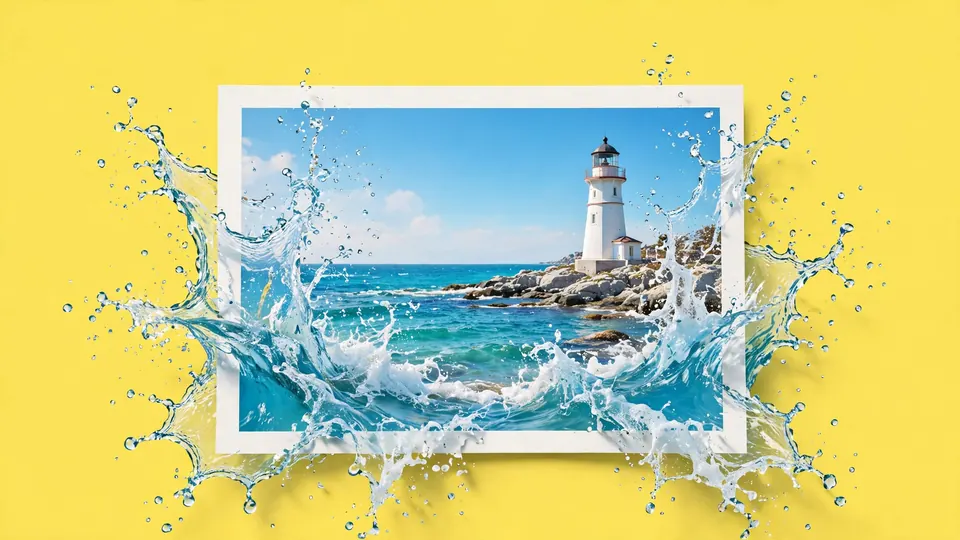 Image to Video AIUpload a photo or a drawing, say what should move, pick a camera move, and MiniMax H3 Max Turbo (Hailuo 3) makes a 5 second clip that starts on your picture.
Try Grok Imagine Video 1.5 and see the price first.
40 free credits, no card, for pictures, scripts and voices. Video starts on a plan from $12 a month.