AI Comic Generator
Type a story idea, pick a style and the number of panels. The AI draws the whole page, speech bubbles included.
Updated
Example outputs
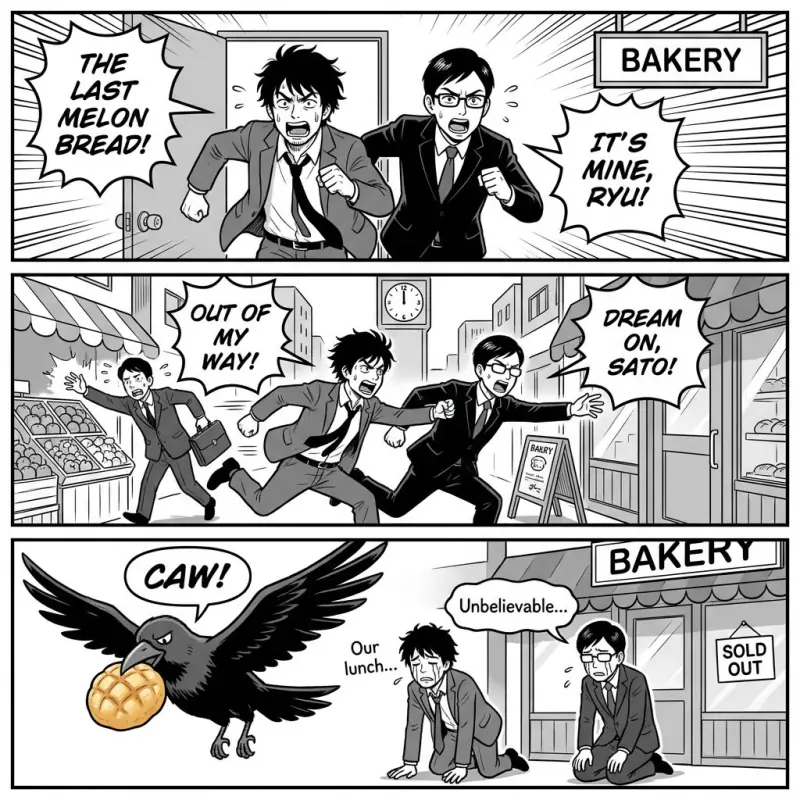
Idea: "two rival coworkers race to the bakery for the last melon bread, and a crow steals it in the last panel". Comedy, Manga, 3 panels. Model: Nano Banana Pro 1K, 38 credits.
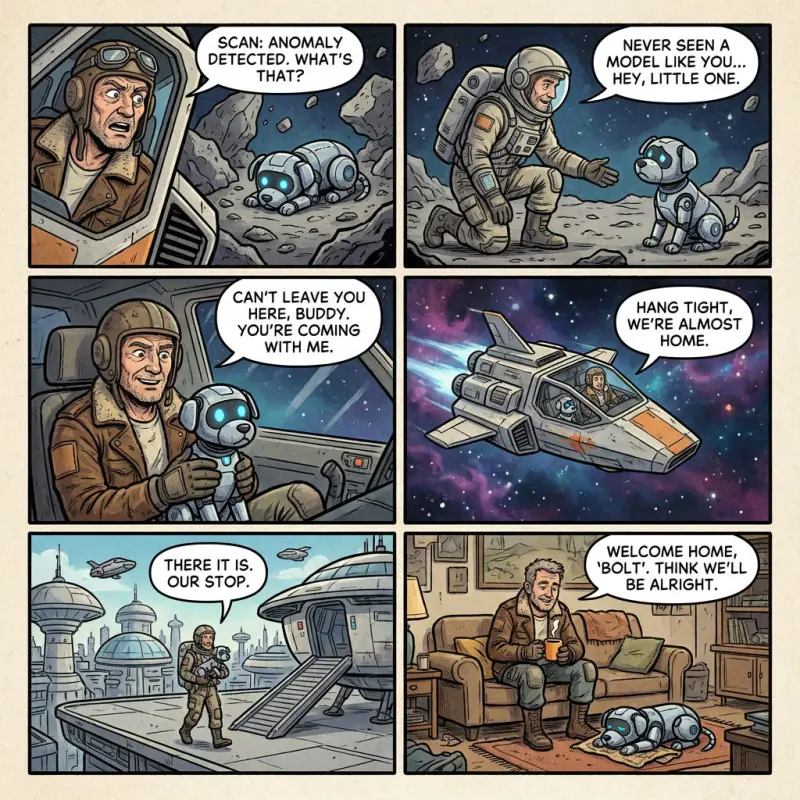
Idea: "a lone delivery pilot finds a lost robot puppy on an asteroid and brings it home". Sci-fi, Western comic, 6 panels. Model: Nano Banana Pro 1K, 38 credits.
How it works
Describe your story idea, the characters and what happens, in plain words.
Choose a genre, an art style and the number of panels.
Nano Banana Pro draws the whole page with panels and speech bubbles in about half a minute. Download it as a JPEG, about 1,000 pixels wide.
Ideas and uses
| Format | Panel direction | Best for |
|---|---|---|
| Manga | Right to left | Japanese-style stories, emotional close-ups, dramatic pacing |
| Webtoon | Vertical scroll | Online publishing, wide-format establishing shots |
| Western comic | Left to right | Superhero stories, action sequences, detailed backgrounds |
| Cartoon | Left to right | Comedy strips, simple character design, quick punchlines |
Make comics with AI
The AI Comic Generator turns a plain story description into a finished comic page. You describe what happens, choose the art style and the number of panels, and the AI handles the panel layout, the characters, the backgrounds and the speech bubbles.
Genre changes the look. An action prompt gets dynamic angles and speed lines. A romance prompt gets softer light and close-up reactions. Horror uses shadow and empty space. Comedy uses big expressions and a quick punchline in the last panel.
Comic styles and what they look like
Manga uses black ink, screen tone and expressive faces. Webtoon uses full color and soft gradients. Western comic uses bold color fills and strong outlines, good for action. Cartoon uses simple shapes and bright color, good for comedy and all-ages stories.
Tips for better comic prompts
- Name the beats. "Panel 1: she finds the map. Panel 2: the map glows. Panel 3: she is gone" gives the model a clear plan.
- Describe each character once, clearly. Hair, outfit and one color each.
- Keep dialogue short. A few words per bubble read best.
From comic to animated short
Once your page is done, you can bring panels to life in Ziztu Studio: each panel can become a short clip, and Studio chains the clips with music and sound into a motion comic.
Frequently asked questions
How do I make a comic with AI for free?
Sign up with an email address and you get 40 free trial credits. One comic page costs 38 credits, so the trial covers one page. Free trial results carry a small watermark.
How do I make a comic strip with AI?
Describe the moment you want across 3 to 6 panels: who is there, what they do and how it ends. Pick 3 panels for a quick gag and 6 panels or a full page for a longer scene.
Does it write the dialogue?
Yes. The model writes short speech bubbles from your idea. If you want exact lines, put them in quotes in your prompt. Short lines come out cleanest.
How do I keep characters consistent?
Inside one page the model keeps the same characters from panel to panel. Across several pages, describe each character the same way every time (hair, outfit, colors). For a full manga book with locked characters, use the AI Manga Maker.
Which model draws the comics?
Nano Banana Pro from Google, at 1K resolution. It is strong at panel layouts and readable text.
Can I animate my comic?
Yes, in Ziztu Studio. Each panel can become a short clip with image to video, and Studio chains the clips into a motion comic.