Chapter 1Lunch Rush, by the AI Manga Maker
AI Manga Maker
Write a story and get lettered black and white manga pages, with the same characters on every page. Read it, fix a panel, export a PDF, a CBZ or a webtoon strip.
So… what happens in your story?
40 free credits, no card
The part other tools get wrong
The same two faces on every page
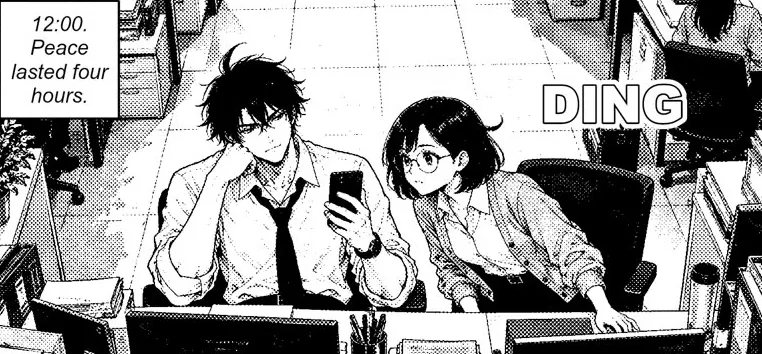
Each character is drawn once as a sheet, and every panel that includes them starts from it. Here is one panel from each page of Lunch Rush: the messy hair, the glasses, the cardigan. Change the page, keep the people.
Drift can still happen on a hard pose. The reader lets you fix or redraw one panel, and its price shows first.
- Page 1The alert
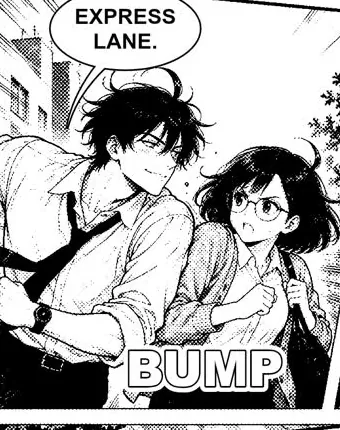 Page 2The race
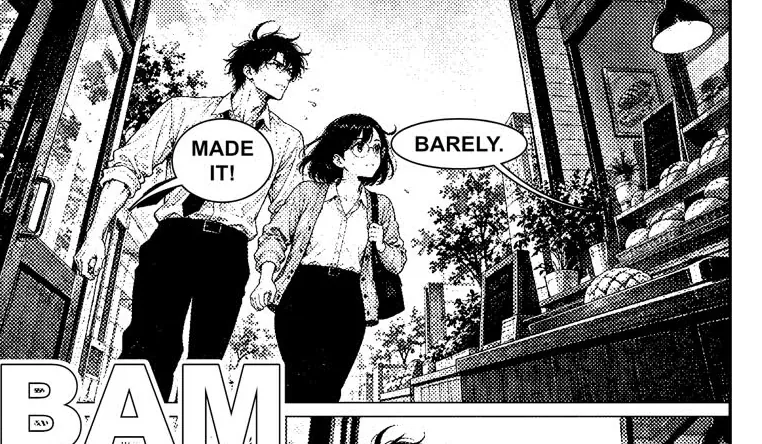 Page 3The bakery
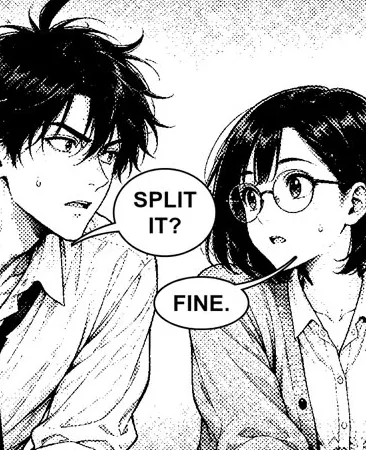 Page 4The deal
Read the whole chapter
Four pages from one story prompt
Lunch Rush, as the reader shows it: spreads or single pages, left to right or the authentic right to left. Two office rivals, one last melon bread, and a crow.
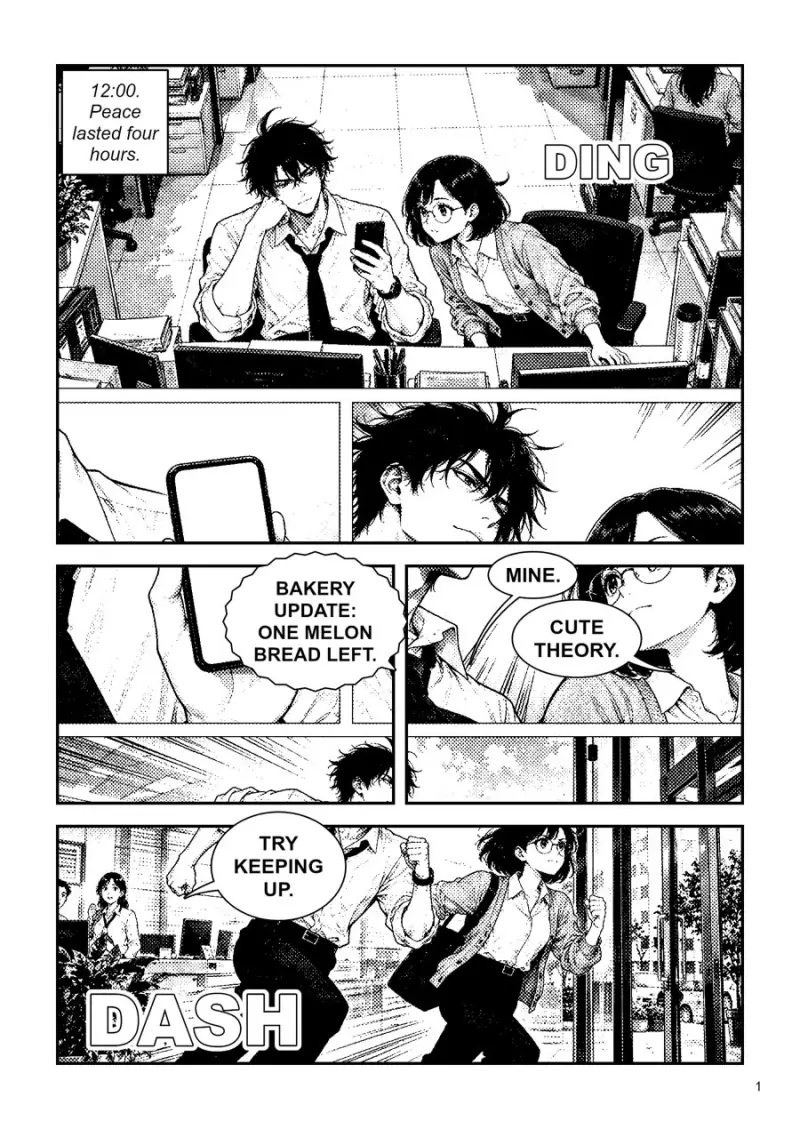 1
1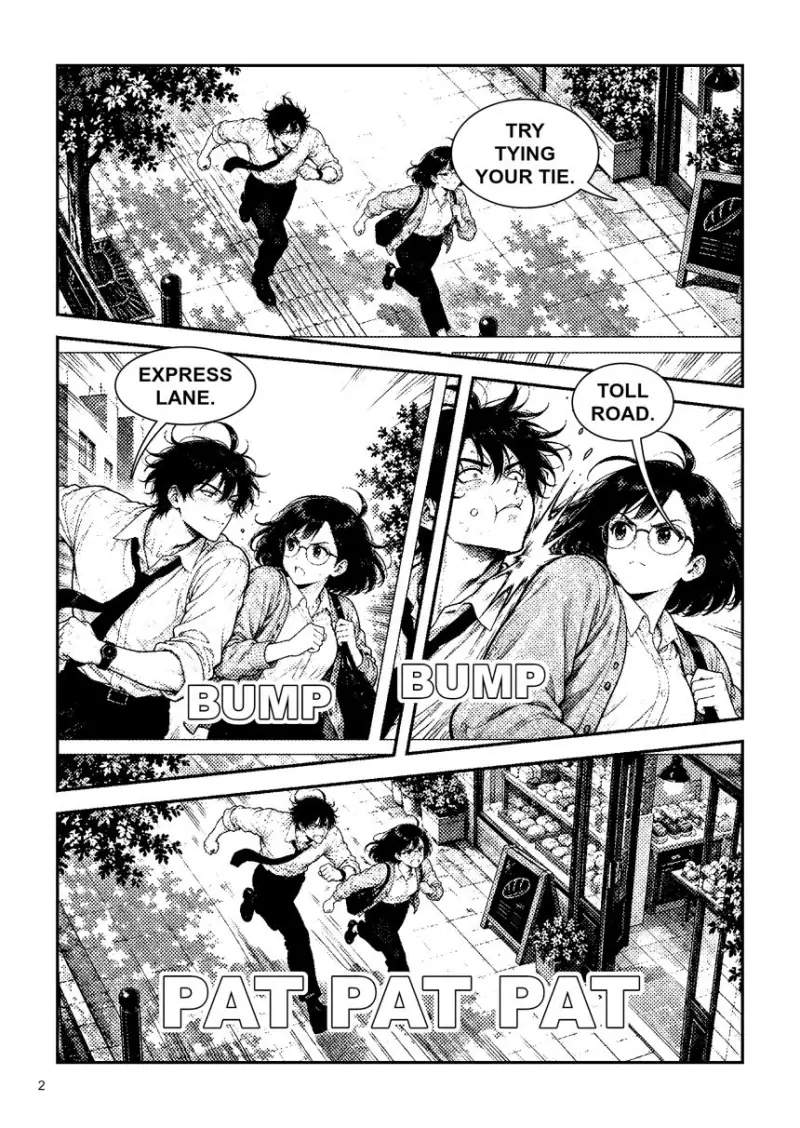 2
2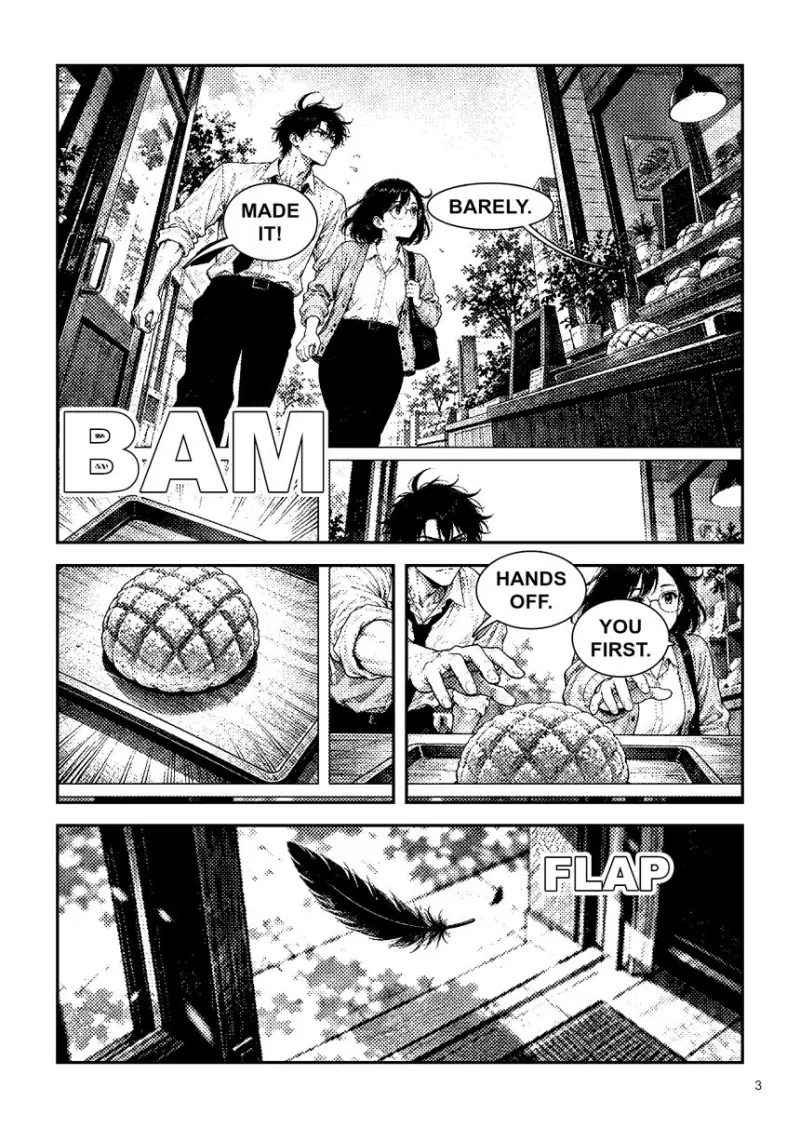 3
3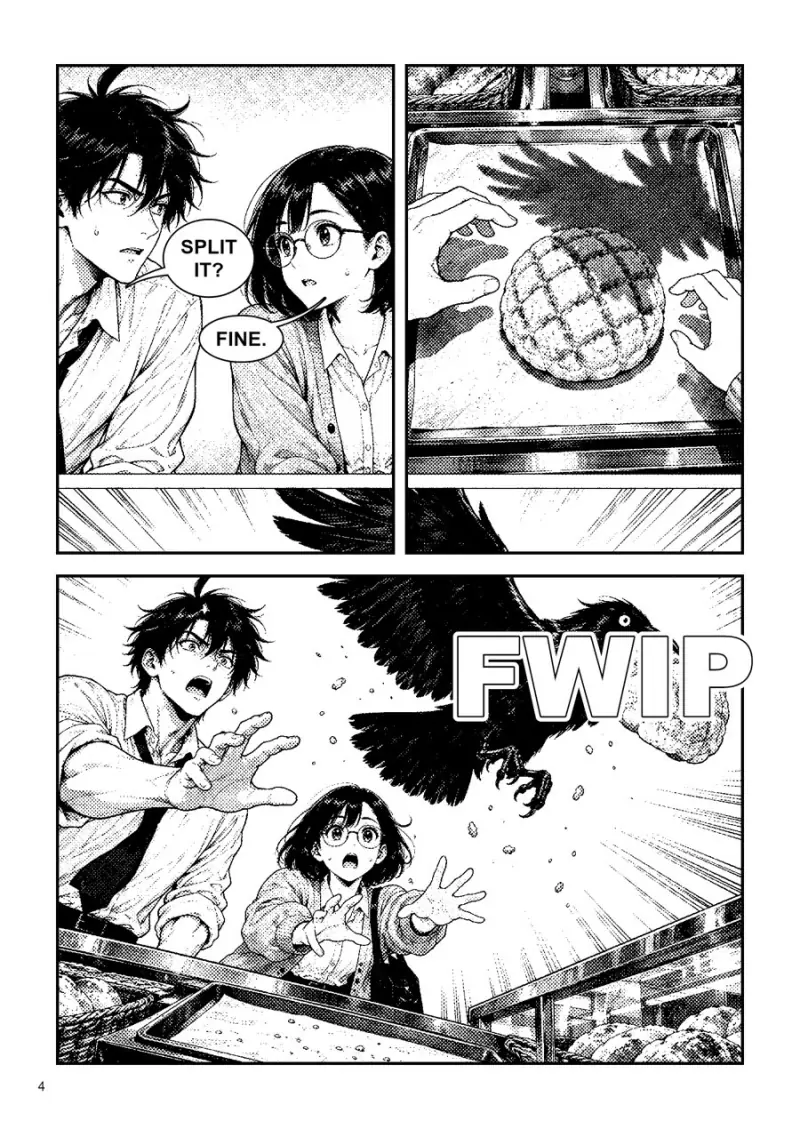 4
4
From a story to a book
Write it, choose the look, read the pages
Two office rivals race across town for the last melon bread of the day. End on a joke.
Write the story
A few lines is enough. Add photos or drawings of your characters if you have them, or let the Director invent a cast.
- Shonen ink
- Shojo soft tone
- Seinen gritty
- Gag
Choose the look
Pick an ink look, a tone, a lettering style and the reading direction. The Director plans the page layouts first.
- 4
- 8
- 16
- 24
- 48
- 200
Pick the length
From a 4 page short to a 200 page volume made chapter by chapter. The estimate shows the price before you start.
Beyond the page
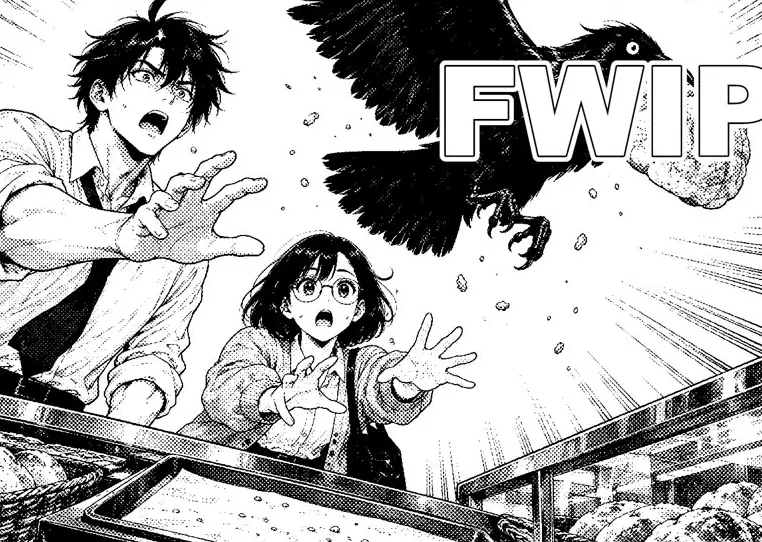
Then one panel moves
Here the page moves the crow panel with a push-in, speed lines and an impact flash. For a real clip, open Ziztu Studio, upload the page or the panel and animate it with image to video. The price of the clip shows before you make it.
Everything in the book
More than a picture of a page
A reader built for books
Spreads or single pages, left to right or right to left, fit or zoom, and a phone reader you swipe.
Screentone or grey wash
Switch the whole book between printed dots and soft ink wash, free and instant.
Lettering you can edit
English, Japanese, Spanish, French, German, Portuguese or Italian. Edit a balloon and undo it, free.
Fix or redraw a panel
Mark a panel, say what is wrong and redraw it, or draw a cover. Each action shows its price first.
Exports for print and phones
A PDF, a PDF set up for print, a CBZ with ComicInfo, a zip of PNG pages or a webtoon strip.
One studio
Scripts, manga, anime and micro drama share one project and one credit balance. Plans start at $12 a month.
End of chapter 1
Draw page one today.
Tell the story in a line. The Director plans the pages and shows the estimate first.
40 free credits, no card. Free credits cover scripts, character art, storyboards, voices and sound; video starts at $12 a month.
Only need one page? The AI Manga Generator draws a single page from a scene.
Frequently asked questions
What is the AI Manga Maker?
It is the manga app of Ziztu Studio. You write a story in a few lines, pick a look such as shonen ink, shojo soft tone, seinen gritty or gag, and the Director plans the pages, draws the character sheets, then draws and letters every page in black and white. You read the book in a reader, fix or redraw single panels, and export it.
Will the characters look the same on every page?
That is what the character sheets are for: each character is drawn first, and every panel that includes them is drawn from the sheet. The faces in the four pages of Lunch Rush above are one example. AI drawing can still drift, so the reader lets you fix or redraw a panel, and each fix shows its price before you start.
How many pages can a book have?
A book can be 4, 8, 16 or 24 pages (a chapter), a 48 page one-shot, or a volume plan of up to 200 pages that is made chapter by chapter. The estimate under the story box shows the price in credits before you start.
How much does it cost?
The live estimate shows the price of the book in credits before you press the button, and every fix and redraw shows its own price. New accounts get 40 free credits for scripts, character art, storyboards, voices and sound; plans start at $12 a month. Tone changes between screentone and grey wash, and lettering edits, are free.
Can I read it right to left, and in other languages?
Yes. Pick left to right or the authentic right to left reading order, and letter the pages in English, Japanese, Spanish, French, German, Portuguese or Italian. The reader shows pages as spreads or single pages.
What can I export?
A PDF, a PDF set up for print, a CBZ with ComicInfo and the reading direction, a zip of PNG pages, or a webtoon strip for scrolling on a phone. You can export all pages, a chapter or the current spread.
Can I turn a manga page into an animation?
Yes, in Ziztu Studio: upload a page or a panel and animate it into a short clip with image to video. The manga maker draws the pages; the animation is a separate step with its own price shown first.
Is there a way to make just one page?
Yes. The AI Manga Generator tool draws a single manga page from a scene. The Maker is for whole books with a story, a cast and lettering.
Related tools
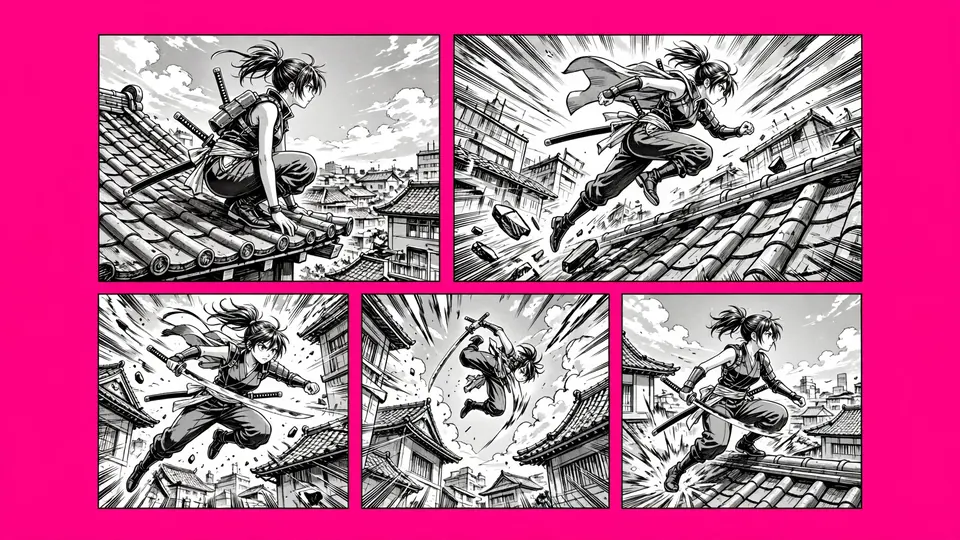 AI Manga GeneratorDraw one manga page from a scene here with Nano Banana Pro.
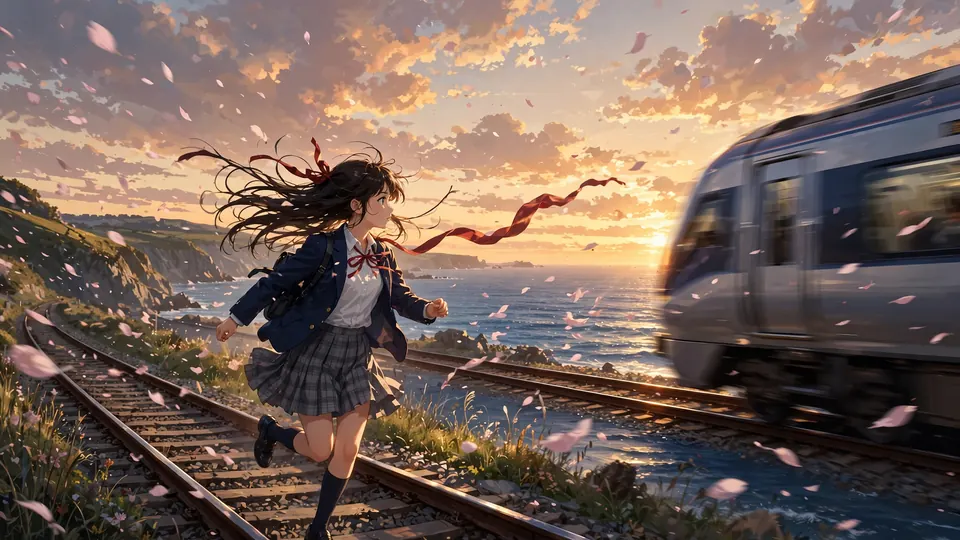 AI Anime Video GeneratorType a scene and MiniMax H3 Max Turbo (Hailuo 3) makes a 5-second anime clip in about a minute.
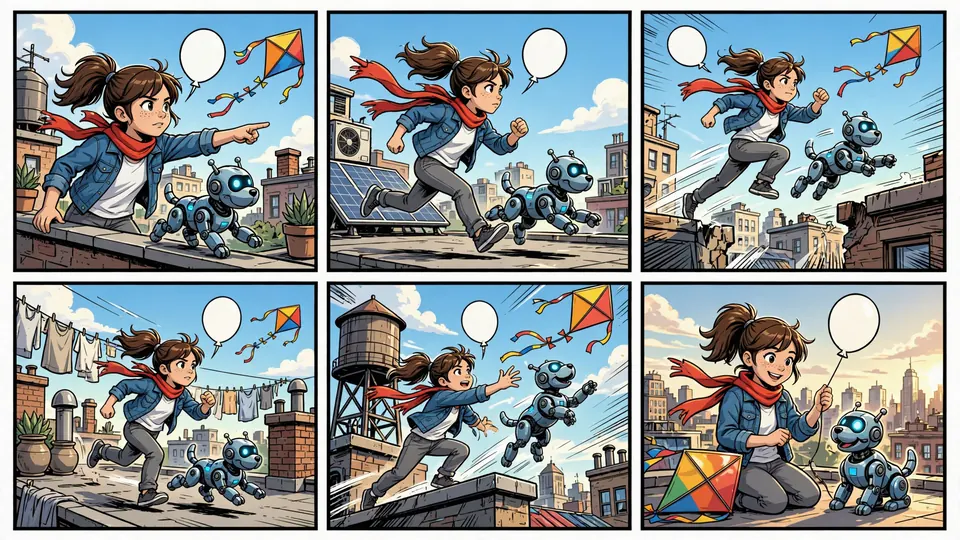 AI Comic GeneratorType a story idea, pick a style and the number of panels.
 AI Micro Drama GeneratorDescribe one scene and get a 5 second vertical drama clip with sound.