Anime Scenes
Skies, cities, fights, mecha and quiet moments, each broken down like a storyboard: where the camera stands, what the light does, and the prompts to make your own.
Updated
How it works
Pick a scene and read the breakdown: where the camera is, what the frame holds and where the light comes from.
Copy the image prompt, change the character and the place, and make your own first frame with an anime image tool.
Upload the frame to image to video, paste the motion prompt and pick the camera move for a 5 second clip.
A storyboard library, not a wallpaper dump
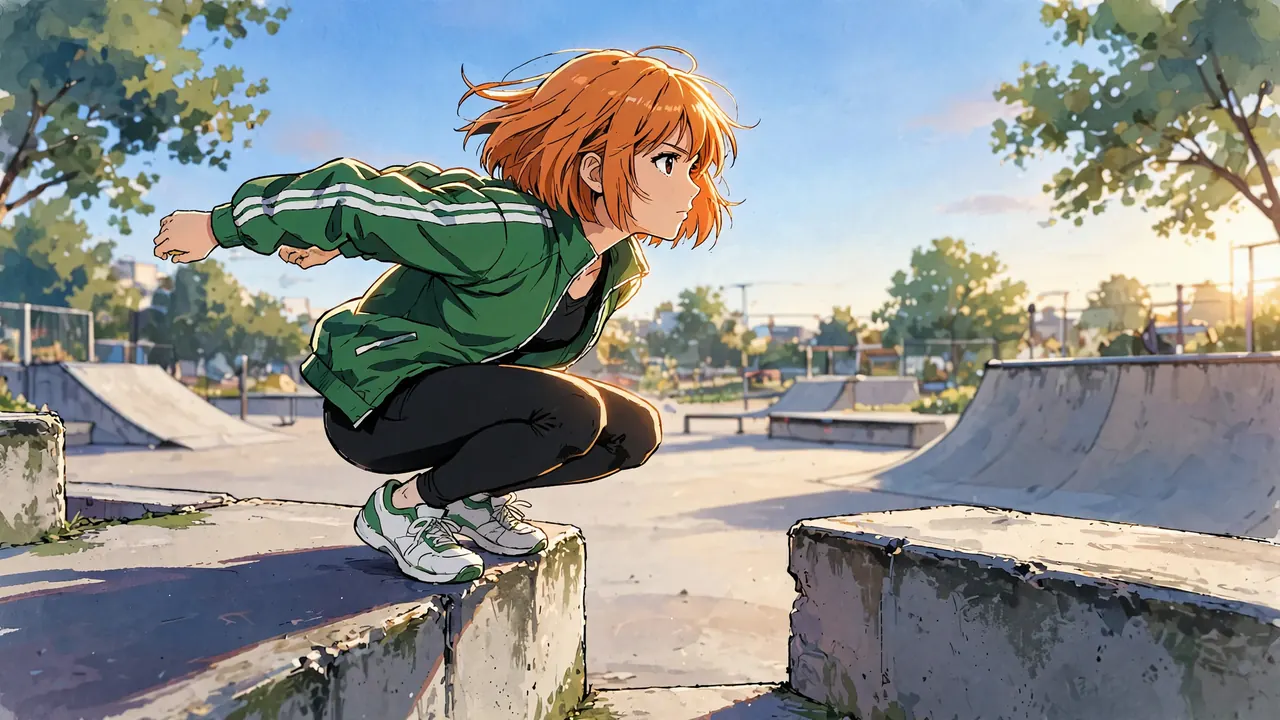
Each page in this library takes one kind of anime scene, such as a sunset, a sword fight or a night train, and breaks it into four to six shots. Every shot has a frame made for the page, the camera position and height, the lens feel, the framing, the light and its color, the palette pulled from the frame, and what should move when it is animated.
The prompts are the exact words each frame was made from. Copy one, change the character and the place, and make your own frame with an anime image tool. Then take it into image to video with the motion prompt under it. All characters here are original: no franchise characters, logos or frames copied from a show.
Skies, sunsets and landscapes
Wide places with a lot of sky: where most anime scenes start.
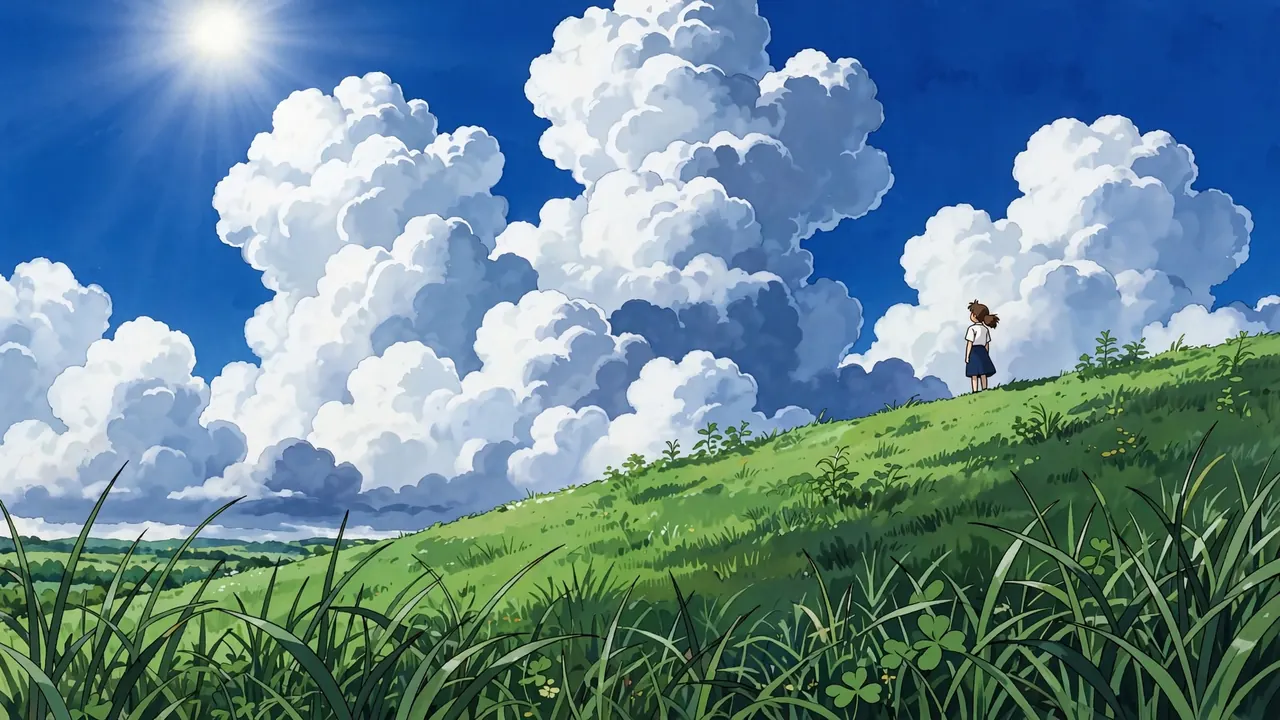 Anime SkySummer clouds, stars, storm fronts and a sea of clouds.
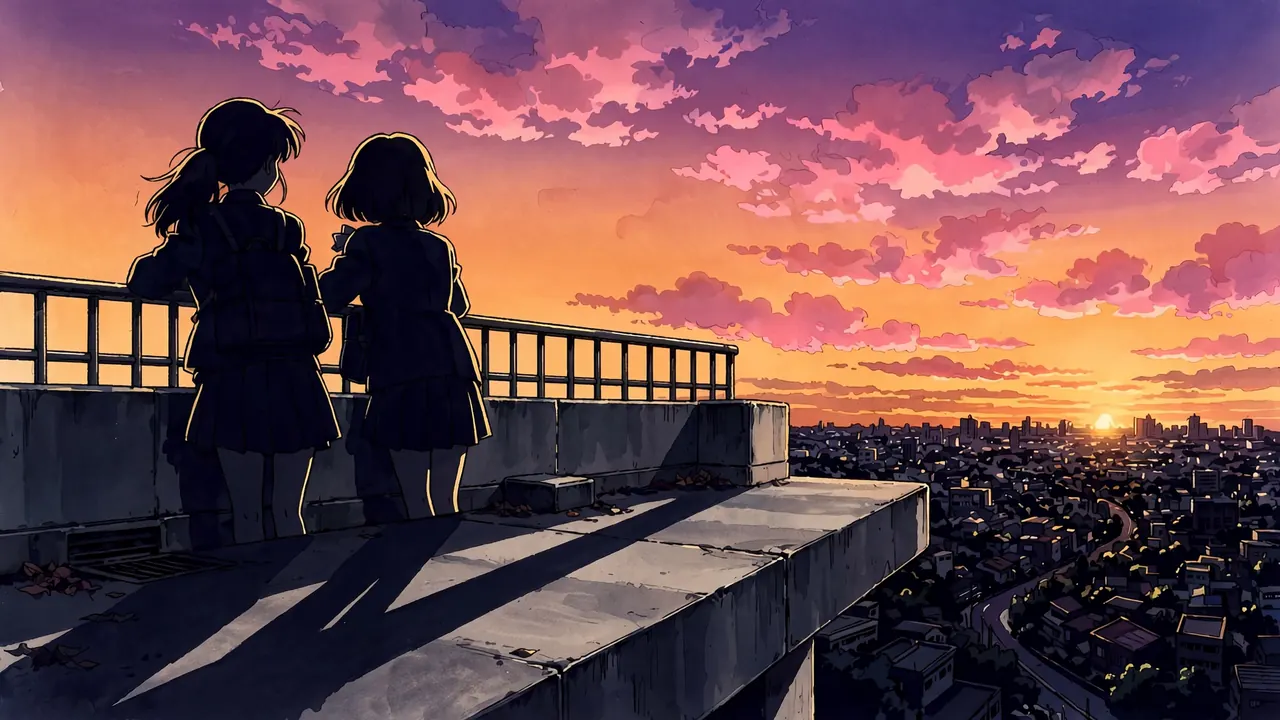 Anime SunsetBacklit rooftops, seawalls and long shadows at golden hour.
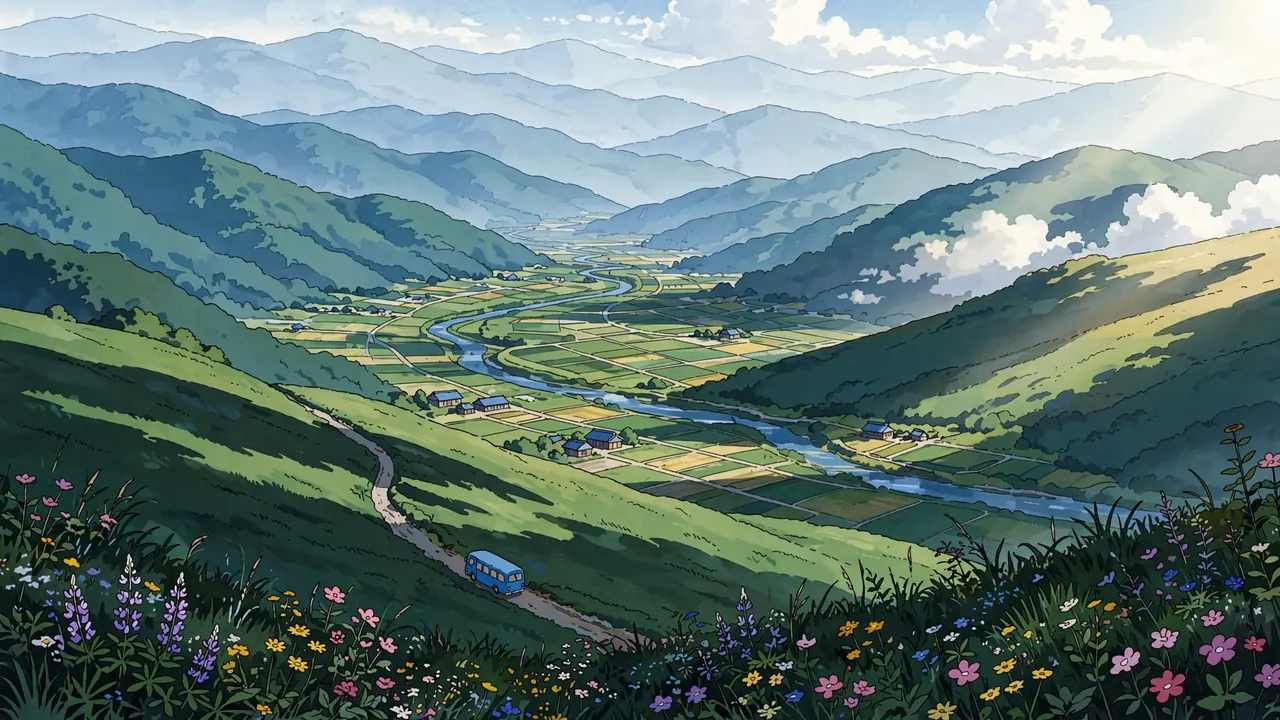 Anime LandscapeValleys, rivers, meadows and snowfields painted in layers.
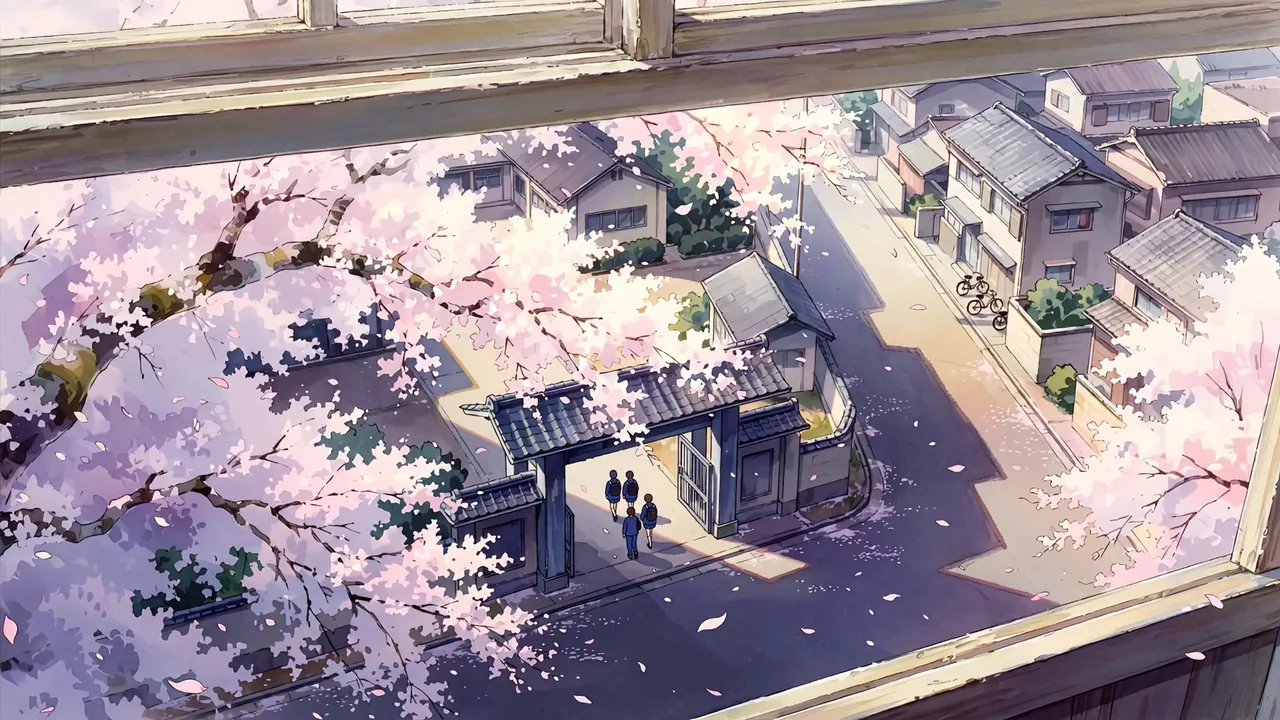 Anime Cherry Blossom ScenesSchool gates, riverbanks, lanterns and petals on the water.
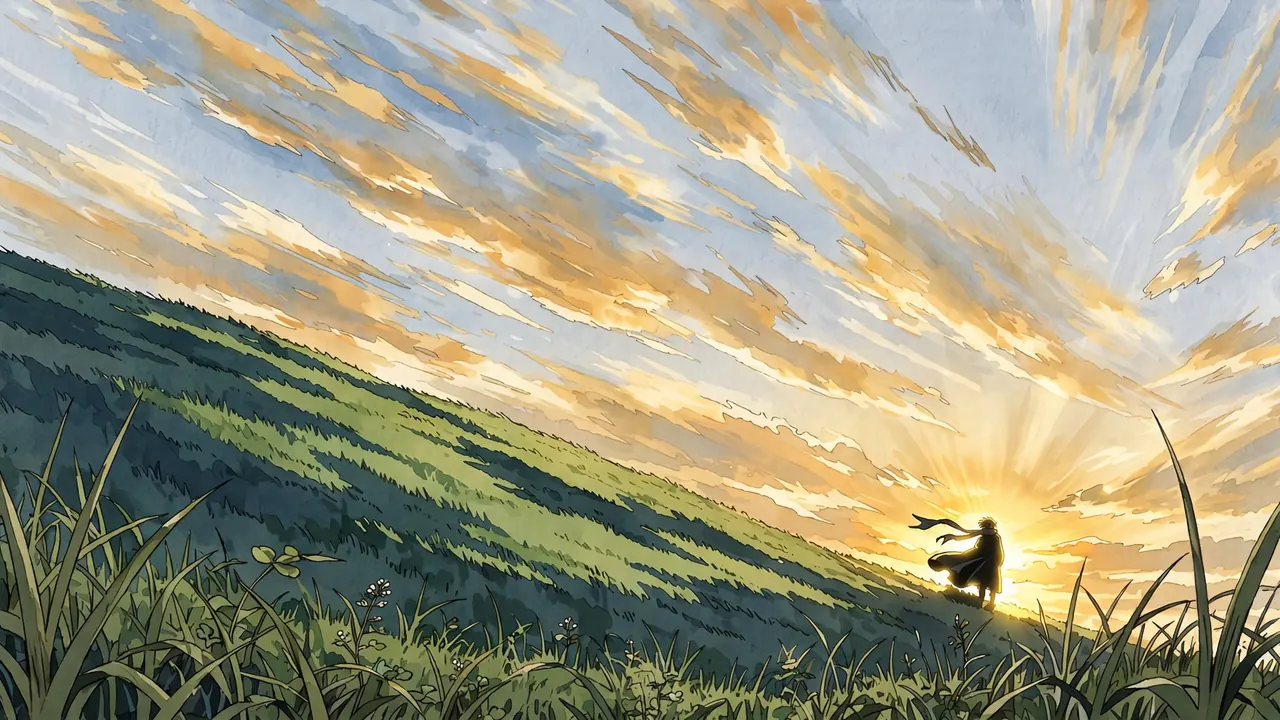
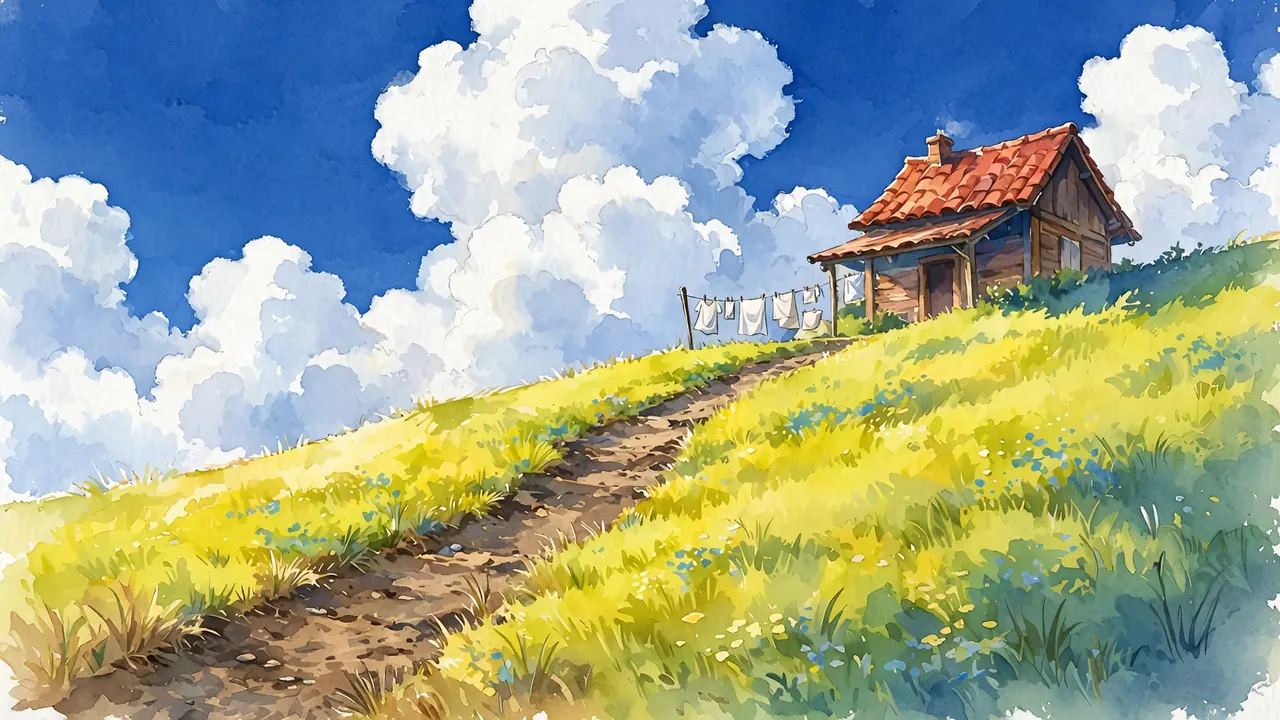 Ghibli-Style ScenerySoft painted hills, towns, forests and kitchens.
City, night and rain
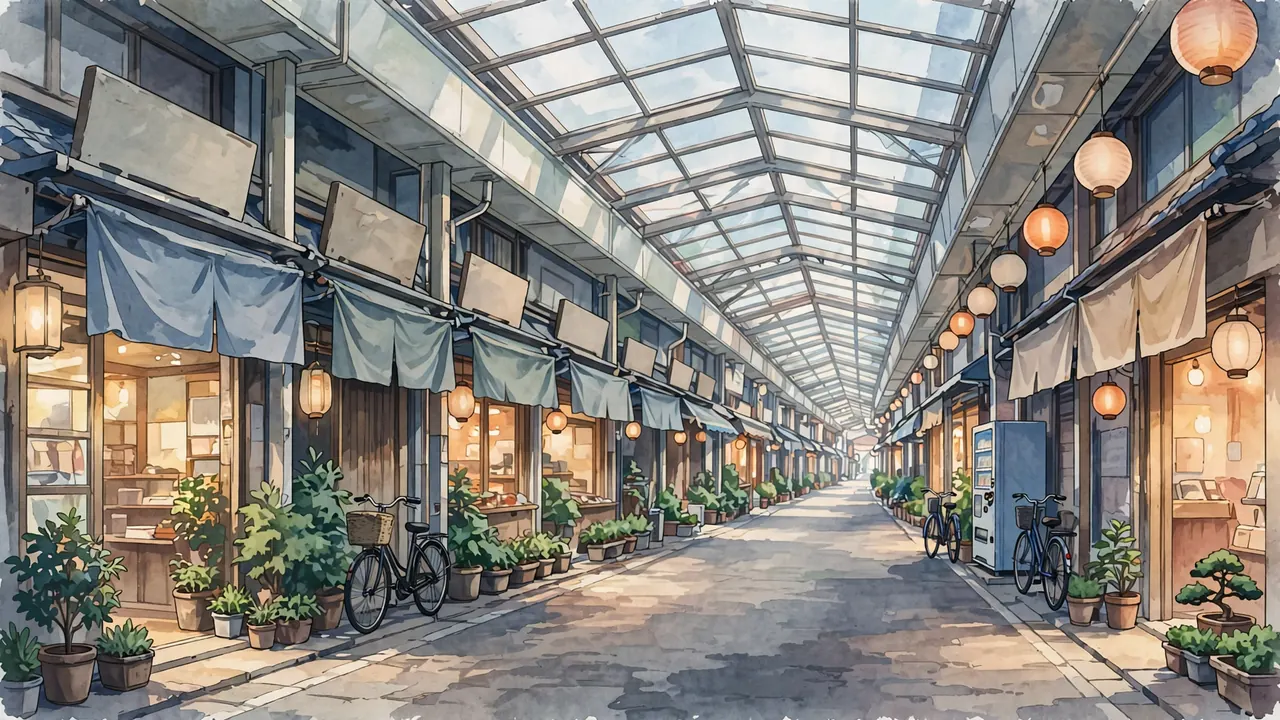
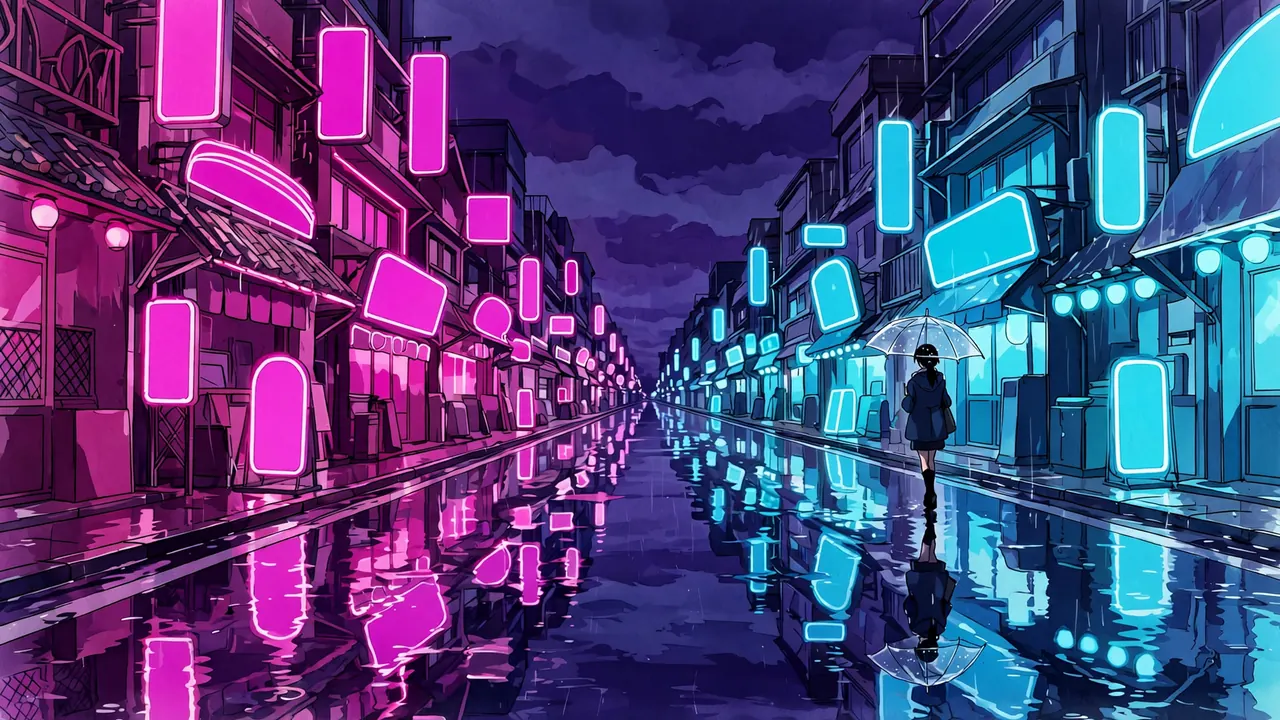
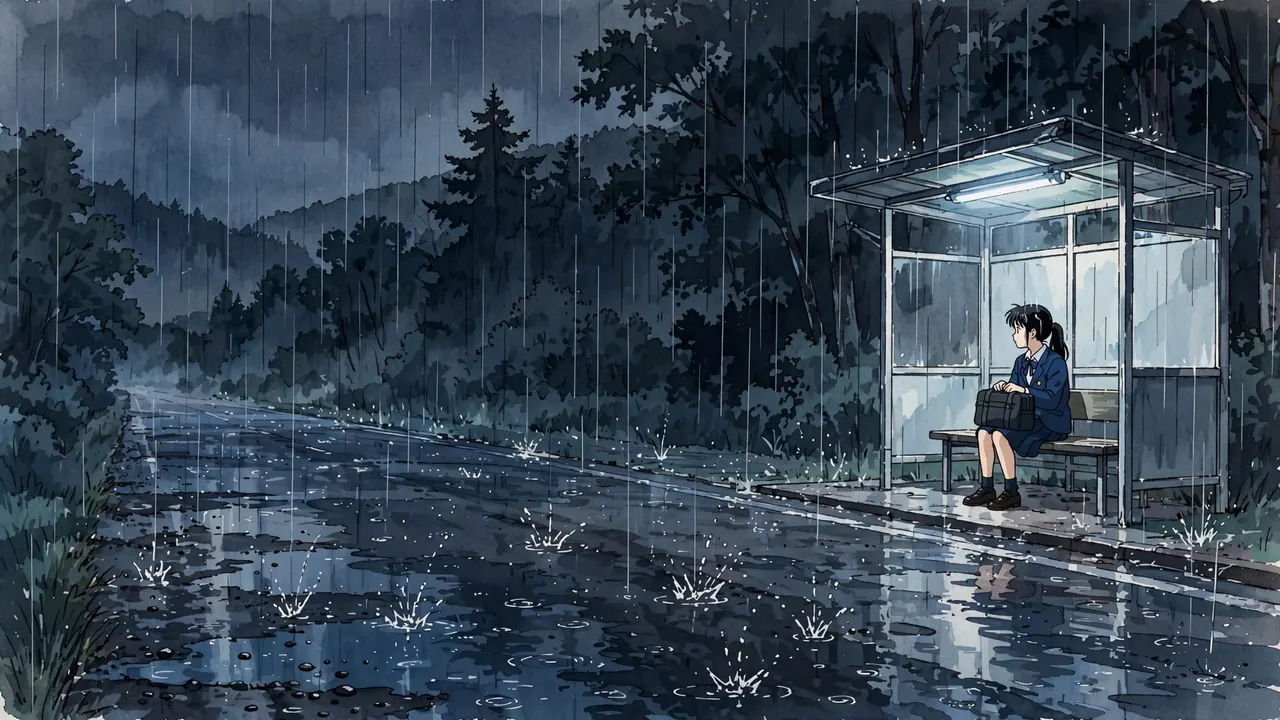
Streets, neon, trains and wet asphalt, the backdrops of modern stories.
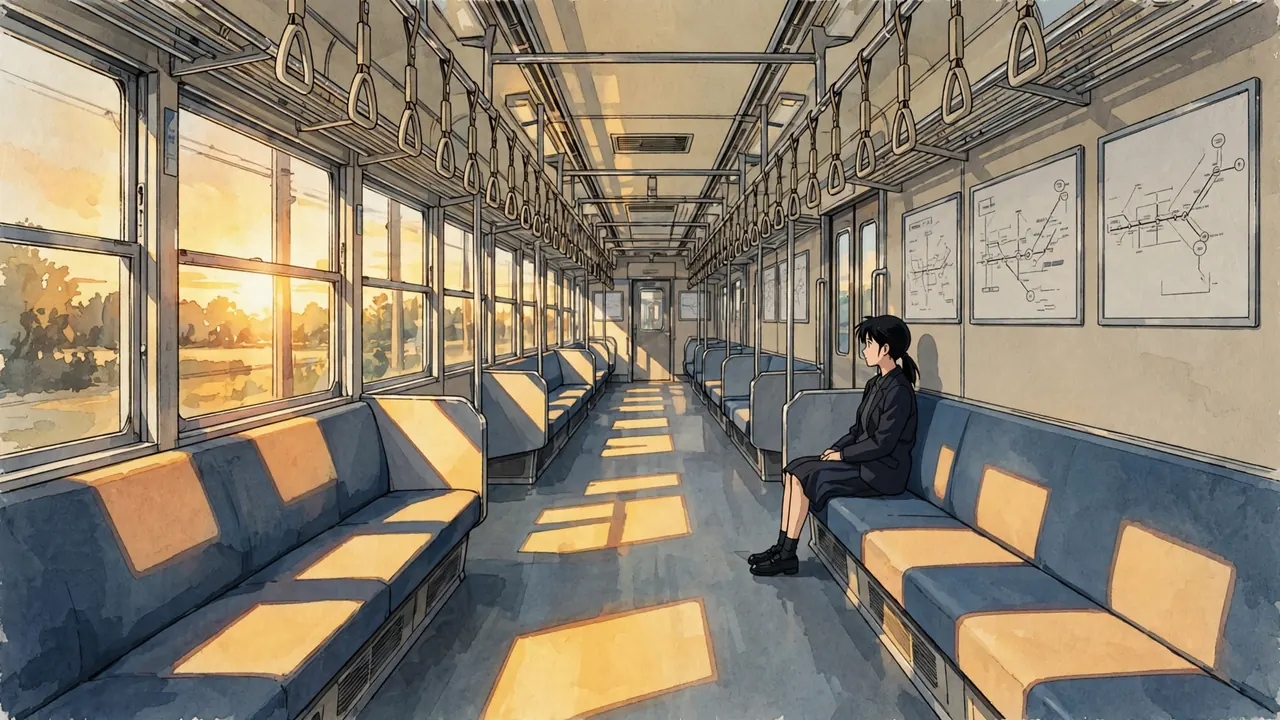
Action, mecha and explosions
Fights, blades, machines and missiles, broken down shot by shot.
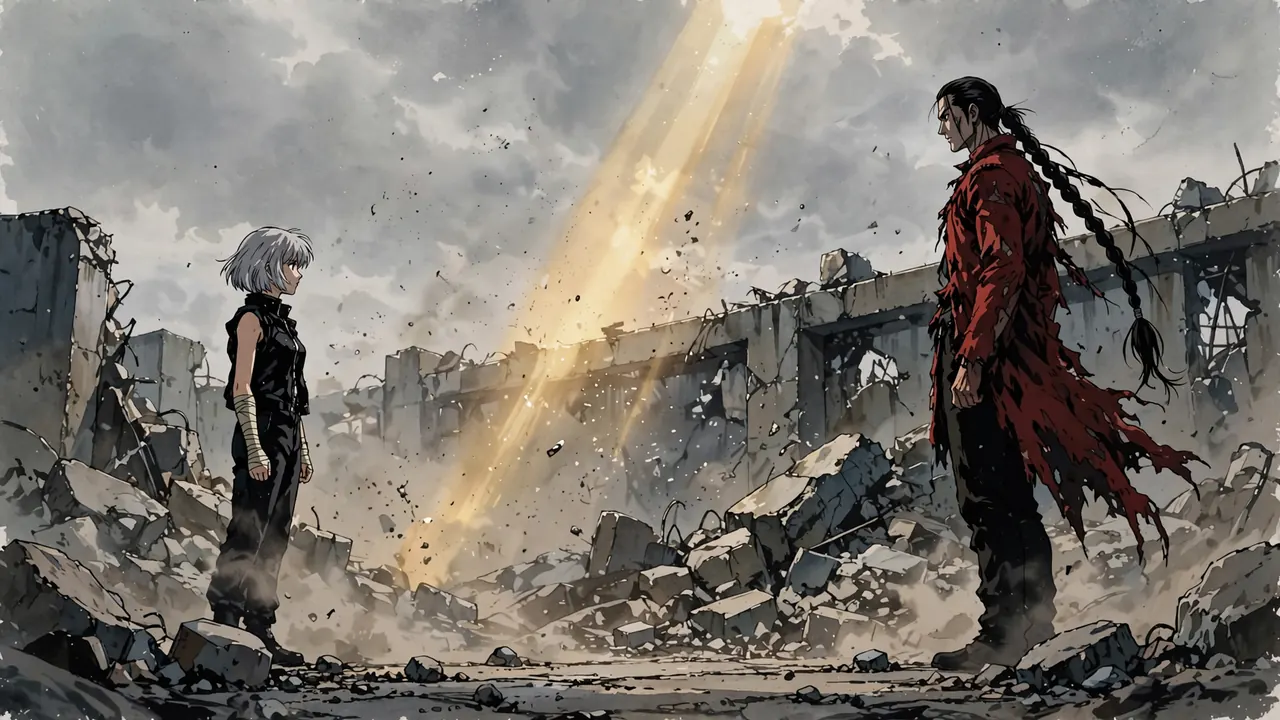 Anime Fight ScenesOne fight covered shot by shot, from standoff to aftermath.
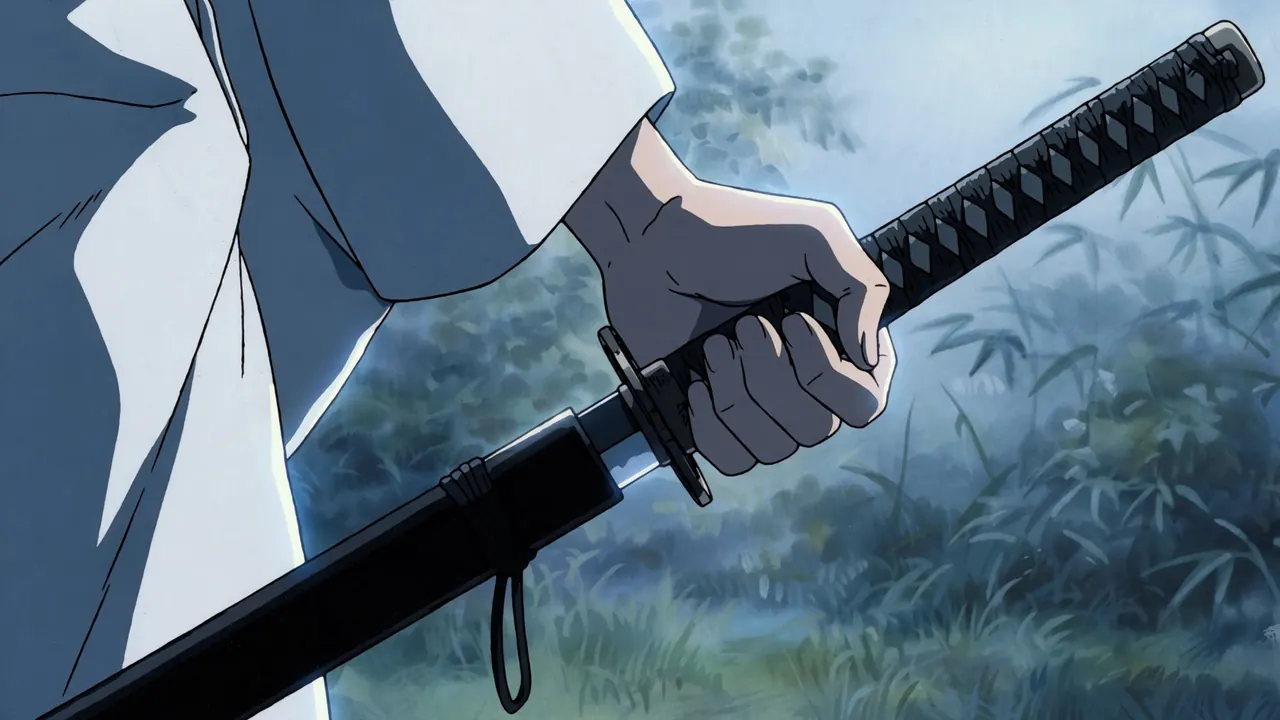 Anime Sword FightThe draw, the clash, the pass and the look back.
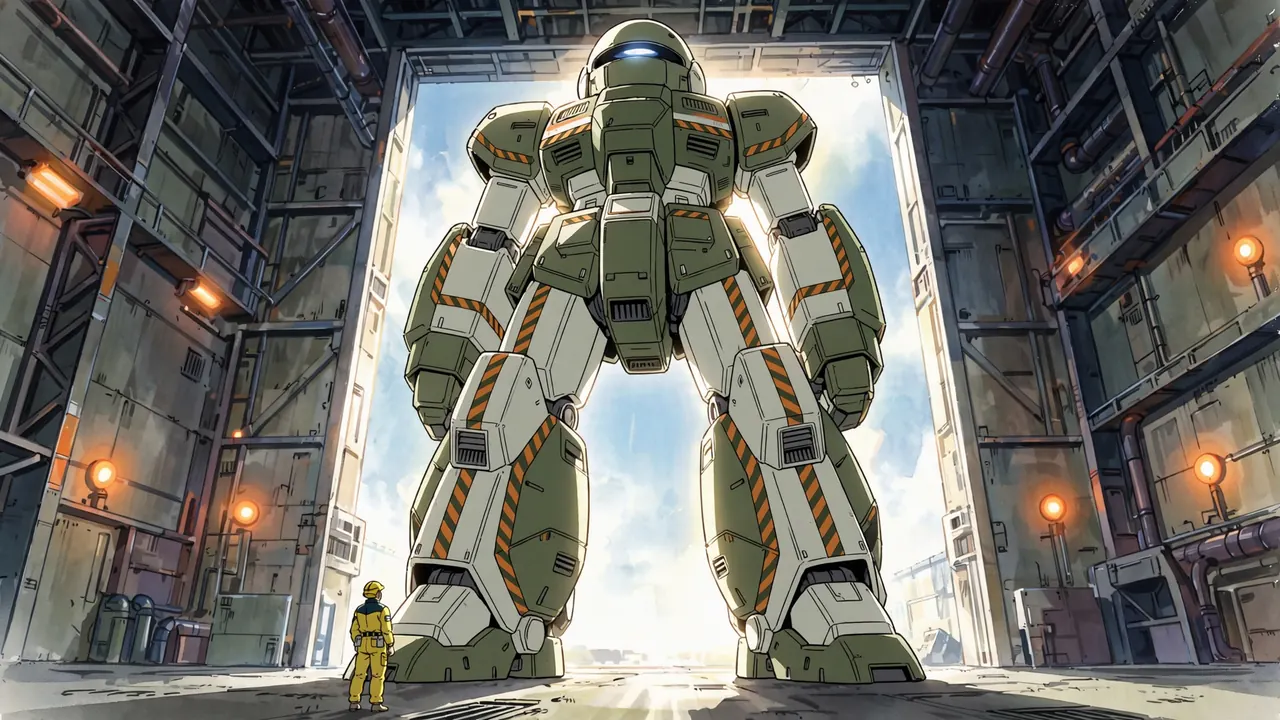 Anime MechaHangars, cockpits and giants seen from the street.
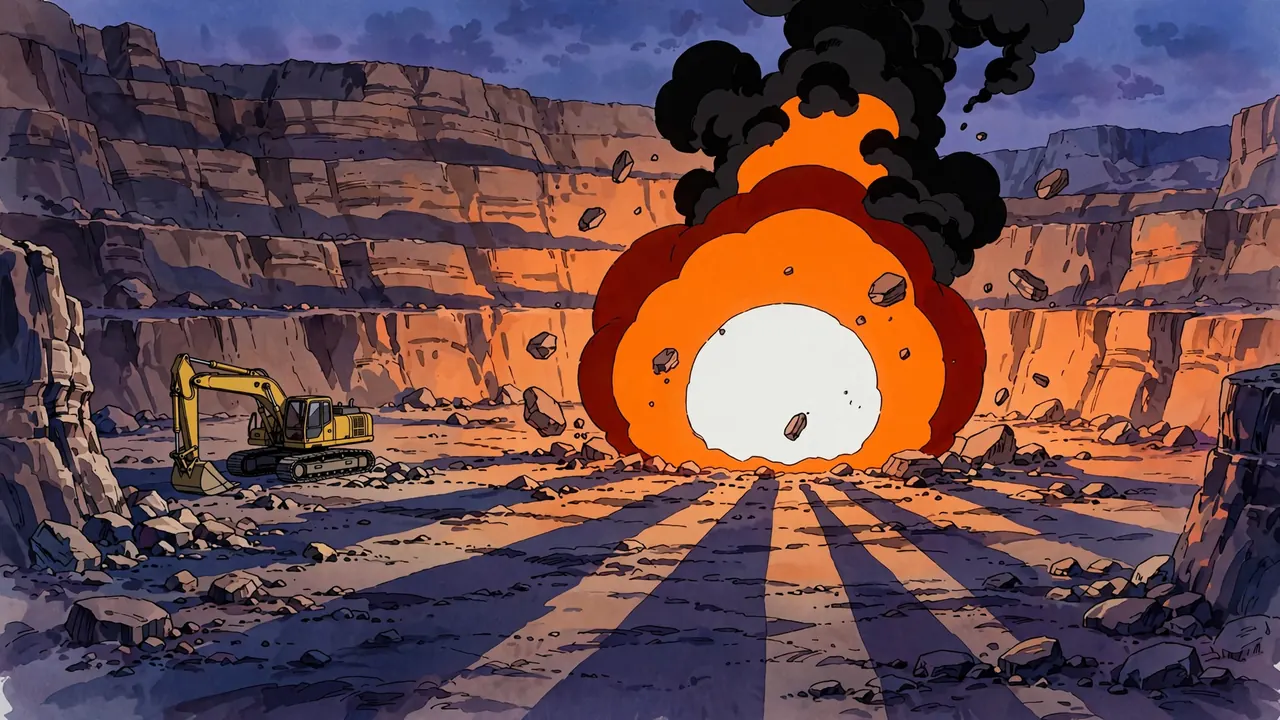 Anime ExplosionsFireballs, dust domes, shockwaves and smoke.
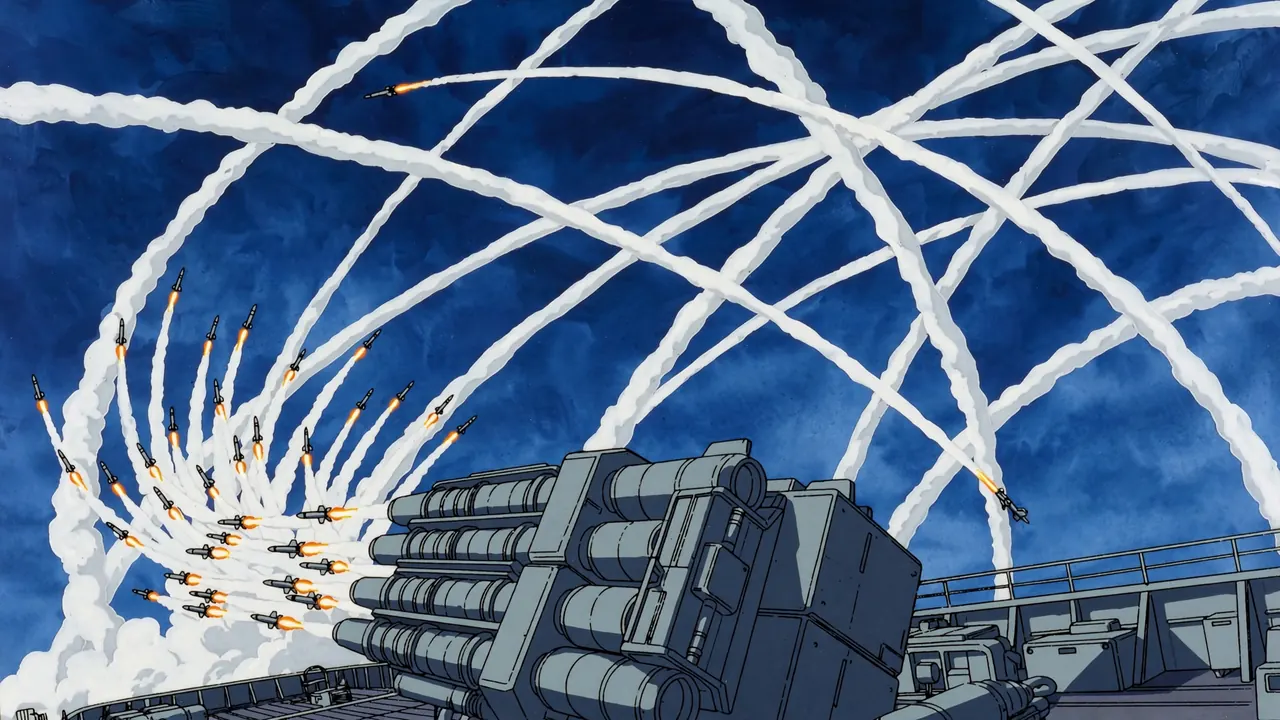 Itano CircusMissile swarms with spiraling smoke trails.
Everyday moments
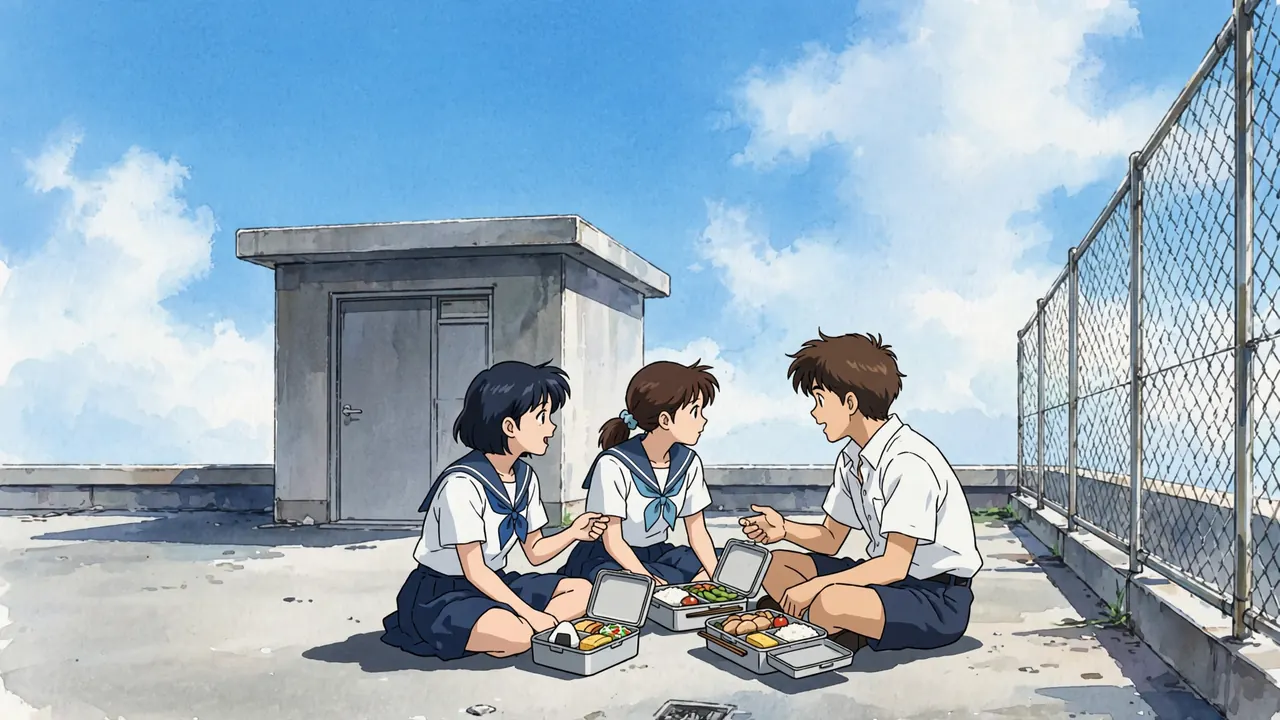
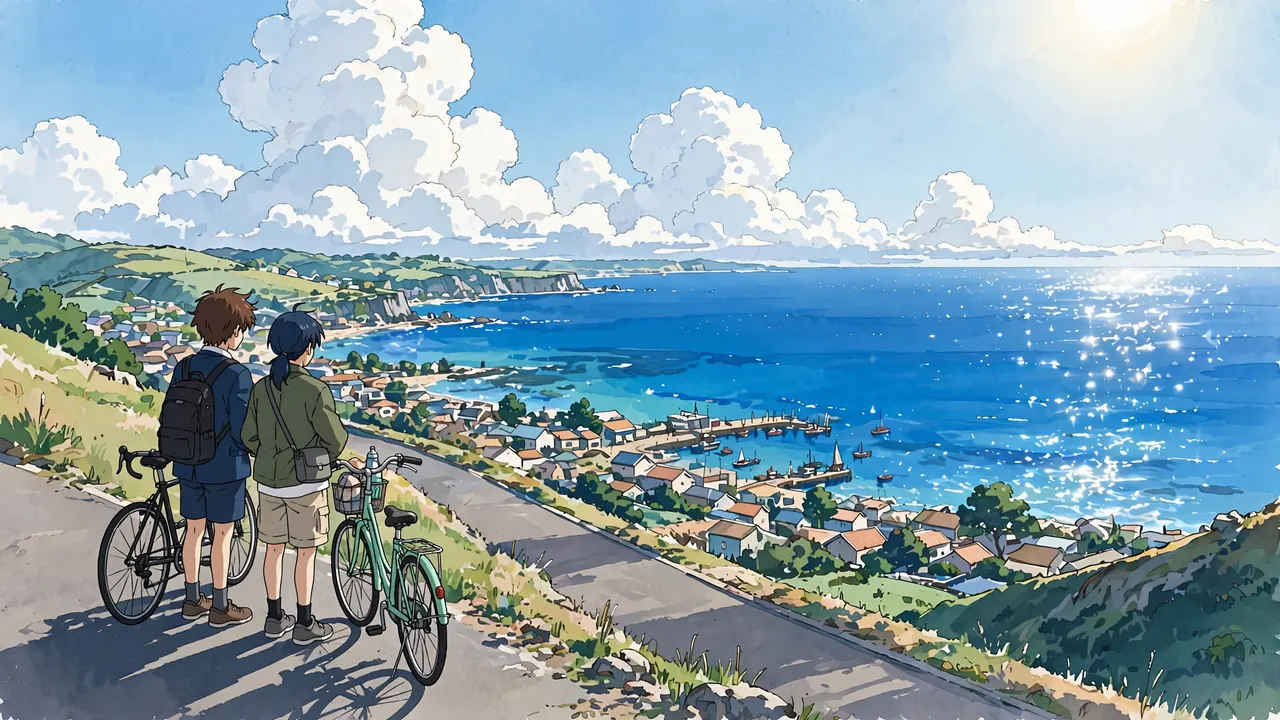
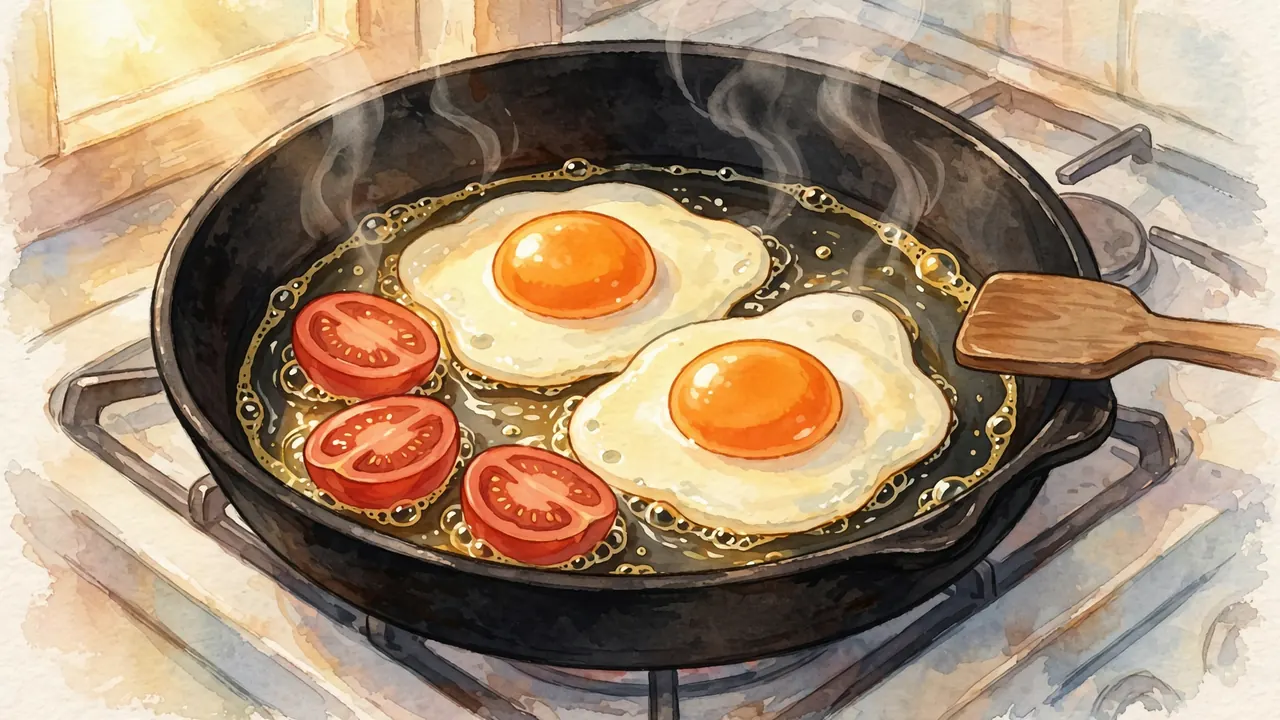
Rooftops, beaches and food: the quiet scenes people remember.
Craft and technique
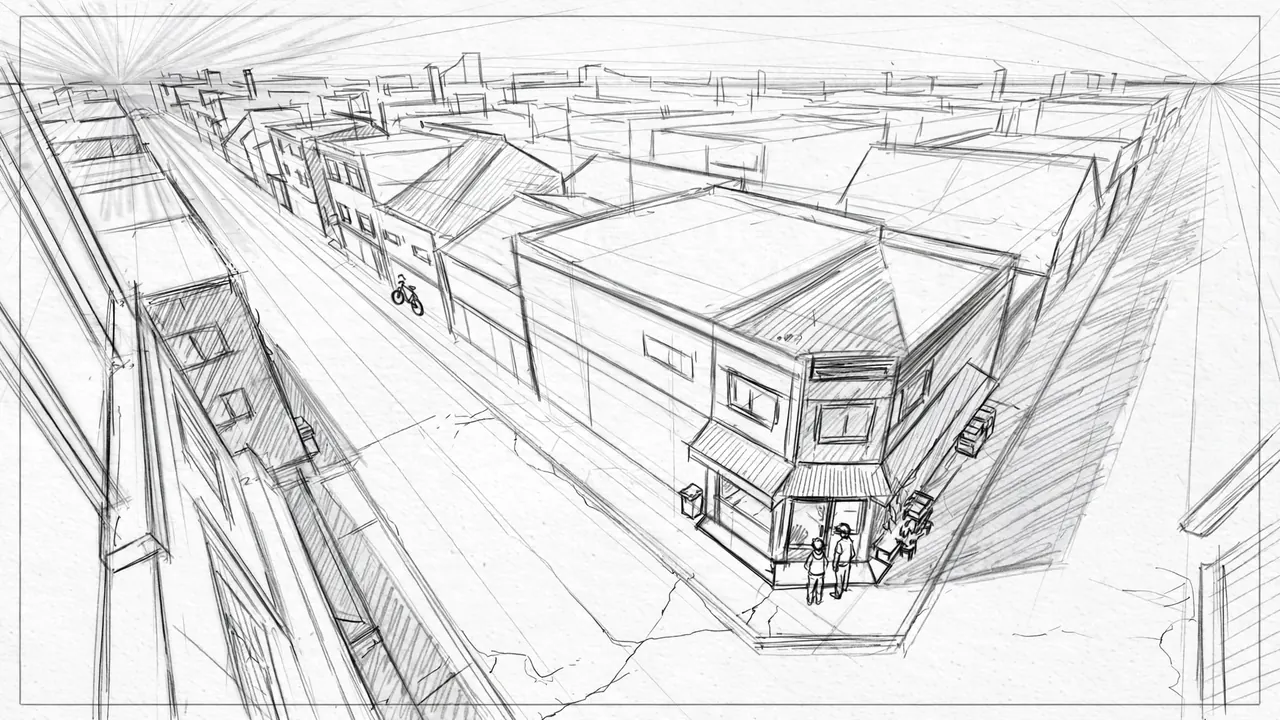
How anime is planned and drawn: sakuga, storyboards and openings.
Frequently asked questions
What is in each anime scene page?
Four to six frames made for the page, each with the camera position, lens feel, framing, light, palette and motion written out, plus the image prompt it was made from and a prompt for image to video. Each page ends with tips for that kind of scene and a short FAQ.
Are these screenshots from real anime?
No. Every frame was made with AI for this library, with original characters. Shows and studios are only named in the text to describe a style, never copied.
Can I use the prompts?
Yes. Copy them, change them and use them in any image tool. They work best when you change one thing at a time: the character, the place or the light.
How do I turn a frame into an anime clip?
Save the frame, upload it to the image to video tool, paste the video prompt from the same shot and pick the camera move it names. You get a 5 second clip that starts on the frame.
Why do the breakdowns talk about camera height and light direction?
Those two choices change a frame more than any style word. Most AI pictures look samey because every prompt puts the camera at the same height with the light from the same side. Naming them is how storyboard artists plan coverage, and it works in prompts too.
Will more scenes be added?
Yes. The library is built from a data file, so new scenes are added as they are made and reviewed.