
You make an AI kissing video by uploading one photo that has two adults in it, choosing the kind of kiss, and letting the AI animate a short, tender clip. There is no editing timeline and no second photo to line up: you pick a gentle peck, a cheek kiss or a forehead kiss, and a few minutes later you have a sweet 5 second video of the two people in your picture leaning in. This guide shows the exact steps, how to pick a photo that works, what it costs, the honest limits, and the consent rules that matter before you post anything.
What an AI kissing video actually is
The tool takes a single still photo and brings it to life. It finds the two people in the frame, keeps their faces, clothes and the background in place, and adds the one piece of motion you asked for: the pair leaning toward each other for a brief, wholesome kiss, then a small smile. It is a short loop, not a film.
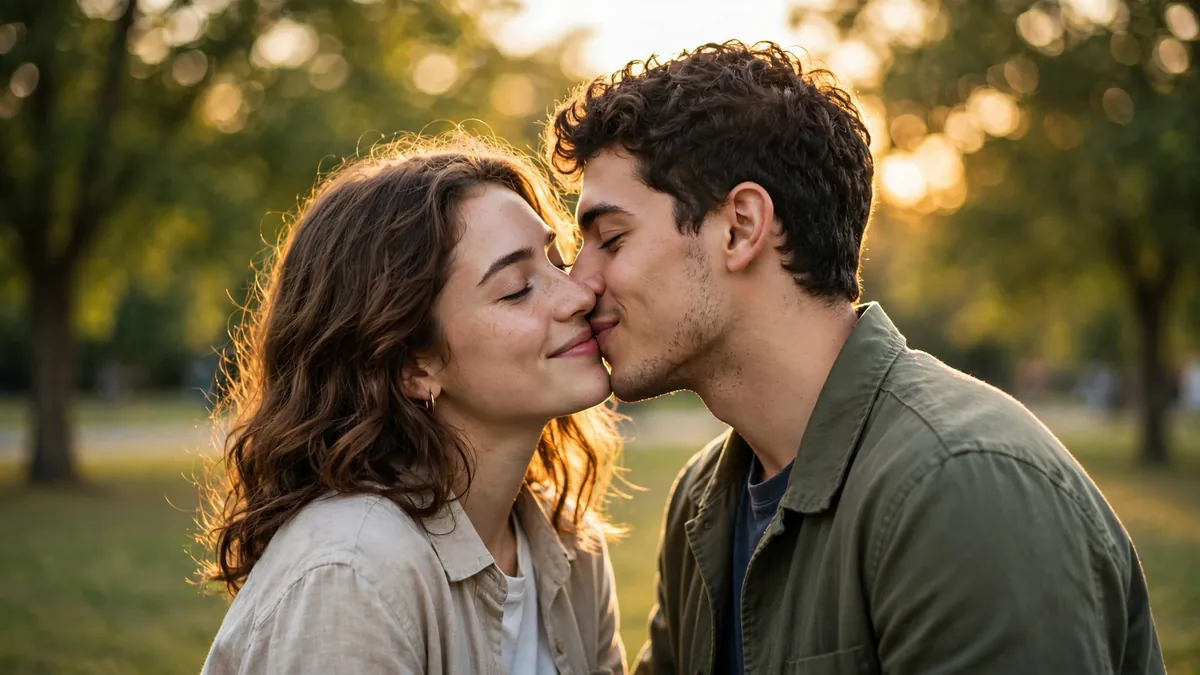
Ziztu runs this on MiniMax H3 Max Turbo, an image-to-video model hosted through fal. Image-to-video means the clip starts from your real picture rather than from a text prompt, so the people still look like themselves instead of two strangers the model invented. The effect is built to stay sweet: a peck, a cheek kiss or a forehead kiss, both people fully clothed. It is made for couples, close friends, a wedding photo or a pair of original characters you created, and it is not built for anything beyond a gentle moment.
How to make an AI kissing video, step by step
- **Open the AI Kissing Video Generator.** Sign in to a free account so the tool can give you your trial credits and save the clip.
- Upload one photo with both adults in it. They should be side by side with both faces clearly visible. You must have the rights to the photo and the consent of both people in it.
- Pick the kiss. Choose a gentle peck, a romantic slow kiss, a forehead kiss or a cheek kiss. If you are unsure, start with the gentle peck, which is the most reliable.
- Add an optional note. You can type a small detail for the mood, like a sunset moment or soft lights behind them, but you do not have to.
- Generate. The model animates the clip in about two minutes and makes a 5 second video.
- Review and download. If the faces drift or the motion looks stiff, run it again or switch to a softer kiss style, then save the clip.
If you do not have a couple photo and want to make the moment with invented people, create them first. A text-to-image tool or the OC maker can generate two synthetic characters in one frame, and then you animate that image. This keeps the whole thing fictional, which sidesteps every consent question.
Pick a photo that gives a clean result
The clip can only be as good as the photo you feed it. The model has to understand where each face is and which way the two people are turned, so a clear starting image does most of the work.
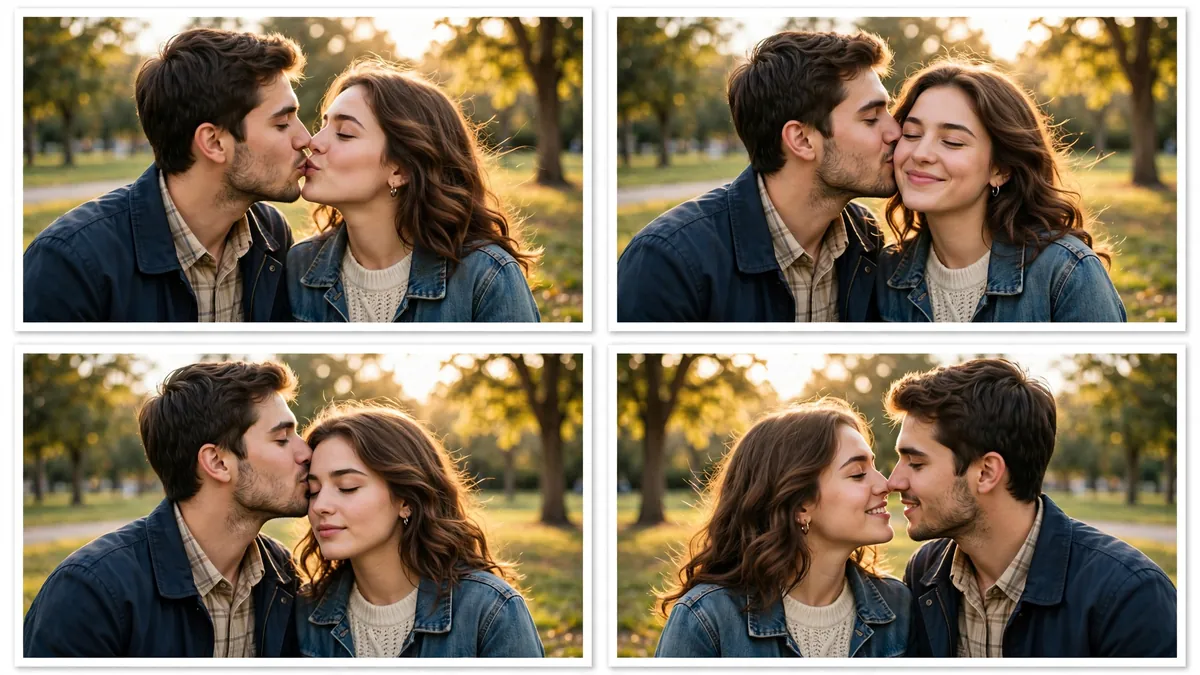
A photo that works usually has:
- Two faces, both sharp. Blurry or tiny faces give the model too little to hold onto, and they tend to morph.
- Both people turned slightly toward each other. A head-on group selfie is harder than a photo where the pair already lean in a little.
- Nothing covering the mouths or cheeks. Sunglasses are fine, but hands, hair or a drink in front of a face will confuse the motion.
- Even light. Soft, flat light beats harsh shadows, which the model can read as part of the face and distort.
Keep the pairing simple: two adults, close together. A crowd photo where you want only two of five people to kiss is beyond what the single effect does well.
What it costs
Your first clip is free. A new Ziztu account comes with 0 free trial credits and one free 5 second video, no card, so your first AI kissing video costs nothing. After that, a kiss clip is 500 credits at 768p. The Starter plan is $39 a month for 32,000 credits, and higher plans bring the per-clip cost down.
Because each generation varies a little, budget two or three tries for a version you are happy with. That is still a few credits for a shareable clip, which is the point of the effect: one photo in, a sweet moment out, no editing software and no camera.
When it works well, and when it does not
The kiss effect is reliable for a clear two-person photo and a gentle style, and shakier the further you push it. It works well when you want to:
- turn a nice couple photo into a short, warm clip for an anniversary or a message;
- animate a wedding or engagement picture into a moving keepsake;
- bring two original characters to life for a story, the same consistency idea behind building an AI influencer that holds across images.
It struggles when:
- a face is small, blurry or partly hidden, so it morphs during the kiss;
- the two people start facing straight at the camera and far apart;
- you expect a long, dramatic scene, which this 5 second effect is not for;
- the photo is dark or busy, which makes the people hard to separate from the background.
When a result looks off, change the input before you change anything else. A sharper photo and a gentler kiss style fix most problems. For a bigger moment, treat the kiss as one beat in a longer edit: make a few related shots of the same couple in the AI Video Studio and cut them together, rather than asking the single effect to carry a whole story.
A close cousin of this effect is the AI hug video, which animates the same kind of photo into a warm embrace instead of a kiss. For a livelier clip from a single full-body photo, see how to make an AI dance video. If you also want to restyle an outfit in the picture before you animate it, do that first with the AI clothes changer, then run the finished image through the kiss effect so the model only has to add motion.
Consent and responsible use
This is the part that matters most. The AI Kissing Video Generator is built for wholesome, consenting moments, and it should only be used that way.
- Only use photos you have the right to use. Your own photos, or pictures of people who have agreed, or fictional characters you created.
- Get the consent of both people. A kissing video of two real people needs both of them to say yes. Making one of someone without their permission can break platform rules and privacy or likeness laws, and it can hurt a real person.
- Adults only. Never use a photo of a minor. The effect is for adults.
- Keep it kind. Do not make a kiss video to harass, embarrass, deceive or imply a relationship that is not real. Wholesome only: a peck, a cheek or forehead kiss, both people clothed.
When you share the clip, label it. TikTok asks creators to turn on its AI-generated content setting for realistic AI video, and Meta shows an AI info label on Instagram, Facebook and Threads. Labeling keeps you on the right side of the rules and is honest with the people watching. Ziztu also deletes your uploaded photo from its server within 24 hours, and the picture is sent to the AI provider, fal, to make the clip, so only upload images you are allowed to use.
Ready to try it? Open the AI Kissing Video Generator, upload one clear photo of two consenting adults, and pick a gentle kiss. Your first clip is covered by the 0 free trial credits and the free first video, and each kiss clip after that is 500 credits.