
You can make anime with AI at three levels. A single clip takes ten minutes: make an anime style still, then animate it with a video model. A scene with the same characters takes an hour: design the cast first and use character sheets as references. A short film takes an afternoon: plan the shots, generate them, then add music and edit on a timeline. This guide covers all three, with real costs from Ziztu, where a 5 second clip starts at 31 credits at 480p.
Level 1: one anime clip
The best anime clips start from a still image, not from text alone. The still fixes the art style, the character and the composition; the video model only has to add motion.
- Write the shot. One subject, one place, one action, one camera move. "A girl in a straw hat stands in a field and looks up as a whale made of clouds drifts overhead, slow tilt up."
- Make the first frame. Generate the still with an image model. In Ziztu a still costs 3 credits with Meta Muse Image or up to 15 with GPT Image 2.5 at high quality.
- Animate it. Send the frame to a video model with the motion prompt. On H3 Max Turbo, 5 seconds cost 31 credits at 480p and 50 at 768p.
- Judge it, then retake if needed. Look at hands, eyes and the end of the clip, where models most often go wrong.
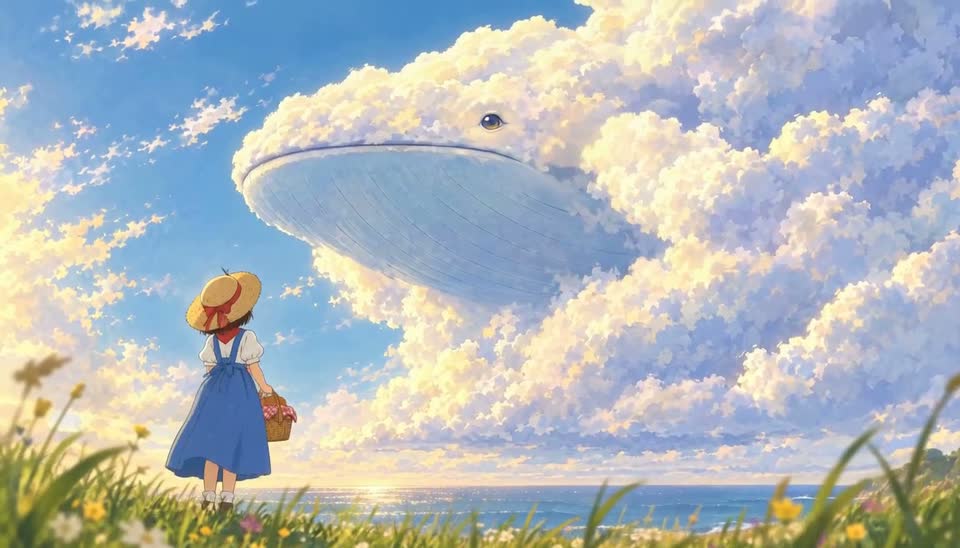
Prompt tips for anime motion
- Name the motion, not just the scene. "Hair and scarf move in the wind" gives you more than "windy day."
- One camera move per shot. Slow push in, pan, tilt up, tracking shot. Mixing moves makes the image swim.
- Describe light and weather. Golden hour, rain, neon, fog. They set the mood more than the word "anime."
- Keep clips short. Five to eight seconds is the sweet spot. Longer clips drift more.
Level 2: a scene with consistent characters
A scene is three to eight shots with the same people in the same place. Consistency is the hard part, and it comes from preparation.
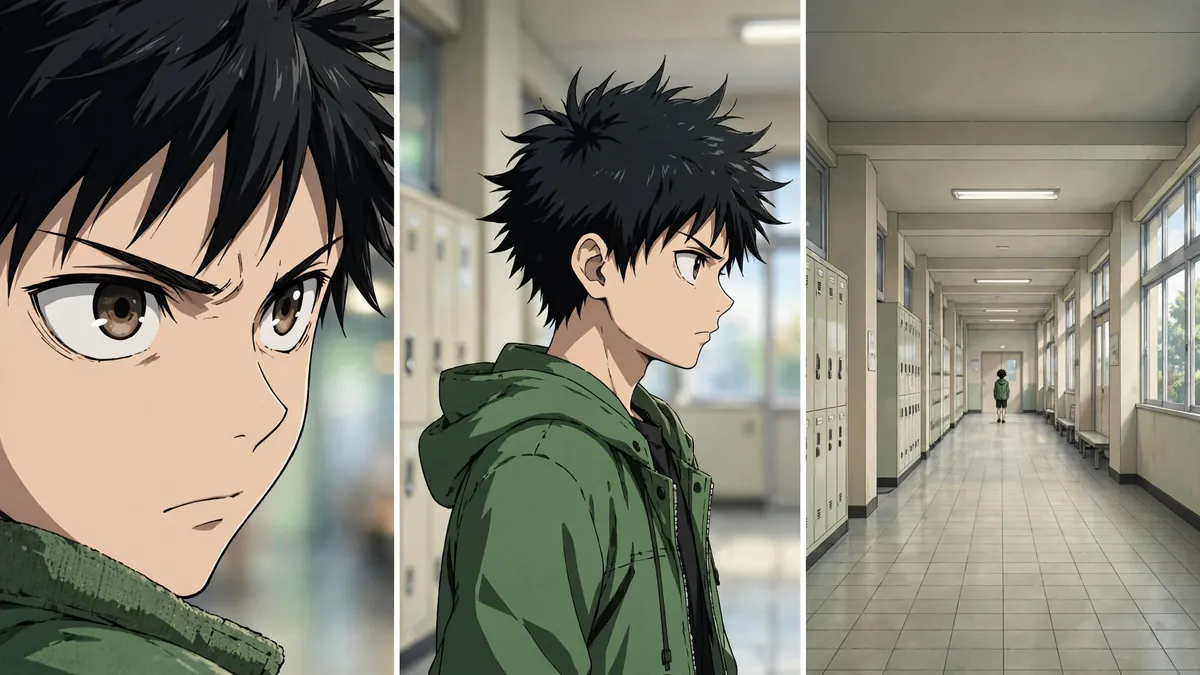
- Design each character once. Write a fixed description: age, build, face, hair with one unique mark, outfit from top to bottom, one prop. Need ideas? Use the OC Maker.
- Make a character sheet. A turnaround with front, three-quarter and back views. In Ziztu Studio you add the character to the cast and generate the sheet; you can also upload your own drawing and mark it as the final design.
- Make the place. Generate a plate of the location without people, so every shot in the scene shares the same background.
- Plan the coverage. Open with a wide shot, then medium shots, then close-ups for emotion. Change the shot size on every cut.
- Generate with references. Attach the character sheets to every first frame. For the strictest consistency, Ziztu's Identity lock (H3 Max References) sends the references to the video model too: 106 credits for 5 seconds at 768p with three references.
- Continue shots. For a continuous action, start the next shot from the last frame of the previous clip. Ziztu calls this Continue from last frame.
Level 3: a short anime film
A short film adds story, music and the edit. Here is the workflow in Ziztu Studio.
Before you generate, plan the shots: the best AI storyboard generators compares the tools that turn a script into panels.
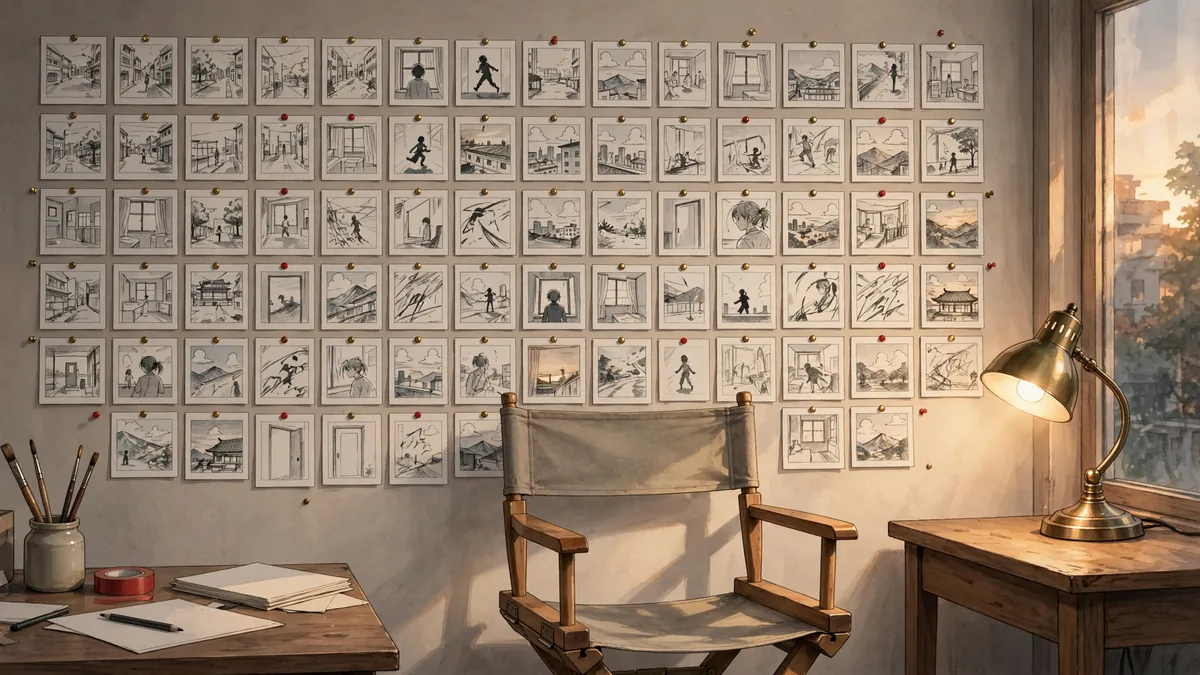
- Start a project with a style preset: samurai, shonen battle, fantasy adventure, cyberpunk and mecha, retro 80s OVA, pastoral, sports, slice of life, dark fantasy or magical idol. Pick 16:9, 9:16 or 1:1.
- Describe the idea to the Director. One or two sentences: "A village kid makes a wish and a whale made of clouds answers. One minute." The Director suggests a cast, places and a shot list. Applying it costs nothing.
- Lock the cast and places as in level 2.
- Generate first frames for every shot and pick the best of each.
- Generate the clips. Draft at 480p, then remake the keepers at 768p or 1080p (99 credits per 5 seconds on H3 Max Turbo). Other models are on the same timeline: Kling 3.0 Pro with sound costs 208 credits for 5 seconds at 1080p.
- Add music. Generate a film score cue with Lyria (25 credits), an exact length instrumental with ElevenLabs (149 credits up to a minute), or upload your own track. Cuts snap to the beat markers.
- Add dialogue and captions. Write lines per shot and add captions on the text lane.
- Export one MP4 at 720p or 1080p.
A one minute film at 768p is twelve 5 second clips, about 600 credits, plus first frames, music and retakes. The Creator plan is $29 a month for 2,500 credits. See pricing for every plan.
Other ways to make anime style videos
- Narrated picture stories. The AI Story Video Generator in Ziztu turns a story into a vertical narrated video with illustrated beats, captions and music.
- Hand-drawn motion. The AI Animation Generator makes one short hand-drawn style animation from key poses and inbetweens, reviewed frame by frame.
- Manga first. Some creators write the story as a manga and then animate their best panels. See how to make manga with AI.
- Music videos. If your anime is set to a song, follow how to make an AI music video from a song.
Honest limitations
- Clips are short. H3 models make up to 15 seconds per clip. Everything longer is editing.
- Faces drift over long films. Sheets and references fix most of it. Check every shot.
- Lip sync is limited. Dialogue scenes work best with the speaker in profile, at a distance, or cutting to the listener.
- Fast fights are hard. Use short clips and many cuts rather than one long take.
- AI does not write your story. The Director helps you plan, but a strong idea is still on you.
Ready to compare tools first? Read the best AI anime video generators in 2026.