
To make YouTube Shorts with AI and never show your face, you pick one faceless niche, write a short narrated script with a hook, turn each line into a vertical 9:16 scene, then add an AI voice, captions and music and export at 1080p. YouTube treats any vertical video up to three minutes as a Short, so the whole piece lives on your channel the moment you upload it. This guide walks the full path, from a blank topic to a finished Short with the AI label set correctly, using free tools for the first steps and a plan only when you make the video.
What counts as a YouTube Short
A Short is a vertical or square video up to three minutes long, with a maximum resolution of 1080p, as YouTube's help page on three-minute Shorts explains. You do not pick a separate "Short" upload type for longer pieces: YouTube reads the shape and length and files it as a Short on its own.
Three minutes is the ceiling, not the target. Most faceless Shorts that do well still run 20 to 60 seconds, because one clear idea holds attention better than a padded one. Think of the extra length as room for a true story or a step-by-step, not a reason to stretch.
How we ranked the steps
We built faceless Shorts across common niches, history, science facts, geography, true stories and motivation, and watched which ones held up as finished uploads rather than demos. We made them in Reel Factory, then checked each one against four marks: does the hook land in the first second, does every line get its own picture, are the captions readable on a phone, and is the music sitting under the narration. I started Ziztu after my own attempts to direct high-quality anime and micro dramas with other AI tools kept falling short, so the bar here is a Short you would publish today.
Step 1: Pick a faceless niche
Faceless Shorts work when the topic carries the video. Pick one lane and stay in it so your channel reads as one thing:
- History and myth: a single event, person or place told in one arc.
- Science and nature facts: one surprising fact built out with a visual.
- Geography and comparisons: scale, borders, "which is bigger" formats.
- True stories and cases: a short real account with a turn at the end.
- Motivation and habits: one idea, said plainly, over a calm visual.
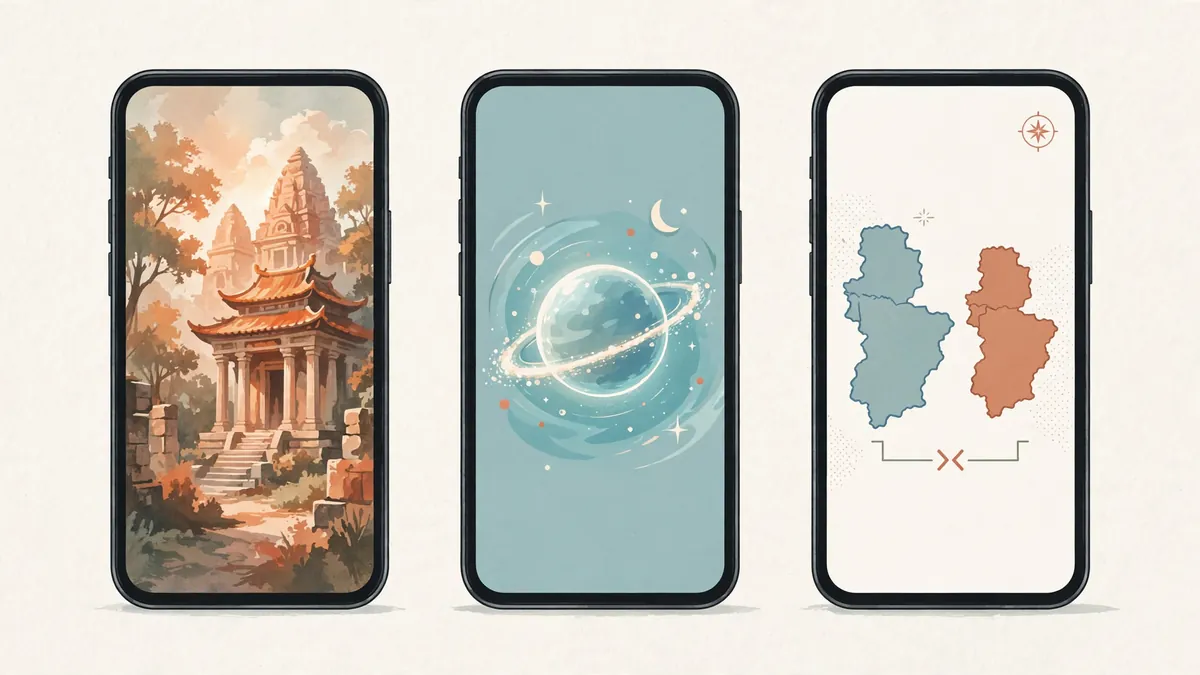
A niche also fixes your look. A history channel can stay painterly and warm. A facts channel can stay clean and bright. Keeping one look across uploads is what makes a new viewer subscribe instead of watching once and leaving.
Step 2: Write a narrated script with a hook
A faceless Short is narration plus pictures, so the script is the whole thing. Write it to be read aloud:
- Hook in the first second. Open on the surprise, the number or the question. "This city was lost for 500 years" beats "Today we are going to talk about a city."
- One idea per line. Each sentence becomes one scene, so keep sentences short and visual.
- A turn near the end. Give the viewer a reason to reach the last line: the twist, the payoff, the "and that is why".
- A soft close. End on a line that invites a comment or a follow, not a hard sell.
For a 30 second Short, that is about 70 to 90 spoken words. If you are stuck, Reel Factory can draft a topic into a script you then edit until it sounds like a person talking, not a textbook.
Step 3: Turn each line into a 9:16 scene
Now each line of the script needs a picture in the vertical frame. Two ways to get there:
- Scene by scene. Draw each vertical picture with the AI image generator and join them yourself. Good when you want to hand-pick every frame or mix in your own footage.
- The whole Short at once. The story workflow reads your full script, makes a shot list, draws a frame for every line in one look, and adds motion on the key moments with MiniMax H3 Max Turbo. You can read the shot list and edit it scene by scene before anything runs, so nothing is a surprise.
Keep the same look across every scene. A Short that jumps from painterly to photoreal to cartoon feels like three videos stitched together, and it reads as mass-produced to both viewers and YouTube.
Step 4: Add the voice and captions
The voice carries a faceless Short, so treat it like casting. Pick a tone that fits the niche: calm and low for history, bright and quick for facts, steady for motivation. Ziztu makes the narration from your script with a chosen voice, and you can re-read any line that lands flat.
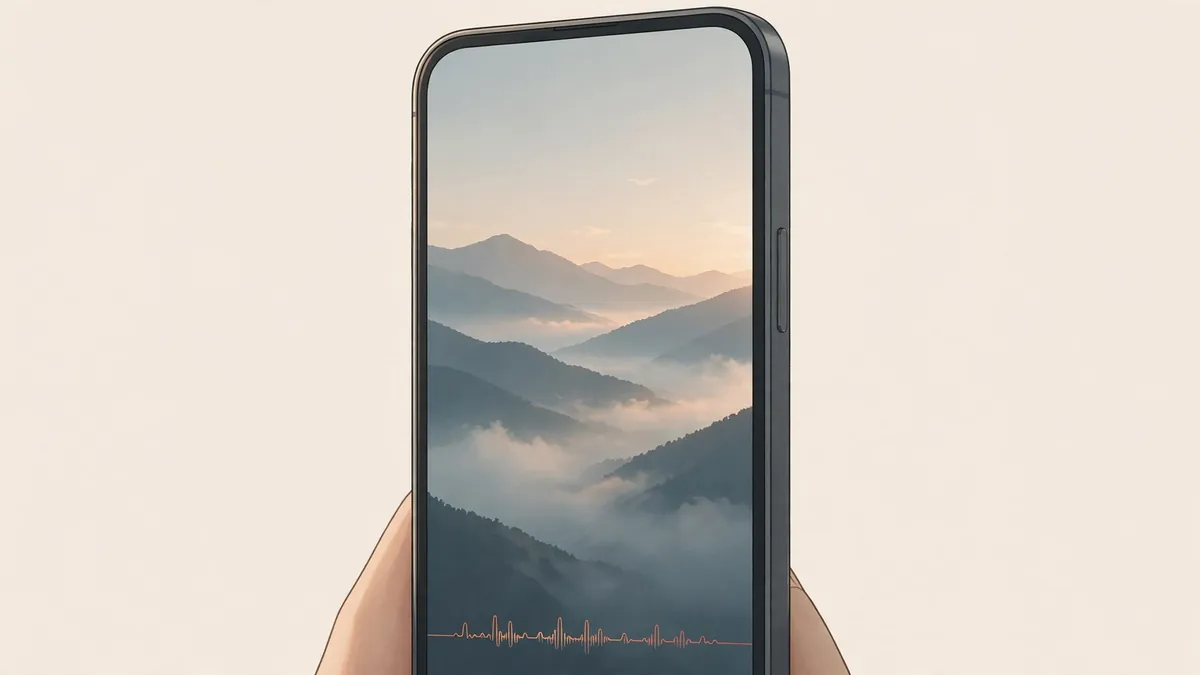
Captions are not optional. Many people watch Shorts muted, and burned-in, word-by-word captions keep them watching. Keep them large, high in the frame, and clear of the bottom bar where YouTube shows the title and buttons.
Step 5: Add music and export at 1080p
One music bed under the narration is enough. Keep it quiet, well below the voice, and let it set a mood rather than compete. Avoid a track that swells and buries a line.
Export the finished Short at 1080p vertical, the maximum resolution YouTube keeps for Shorts. A clean 1080p file looks sharp on a phone and leaves headroom if YouTube re-compresses it. Ziztu gives you one finished MP4 in 9:16 with the script, voice, captions and music already in it, ready to upload.
Step 6: Disclose the AI and publish
When you upload, YouTube asks whether the content is realistic and was made or meaningfully changed with AI. Per YouTube's page on disclosing altered or synthetic content, you answer Yes for realistic AI video, and YouTube adds a label. Clearly animated or cartoon looks are exempt from the on-video label and get the note in the expanded description instead. YouTube says disclosing does not limit a video's reach or its ability to earn, so set it honestly: creators who hide realistic AI content can face labels added for them or penalties.
Write a title that repeats the hook, add a short description with two or three tags, and publish. The vertical shape and length do the rest.
Step 7: Post on a rhythm and build toward monetization
One good Short rarely moves a channel. A steady rhythm does. Post daily if you can, weekly if you cannot, and change one thing each time so you learn what works: the hook, the niche angle or the length.
Money on Shorts comes through the YouTube Partner Program. The Partner Program eligibility page lists an ad revenue tier of 1,000 subscribers plus either 4,000 valid public watch hours in 12 months or 10 million valid public Shorts views in 90 days. You can apply earlier at 500 subscribers with 3 public uploads in the last 90 days and 3,000 watch hours or 3 million Shorts views. Treat those as milestones, not day-one goals, and keep the uploads original so a review goes your way.
What it costs
The writing and planning are free. A new account gets 0 free credits for scripts, character art, storyboards, voices and sound, plus free, no card. That covers the script, the first scenes and a voice so you can test a niche before you spend.
The finished video, with motion on the key scenes, runs on a plan. The Starter plan is $39 a month for 32,000 credits. Every tool shows the exact credit cost on the button before it runs, so a Short never costs more than you agreed to.
Honest limits
AI Shorts are a real workflow, not a magic button. A few things to plan around:
- Consistency takes care. Characters and places can drift between scenes. Keeping one look and short scenes reduces it, but check every frame before you publish.
- Three minutes is a ceiling, not a goal. Longer is not better. A tight 30 second Short usually beats a padded two minute one.
- Narration still needs editing. AI voices are good, but a rushed or flat read shows. Re-read the lines that matter.
- Originality is on you. The same template reposted with a new voice is what YouTube acts against. Change the idea, not just the audio.
A simple first week
Day one, pick a niche and a look and make one Short end to end so you see the whole path. Days two to five, make one a day on the same niche, changing only the hook. Day six, look at which Short held attention longest and why. Day seven, write next week around what worked.
If you later want a face on camera without filming, our guide on how to start a faceless YouTube channel covers faceless formats that also fit Shorts, and the same script and scene steps carry straight over.
Make your first YouTube Short
The quickest path is one topic and one look. Open Reel Factory, type your topic and pick a style, and it writes the script, draws the vertical scenes and adds the voice, captions and music to get a finished Short for YouTube, Reels and TikTok. Start with 0 free credits, no card.