Free Anime Image Creator
Describe a character or a scene and get anime art in seconds. Each image costs 3 credits, so the 40 free credits of a new account make about 13 images.
Updated
Example outputs
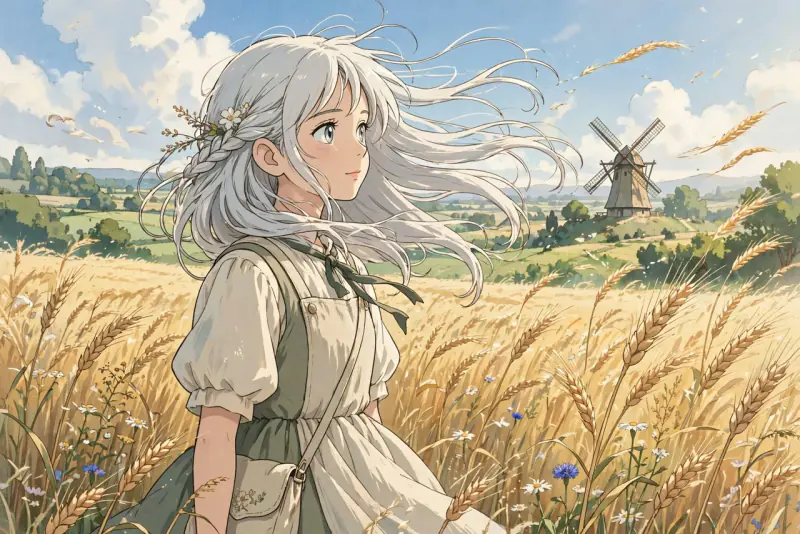
Input: "a girl with silver hair standing in a sunlit wheat field, wind in her hair, distant windmill", style Ghibli-like soft. Model: Meta Muse Image.
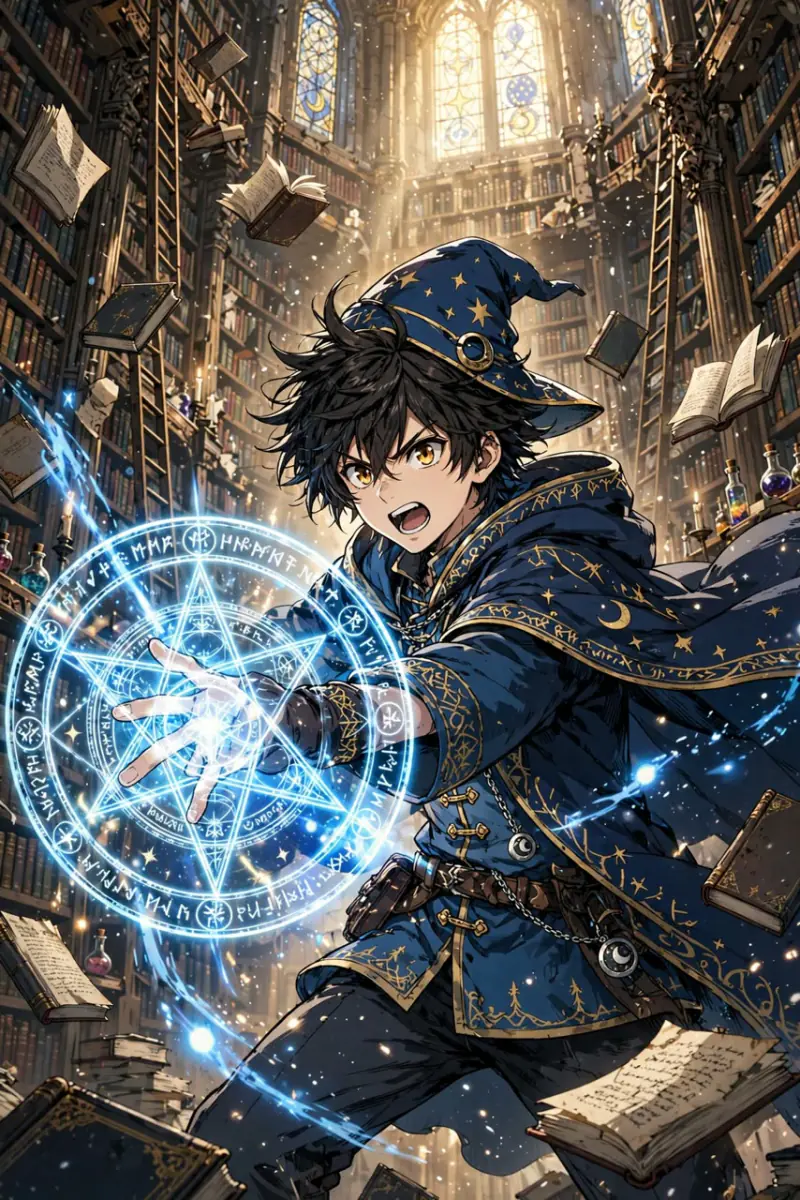
Input: "a young wizard casting a glowing spell in a tall old library, floating books", style Shonen bold. Model: Meta Muse Image.
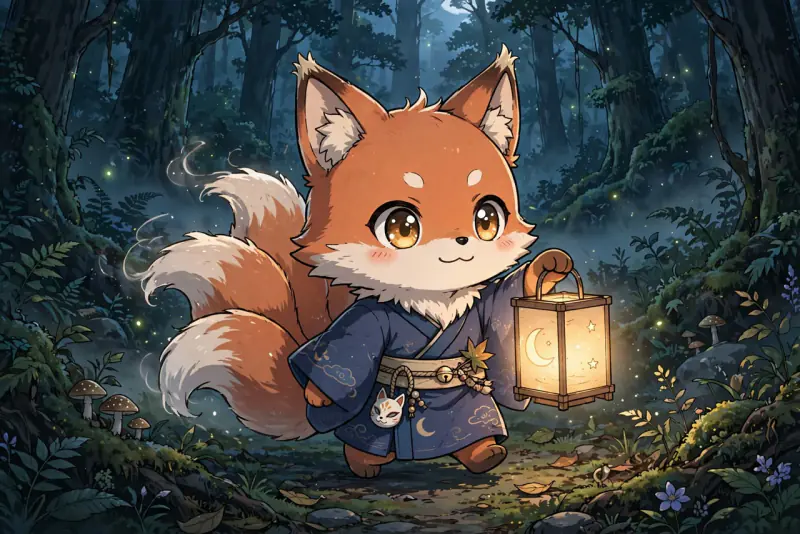
Input: "a chibi fox spirit carrying a paper lantern through a dark forest", style Chibi cute. Model: Meta Muse Image.
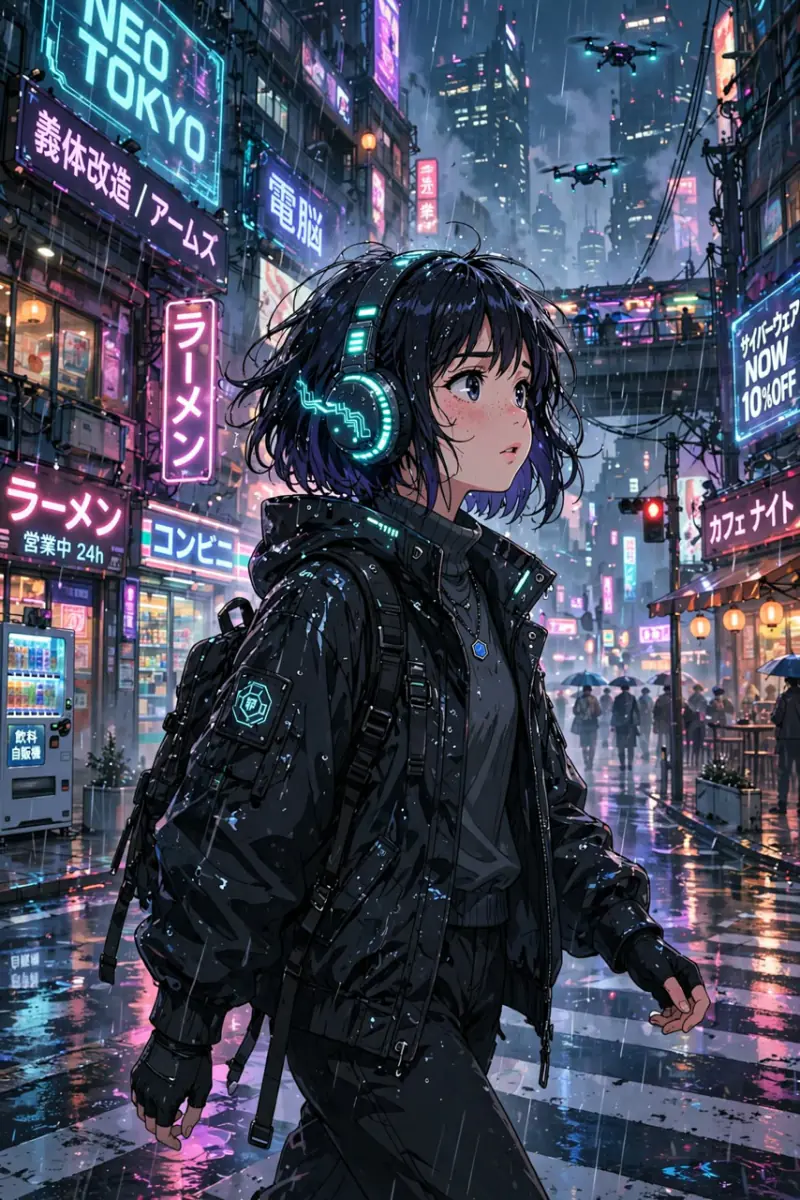
Input: "a girl with glowing headphones walking through a neon cyberpunk city in the rain", style Cyberpunk. Model: Meta Muse Image.
How it works
Describe your anime character, scene or concept in plain English. Include colors, mood and any details that matter.
Choose an art style such as Ghibli-like soft, shonen bold or chibi cute, then press Generate.
Download the image. To bring it to life, take it into Studio, where you can turn stills into anime clips.
Ideas and uses
| Style | Look | Best prompts for |
|---|---|---|
| Ghibli-like soft | Lush painterly backgrounds, gentle light, natural scenes | Nature, quiet moments, fantasy landscapes |
| Shonen bold | Strong lines, high contrast, dynamic poses | Action heroes, battle poses, dramatic reactions |
| Shojo delicate | Soft lines, flowers, pastel tones, expressive faces | Romance, character portraits, emotional scenes |
| Chibi cute | Round small characters, big heads, simple backgrounds | Cute portraits, comedy, mascots |
| Retro 90s | Grain overlay, limited palette, bold outlines | Classic anime homage, nostalgic portraits |
| Cyberpunk | Neon glow, dark backgrounds, glowing details | Futuristic settings, sci-fi characters, cityscapes |
Create anime art from a text description
The Free Anime Image Creator generates still anime artwork from a plain text prompt. You describe what you want to see: a character, a landscape, a scene or a mood. The AI interprets the description and produces a finished image in the style you choose.
The generator understands standard anime terminology: screen tone, cel shading, bishoujo, mecha, isekai backgrounds, soft BGs, speed lines, emotional close-ups. You do not need to use technical terms, but they help if you know them.
Images are made with the Meta Muse image model, up to about 1,900 pixels on the long side, in a landscape, portrait or square frame that suits the scene.
Anime art styles explained
The style preset shapes how the AI interprets every part of the image: character design, line weight, color palette, background detail and lighting. Here is what each does:
Ghibli-like soft (our own soft painterly look, not affiliated with any studio) produces lush, painterly backgrounds with gentle textures and warm natural light. Characters have soft expressions and the environments feel lived-in. This style works for nature scenes, quiet villages, and any prompt with a sense of wonder.
Shonen bold uses strong black outlines, high contrast and dynamic composition. Characters have angular jawlines and expressive eyes. Good for warriors, heroes and action portraits.
Shojo delicate uses fine lines, flower and light overlays, and a pastel-heavy palette. Faces are large-eyed and expressive. Good for romance scenes and character portraits with emotional depth.
Chibi cute uses super-deformed proportions: oversized heads, small round bodies and simple wide eyes. Great for mascots and comedy.
From a still to a scene
A good still is the start of a larger project. In Ziztu Studio you can use your image as a character reference, animate it into short clips and add sound effects and music to build a scene or a short episode.
Frequently asked questions
Is this anime image creator really free?
You can try it free. Sign up with an email address and you get 40 free trial credits. One image costs 3 credits, so that is about 13 images. Free trial images carry a small "Made with Ziztu" watermark. Paid plans start at $12 a month for 1,000 credits.
Do I need an account to use it?
Yes. You need a free account to generate, so we can give you your trial credits and keep your images. Signing up takes an email address and a password.
Can I use the anime images commercially?
Every paid plan includes commercial use of what you make here, and paid images have no watermark. Free trial images carry a small watermark.
Which anime styles are available?
Six styles are available: Ghibli-like soft, shonen bold, shojo delicate, chibi cute, retro 90s and cyberpunk. You can also guide the style through the prompt itself by mentioning specific visual qualities.
Can I turn the image into an anime video?
Not on this page. Download the image and add it to a project in Studio, where you can animate stills into anime clips with the video models.
How do I write good prompts for anime images?
Include the character description, the setting, the lighting and the emotional tone. For example: "a girl with violet hair sitting on a rooftop at sunset, soft warm light, peaceful expression, shojo style" gives much better results than just "anime girl on a roof".