

Basic
Pictures that move
Your story as AI pictures with camera moves, zooms, maps and data cards. The lowest price.
- Pictures drawn by FLUX.3 Klein at 1920 by 1088
- Camera moves, punch-ins, maps, data cards and diagrams
- No AI video clips
Type an idea or paste a YouTube link. Get your own 3 to 60 minute narrated film in 16:9 for Instagram Features, with a script, pictures, a voice and thumbnails.
Pick a look One look carries every picture of the film.
How long Any whole number of minutes from 3 to 60 inside the tool.
On 26 October 2026 Instagram announced its new feature for long videos, called Features: horizontal videos of up to 90 minutes that people can reach from shorter Reels and watch on the Instagram app or on a TV. Instagram tried it in Brazil first and is now testing it with select creators in the US.
This tool makes the long video: your own narrated film of 3 to 60 minutes in 16:9, in one look from the first shot to the last, ready to download and post.
Reported by TechCrunch, 9to5Mac and Social Media Today on 26 October 2026. Our guides: how long Instagram videos can be and Instagram's aspect ratios and sizes.
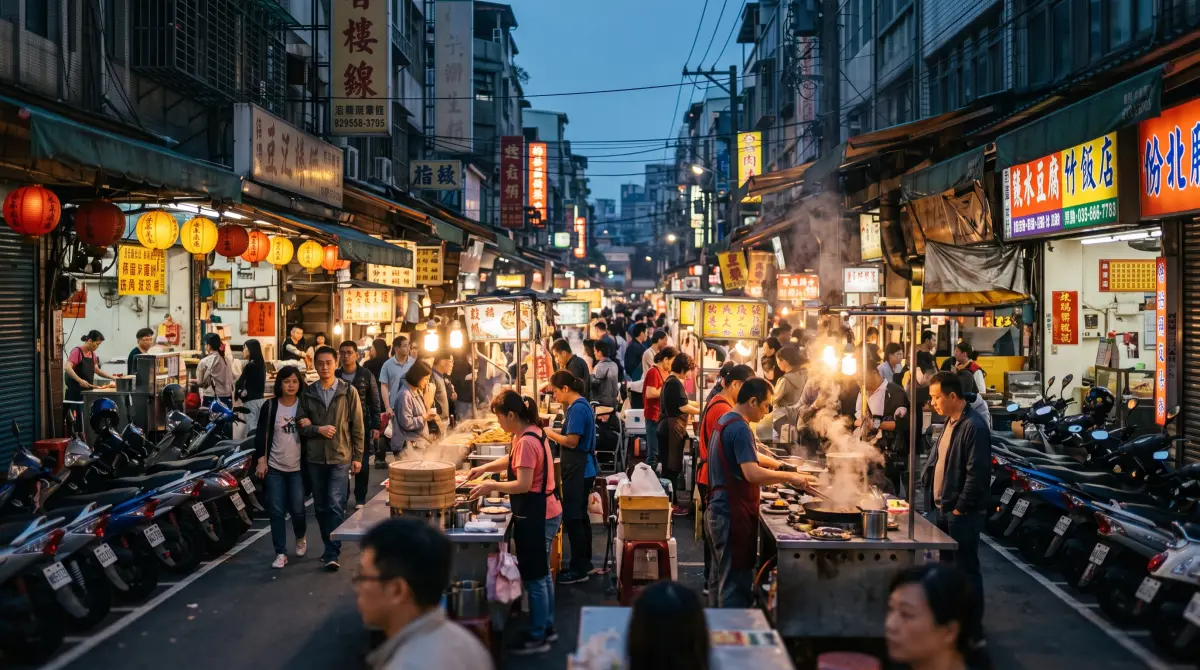 16:93 to 60 min
Six of the pictures this tool drew for a short film about the size of the universe, each with the line the narrator says over it.
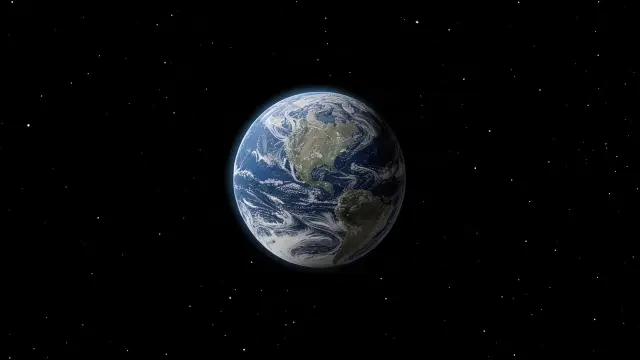 0:00
0:00
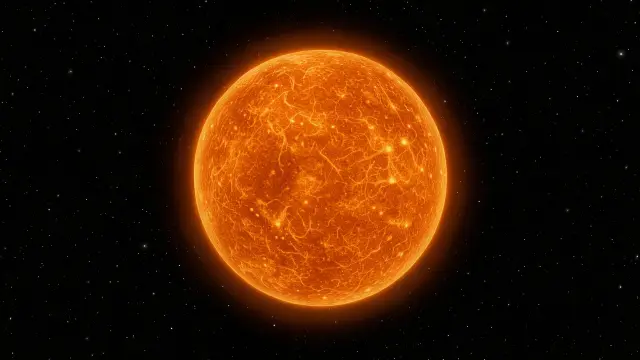 0:20
0:20
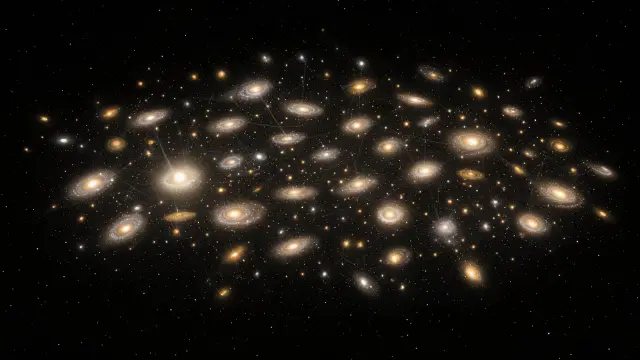 2:40
2:40
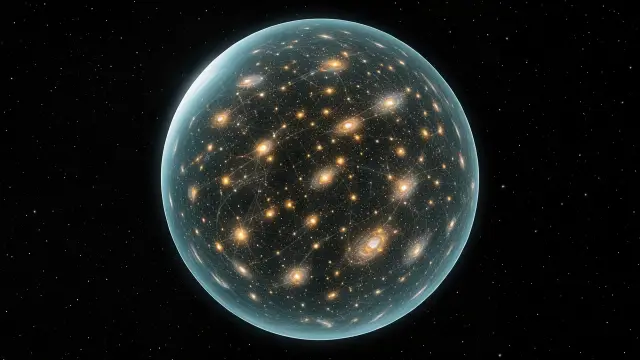 2:51
2:51
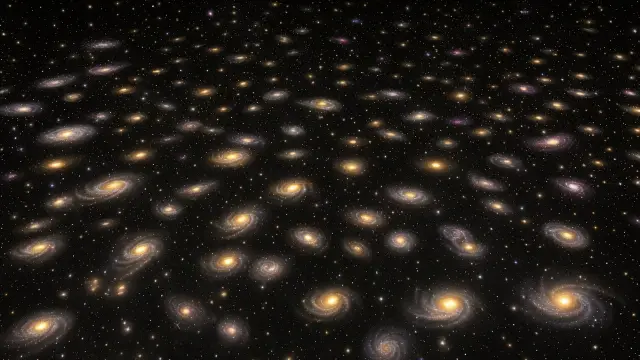 3:18
3:18
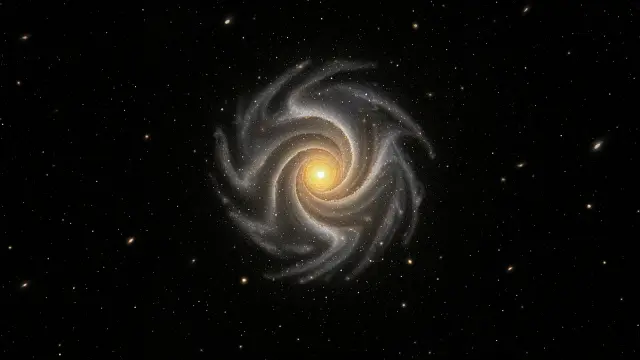 3:28
3:28
Three steps from a link to a finished film. Nothing big is made until you say so.
A YouTube video that is working, or one sentence about your topic. A link is studied for how it is built: the title pattern, the hook, the chapters and the pace.
Pick a title, shape the chapters and change any line. An originality score shows how far your words are from the source.
Choose the look and the narrator, approve a short look test, then make the film. The price in credits is on the button first.
Before the film itself is made you see its price in credits for your length and quality, and you press the button to start it.
Instagram's Clips as Reels lets you make Reels out of your Features video, and up to eight of them link back to the full film. Every chapter of a film from this tool opens with a hook, so the chapter starts are good moments to clip.
For new short videos about your topic, Reel Factory makes 9:16 Reels from one idea, with a voice, captions and music, in a style you pick. Here are four it made.
 Why Honey Threads Stretch So FarMacro close-ups, 29 s
 Moon Versus Mariana TrenchWould you rather, 29 s
 Three Hearts to FeedAnimal facts, 30 s
One look carries every picture in the film, so a 40 minute video does not drift from one style to another. A film in the realistic look needs Instagram's AI label when you post it.
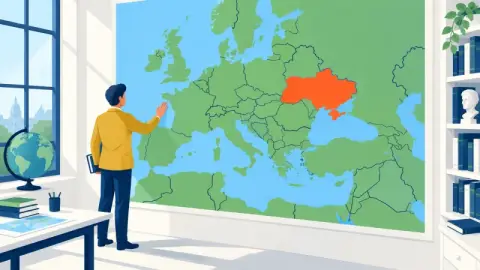 Map and castFlat cartoon people on real maps. The look of the big history explainers.
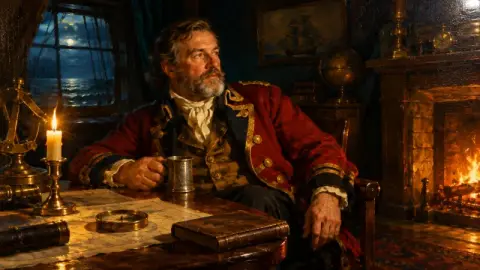 Old mastersMuseum oil paintings with candlelight and drama. Made for empires, kings and wars.
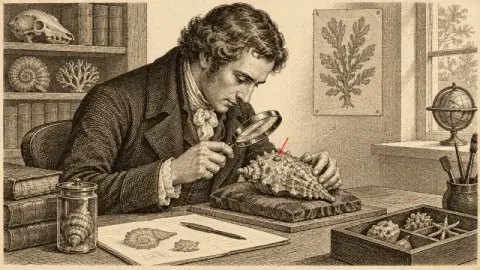 EngravingOld book etchings in ink and sepia. Perfect for mysteries and dark history.
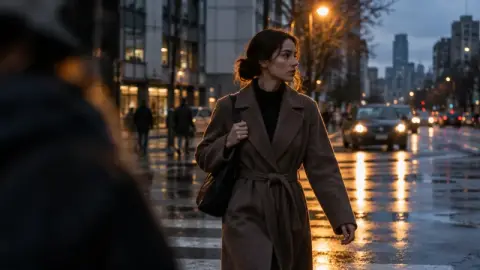 RealisticCinematic realPhotoreal film stills. For true crime, war and modern stories.
 Anime documentaryPainted anime film frames. For myths, legends and stories told warmly.
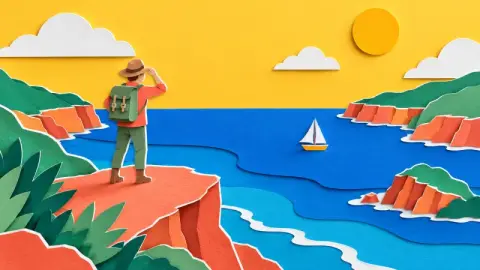 Paper cutoutLayered paper dioramas. Clear, bright and friendly for explainers.
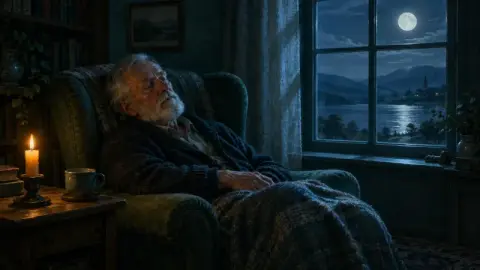 Bedtime historySoft candlelit paintings and a calm pace. For long sleep videos.
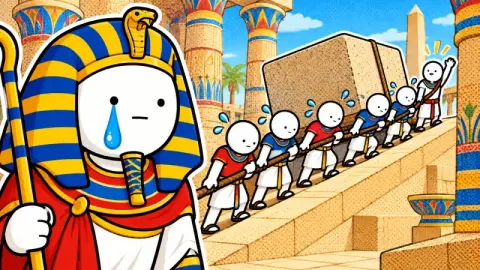 Cartoon comedyBold cartoon figures with blank faces and big reactions. The funny history look.
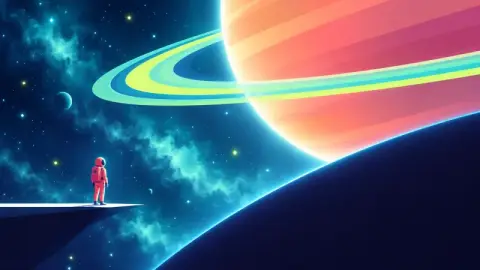 Geometric ExplainerNo outlines, only glowing geometry and scale. For science, technology and big ideas.
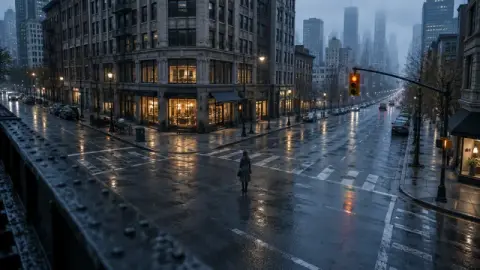 3D ReconstructionClean CGI rebuilds of real places, like a measured model of the event. For geopolitics, crime and engineering.
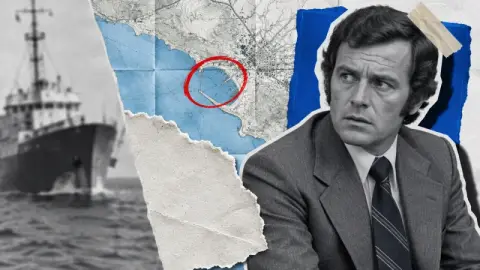 Archive CollageTorn photos, blank newsprint and red marker circles. The investigative video-essay look.
 Clay Stop-MotionHandmade plasticine figures with fingerprints and tabletop light. Warm, tactile and playful.
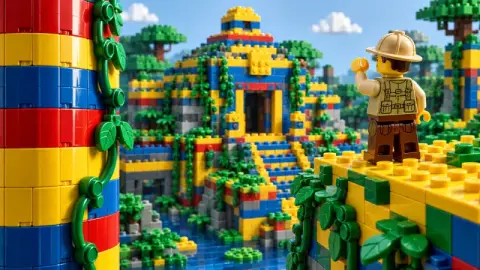 Brick WorldA world built from glossy interlocking plastic bricks. Playful, bold and instantly readable.
 Miniature WorldTiny photoreal people and places, shot like a tilt-shift model. For cities, systems and everyday life.
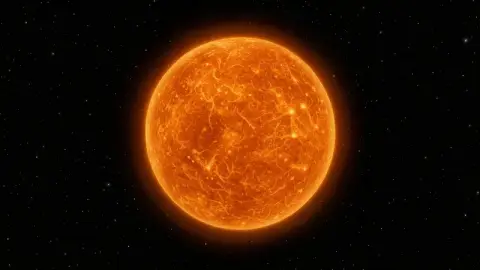 Deep SpaceReal space imagery: planets, stars and galaxies the way NASA shows them, on plain black. For space, science and the future.
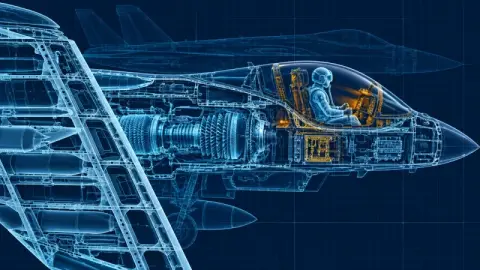 Blueprint CutawayGlowing technical drawings and cutaways that show how a thing works. For engineering, military and transport.
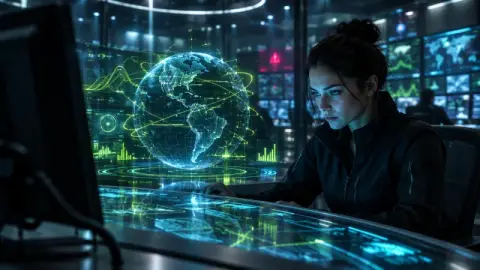 Dark TechA near-black control-room look with glowing data and screens. For AI, cyber, finance and tech.
 Manga InkBlack ink, screentone and speed lines. Dramatic comic storytelling for recaps, myth and martial arts.
When a film names a real person, you choose how they appear, and the tool starts from the choice that suits the look. You can change it for each person on the Plan screen.
A character in the same style as every other picture, made recognisable by public features.
The default for stories, comedy and explainers.
A real, freely licensed photo from Wikimedia Commons with a small credit line, shown as it is and never redrawn.
The default when the look is photographic, so an AI face never stands in for a real person.
The real photo when the narrator first says their name, then drawn scenes for the rest of the story.
The default for history, politics, news and biography in a drawn look.
Both tiers use the same writer, the same narrator voices and the same publish pack. The pictures and the motion are what change. Both are priced in credits by the length of the film, and the price is on the button before anything is made.
Basic
Your story as AI pictures with camera moves, zooms, maps and data cards. The lowest price.
Pro Our best pictures
Everything in Basic, with our best pictures, plus AI video clips on the key moments of your story.
On both, Claude Sonnet 5.5 writes the script and ElevenLabs reads it.
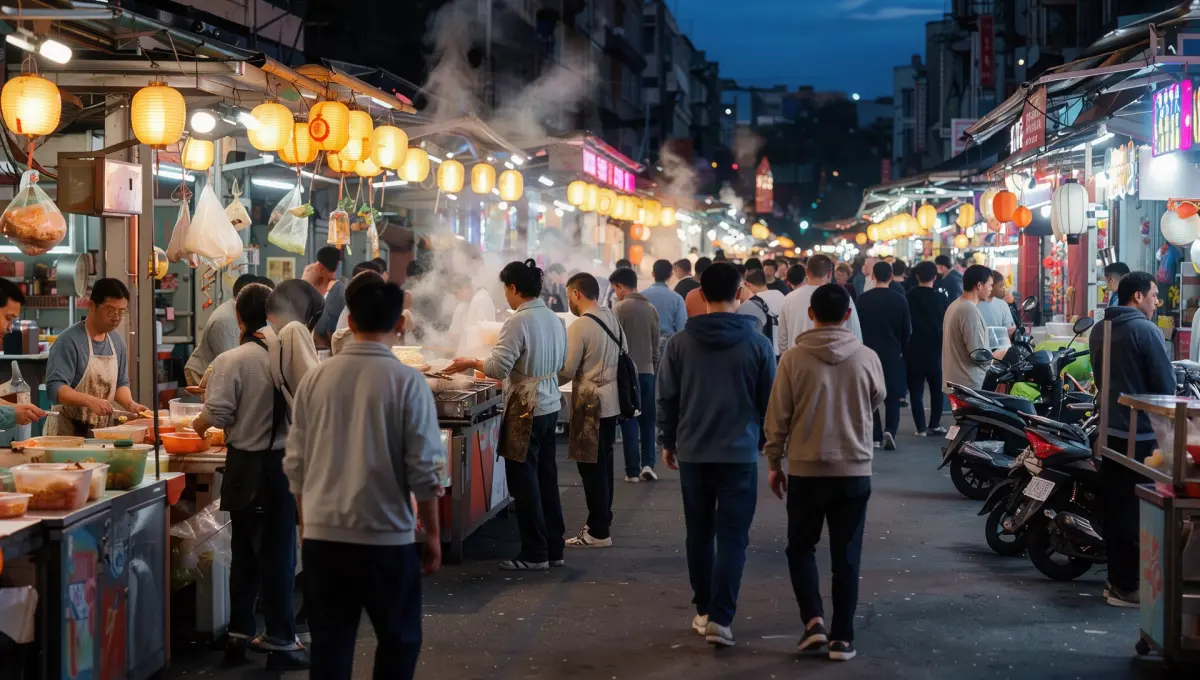
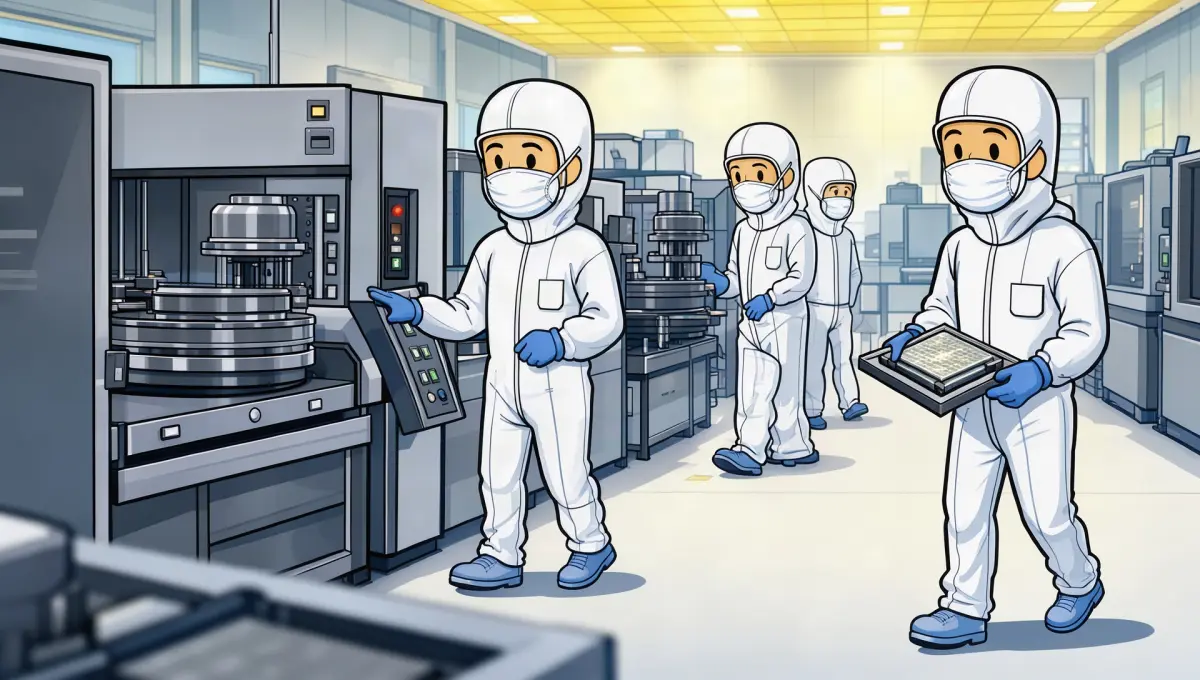
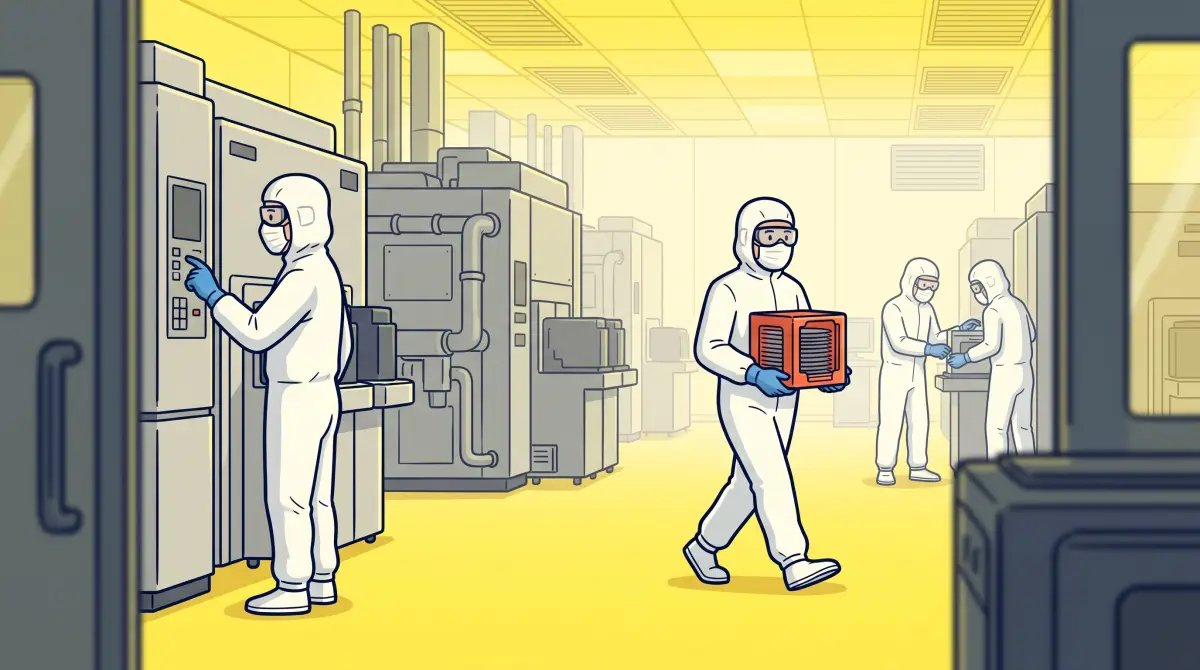
The same shot and the same picture prompt, drawn by each tier's picture model. Real frames, not retouched.
An AI Instagram video maker turns an idea or a link into a finished video: the script, the pictures, the narrator's voice and the edit. Ziztu's is an AI long video generator built for Instagram Features: horizontal films of 3 to 60 minutes, told in chapters and kept in one look from the first shot to the last. It runs in your browser, so there is no app to install.
It is the same tool as the AI YouTube Video Maker, so a film you make for Instagram works on YouTube too. You can also start from a YouTube video whose structure works, and the tool writes your own version of it with an originality score.
The planner decides chapter by chapter what carries each part of the story. Most shots are pictures drawn for the words over them. A map is drawn from real borders only when the story is about a place, and data cards and diagrams are typeset in the film's colours when numbers, a comparison or a process make the point. Every word on screen is typeset by the tool, so it stays sharp on a phone and on a TV.
A faceless video is one where nobody appears on camera: a narrator carries the story, and pictures, maps, data cards and diagrams follow it. History, explainers, true crime, science, money and bedtime stories are all made this way, and they suit the longer, TV-style viewing Instagram is building Features for. It is the video maker for Instagram creators who would rather not film themselves.
More on the method in our faceless channel workflow, which works the same way for Instagram.
Your account follows Instagram's rules, whatever you use to make the video. Meta asks people to label a photorealistic video or realistic-sounding audio that was digitally made or changed, AI included, and says it may apply penalties when such a post is not labelled. The label reads "AI info" on Instagram.
Films from this tool are made of AI pictures and an AI narrator, so add the AI label when your film fits that rule. Add your own research, point of view and voice to every film. The originality score helps with the script, but you are the author.
About Instagram Features, the Reels that link to it, IGTV, the AI label and what a film costs.
Updated
Features is Instagram's format for long, horizontal videos, announced on 26 October 2026. Instagram is testing videos of up to 90 minutes, which people can find through shorter Reels and watch on the Instagram app or on a TV. It was tried in Brazil first and is now being tested with select creators in the US.
In Features, Instagram is testing horizontal videos of up to 90 minutes (announced on 26 October 2026). This tool makes films of 3 to 60 minutes, so every length it makes fits inside that.
Horizontal, widescreen like a TV or a YouTube video. Instagram had not published exact upload specs as of 27 October 2026. Films from this tool are 16:9 at 1080p (1920 by 1080), the standard widescreen size.
Post it as a Feature, if your account has Features: Instagram is testing it with select creators, so check your app first. A film from this tool is a horizontal MP4 that you download and post yourself, and the same film works on YouTube while you wait.
With Clips as Reels, you make Reels out of your Features video, and up to eight of them link back to it (Social Media Today, 26 October 2026). Every chapter of a film from this tool opens with a hook, which makes the chapter starts good moments to clip.
Not quite. IGTV was Instagram's earlier home for long videos: Instagram folded it into Instagram Video on 5 October 2021, and the IGTV app left the app stores in March 2022. Features is a new format, announced on 26 October 2026, for horizontal videos of up to 90 minutes that Reels can link to.
Yes. This tool writes the script, draws the pictures, records a narrator and edits a 3 to 60 minute horizontal film. You read and change the script before any picture is drawn, see the price in credits first, then download it and post it yourself.
AI info is the label Instagram shows on posts made or changed with AI; Meta renamed it from "Made with AI" on 1 July 2024. Meta asks you to add it to a photorealistic video or realistic-sounding audio that was digitally made or changed, and may apply penalties when it is missing. Films from this tool use AI pictures and an AI narrator, so add it when your film fits that rule.
Yes. It is the same tool, with the same writer, looks, narrators and edit. This page shows how to use it for Instagram Features, and a film you make here works on YouTube too.
It is free to start: new accounts get 400 free credits with no card. A film is priced in credits by its length and by Basic or Pro, you see the price before it is made, and credits start on any plan ($7 for 1,200 credits, one time).
No. It makes the video, the thumbnails, title options and a description with chapter times. You download them and post the video yourself, so every film goes live only when you decide.
Start with one sentence about your topic, or a link to a YouTube video that is working.
New accounts get 400 free credits, no card. A film is priced by its length and quality, you see the credits first, and credits start on any plan ($7 for 1,200 credits, one time).
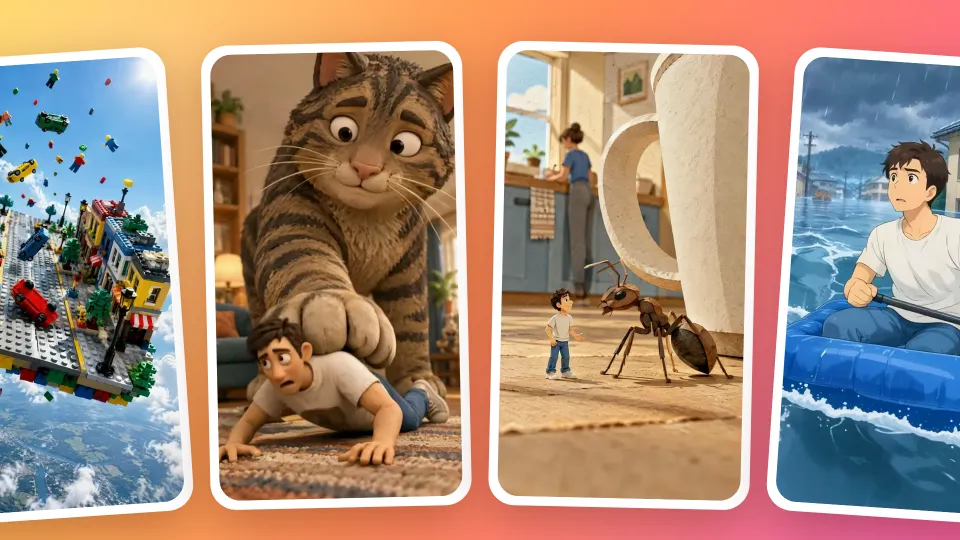 Reel Factory: turn one topic into ready-to-post reelsWrite a topic, pick a style or copy your own reel, and press Generate.
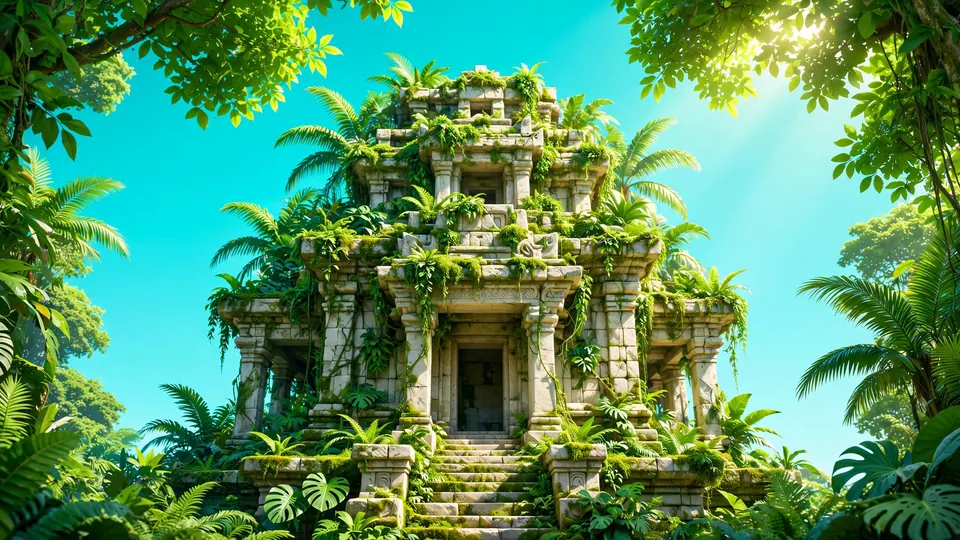 Faceless Video GeneratorType one scene for your faceless channel and MiniMax H3 Max Turbo (Hailuo 3) makes a 5 second vertical clip.
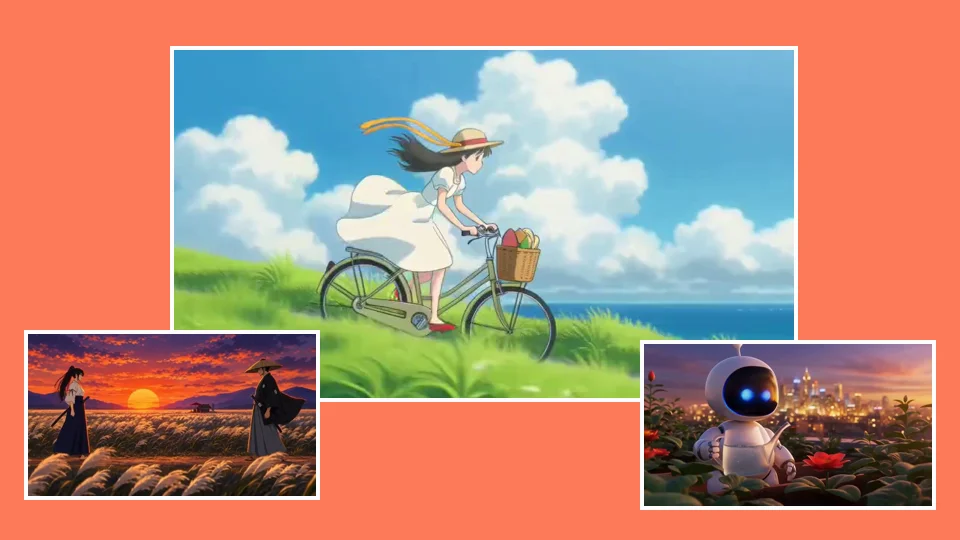 AI Video GeneratorRun the same prompt on a second model to compare.