Seedance Kling Hailuo Grok Imagine
AI Video Generator
Write a shot or add pictures, pick one of 13 video models and see the price before you start. Run the same prompt on a second model to compare.
- 13 video models
- 3 ways to start
- Price before every run

Same first frame, two models
One frame from our sample film, the camera orbiting left, 480P. The motion, the framing and the sound differ from model to model, so the quickest way to choose is to run the same shot twice.
 Grok Imagine Video 1.5 Lite
 H3 Max Turbo
More clips from this generator
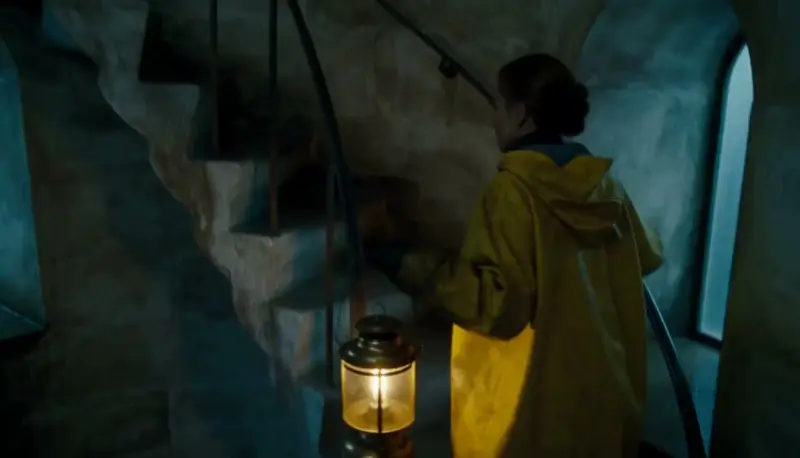
Each one began as a single written shot. Tap a clip to hear it.
 H3 Max Turbo
 H3 Max Turbo
 H3 Max Turbo
What to write for each mode
A video prompt is one shot, not a story: who or what is in it, where, what happens, and how the camera moves. Quality words such as 8k or masterpiece add nothing.
- Text to video. Name the subject, the place, the one thing that happens and the camera: "a lighthouse keeper climbs a spiral staircase with a lantern, rain on the windows, the camera rising with her".
- Image to video. The picture already holds the look, so write only what moves and how the camera moves: "she turns to the window and smiles, the curtain lifts in the wind, slow push in".
- Reference to video. Name each picture in the prompt, the way the model expects it:
@Image1on Seedance and Kling,<IMAGE_0>on Grok Imagine, "Image 1" on Hailuo. Give each picture one job, a person, a place or a prop.
Weak prompt, better prompt
Weak: "a cool cinematic video of a samurai, epic, 8k". The model has to invent the place, the action, the camera and the light, so every model gives you a generic poster that barely moves.
Better: "a samurai in a gray coat walks through tall grass at dusk toward a lone tree, the camera low in the grass tracking beside him, the wind bending the grass, orange sun low behind the tree". Every part of that sentence is something a model can draw and move.
The models, one by one
Each card links to a page with what the model is, what it is good at, its limits and a price from the live quote.
What a clip costs, by model
| Model | Makes | Length | Lowest quality | Highest quality |
|---|---|---|---|---|
| Seedance 2.5 | Text, Image, Reference | 4 to 30 s | 137 credits ($1.64), 480P | 1,438 credits ($17.26), 1080P |
| Seedance 2.0 Mini | Text, Image, Reference | 4 to 15 s | 45 credits ($0.54), 480P | 96 credits ($1.15), 720P |
| Kling 3.0 Pro | Text, Image | 3 to 15 s | 208 credits ($2.50), 1080P | Only 1080P |
| Kling 3.0 Standard | Text, Image | 3 to 15 s | 156 credits ($1.87), 720P | Only 720P |
| Kling 3.0 Turbo | Text, Image | 3 to 15 s | 139 credits ($1.67), 720P | 174 credits ($2.09), 1080P |
| Kling O3 | Text, Image, Reference | 3 to 15 s | 139 credits ($1.67), 720P | 174 credits ($2.09), 1080P |
| Kling O1 | Image, Reference | 3 to 10 s | 139 credits ($1.67), 1080P | Only 1080P |
| H3 Max Turbo | Text, Image | 1 to 15 s | 31 credits ($0.37), 480P | 99 credits ($1.19), 1080P |
| H3 Max | Text, Image | 5 to 15 s | 62 credits ($0.74), 480P | 99 credits ($1.19), 768P |
| H3 Max References | Reference | 1 to 15 s | 62 credits ($0.74), 480P | 198 credits ($2.38), 1080P |
| H3 2K | Text, Image, Reference | 5 to 15 s | 161 credits ($1.93), 2K | Only 2K |
| Grok Imagine Video 1.5 | Text, Image, Reference | 1 to 15 s | 99 credits ($1.19), 480P | 309 credits ($3.71), 1080P |
| Grok Imagine Video 1.5 Lite | Text, Image | 1 to 15 s | 25 credits ($0.30), 480P | 174 credits ($2.09), 1080P |
How it works
- 01
Pick what you start from
Text to video, image to video (a first frame, and a last frame on models that take one) or reference to video with up to 9 pictures, depending on the model.
- 02
Pick a model and write the shot
Every card shows what the model makes, its longest clip, its resolutions and its price for the settings you chose. Prices come from the same quote billing uses.
- 03
Generate, compare, keep
Download the clip, use it in a project, or run the same prompt on another model and compare the two side by side.
What you get
One place for the leading video models
13 models from ByteDance, Kuaishou, MiniMax and xAI, one credit balance, no separate accounts.
The price before every run
Each card and the Generate button show the credits and the dollars for the exact settings, and a failed clip is refunded.
Built for episodes, not one-offs
Reference pictures keep a cast the same, and Ziztu Studio plans the shots of a whole micro drama or anime episode.
From one clip to an episode
One clip is one shot. A micro drama or an anime episode is a dozen of them with the same cast, and the hard part is keeping the cast the same from clip to clip. Ziztu Studio plans the shots for you, sends character sheets with every clip and lets you pick a different model for each shot, all on one credit balance. Start with the AI Micro Drama Generator or the AI Anime Video Generator, or plan the shots first with the AI Storyboard Generator.
Honest limits
- Video starts on a plan. The free credits cover pictures, scripts and voices, not video.
- Clips are short. The longest single clip here is 30 seconds; a longer video is several clips cut together.
- Hands, small objects and text are the weakest parts of any AI video model, and these models are no exception.
- Prices here are credits. The dollar figures are at the Starter plan rate, and every model page says when its facts were last checked.
Frequently asked questions
Which AI video models can I use in this generator?
13 models in four families: Seedance (Seedance 2.5, Seedance 2.0 Mini), Kling (Kling 3.0 Pro, Kling 3.0 Standard, Kling 3.0 Turbo, Kling O3, Kling O1), Hailuo (H3 Max Turbo, H3 Max, H3 Max References, H3 2K) and Grok Imagine (Grok Imagine Video 1.5, Grok Imagine Video 1.5 Lite). Each card says which modes it makes, how long a clip can be, which resolutions it renders and what it costs.
How much does an AI video cost here?
It depends on the model, the length and the resolution, and the page shows the exact price before you start. A 5 second H3 Max Turbo clip at 768P is 50 credits ($0.60), a 5 second Seedance 2.5 clip at 720P is 293 credits ($3.52) and a 5 second Kling 3.0 Pro clip is 208 credits ($2.50). Dollars are at the Starter plan rate; bigger plans and packs cost less per credit. Plans start at $12 a month for 1,000 credits.
Is the AI video generator free?
Video starts on a plan, from $12 a month for 1,000 credits. A new account gets 40 free credits, no card, for scripts, character art, storyboards, voices and sound, and the free credits pay for reference pictures from the cheaper image models here. Free results carry a small watermark. 30% off your first 3 months with the code SWITCH30, until 13 November 2026.
What is the difference between text, image and reference to video?
Text to video starts from your words alone. Image to video starts from your picture as the first frame, and on some models you can add a last frame too. Reference to video takes pictures of a person, a place or an object and keeps them in the shot while the model invents the rest. Use text for a quick look, image when the first frame matters, and reference when the same cast must appear in more than one clip.
Which model makes the longest clips, and which is the cheapest?
Seedance 2.5 makes the longest single clips here, up to 30 seconds. The lowest price for a 5 second text to video clip is Grok Imagine Video 1.5 Lite at 480P: 25 credits ($0.30). Seedance 2.5 is one of the models that take the most reference pictures, up to 9. These are numbers from the model cards, not a ranking of quality: the quickest way to choose is to run the same prompt on two models.
Can I compare two models with the same prompt?
Yes. After a clip finishes, open "Same prompt, another model" under it, pick a model and run it. The new clip appears beside the first with its model, settings and price, so you can compare the motion, the framing and the sound before you choose a model for the rest of the shots.
How do I keep the same character in every clip?
Use reference to video with pictures of your character, or start every clip from the same picture with image to video. Make the pictures with an image model in the Make pictures tab, then pick them for each clip. For a whole episode, Ziztu Studio keeps character sheets and sends them with every shot, so the cast stays the same across a scene.
Can I use the clips commercially?
Clips made with paid credits have no watermark, and every plan includes commercial use. Use pictures you have the right to use, and no real person without their permission.
Do I need an account to look around?
No. You can pick a mode, write a prompt, compare every model and see every price without an account. An account is needed to add pictures, make reference pictures and start a clip.
Related tools
 Text to Video AIDescribe one shot in plain words, pick a look and a quality, and MiniMax H3 Max Turbo (Hailuo 3) makes a 5 second widescreen clip in a few minutes.
 Image to Video AIUpload a photo or a drawing, say what should move, pick a camera move, and MiniMax H3 Max Turbo (Hailuo 3) makes a 5 second clip that starts on your picture.
 AI Micro Drama GeneratorDescribe one scene and get a 5 second vertical drama clip with sound.
 AI Anime Video GeneratorType a scene and MiniMax H3 Max Turbo (Hailuo 3) makes a 5-second anime clip in about a minute.
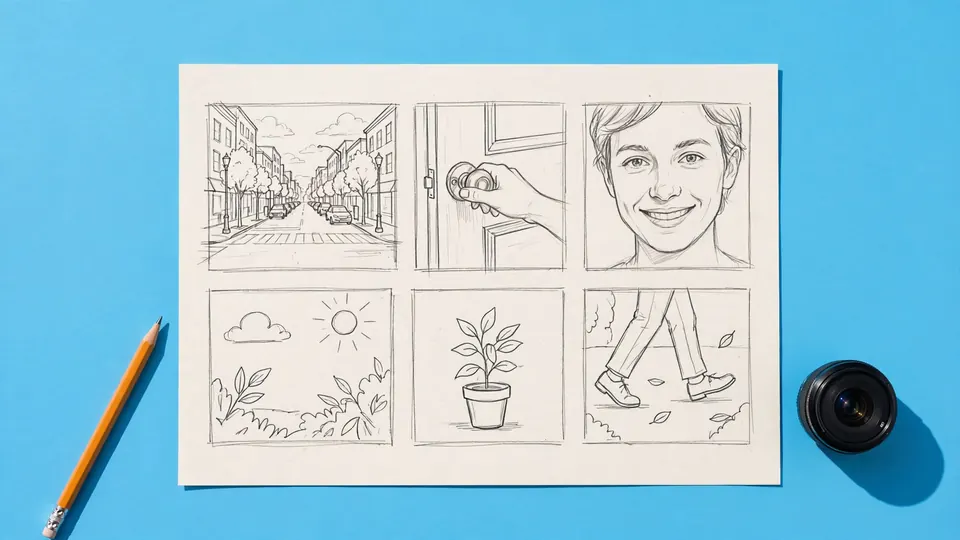 AI Storyboard GeneratorDescribe one scene and get a six panel storyboard planned like a director would: a wide to open, an insert, a reverse angle and a close-up at the turn.AI Video ModelsSeedance, Kling, Hailuo and Grok Imagine on one page each: what the model is, how long its clips run, what it is good at, its limits and what a clip costs.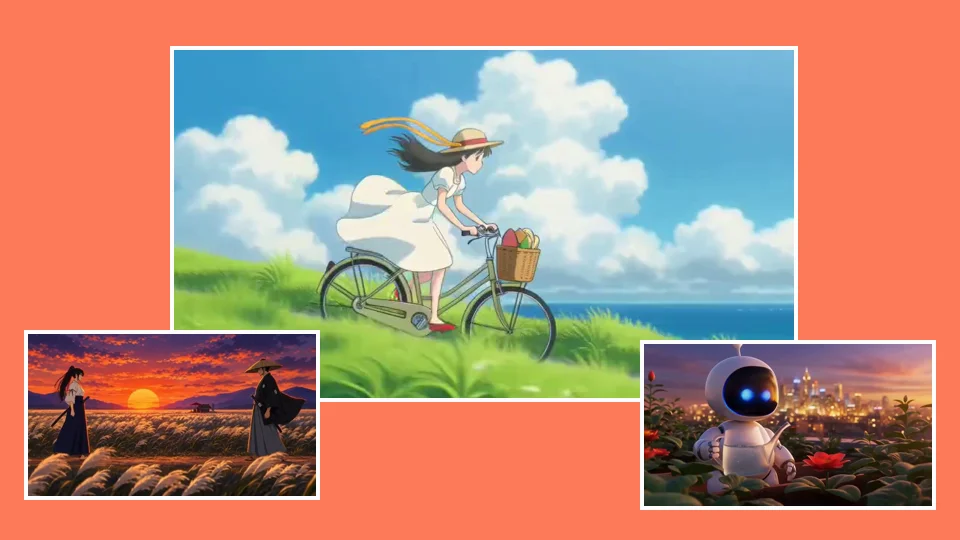
Pick a model and make your first clip.
40 free credits, no card, for pictures, scripts and voices. Video starts on a plan from $12 a month.