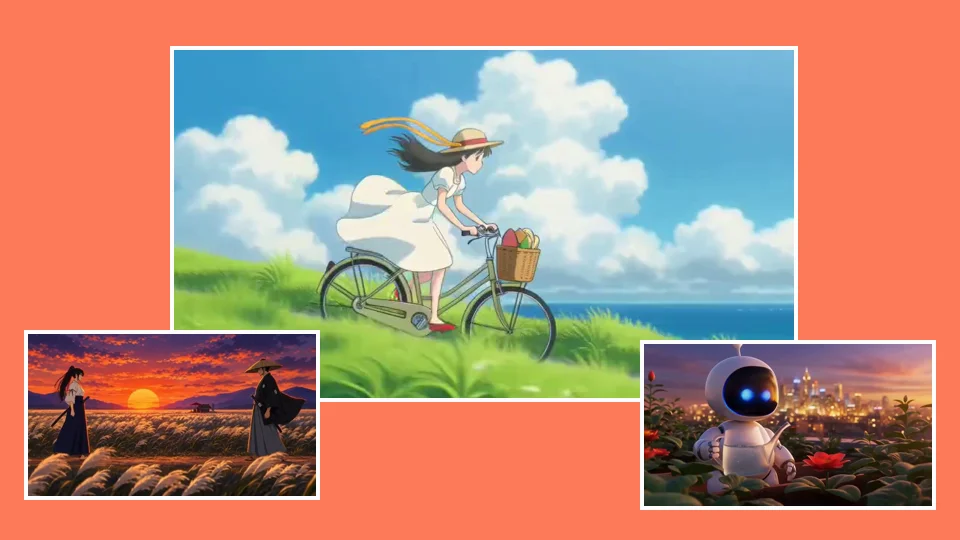
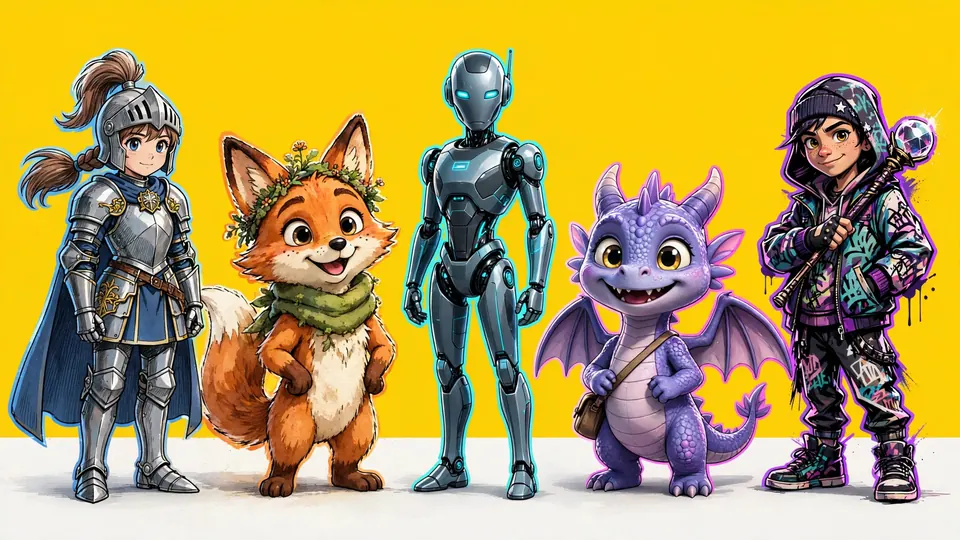
Swap anyone in your clip for your own character. The scene, the camera and the sound stay. Check the first frame for cents, and see the exact price, before you pay for the full clip.
Each row is one source clip made in Ziztu, then swapped into two or three characters. Every file is a real run of the engine named below it, kept as it came out. We left out the one that failed: Ember, a red panda, came back with a human face on the studio dance, so it is not here. These runs were made at 480p, the size under Basic, which runs at 580p: a 5 second swap costs 75 credits on Basic, and a 14 credits first-frame preview shows you the character before you pay.
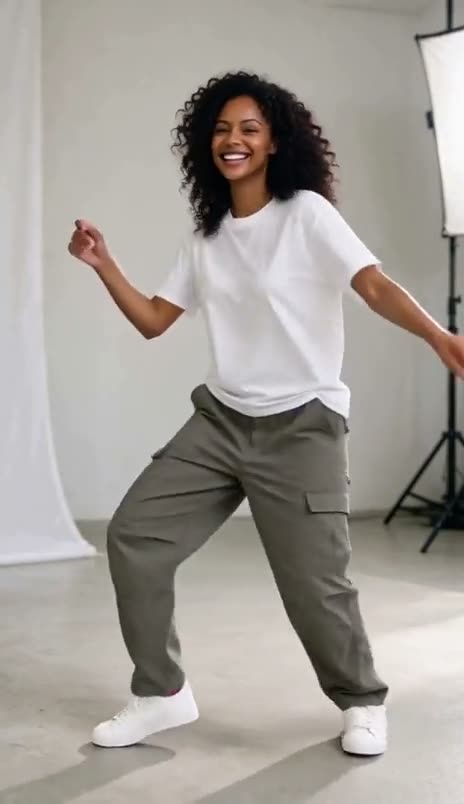
Your clip
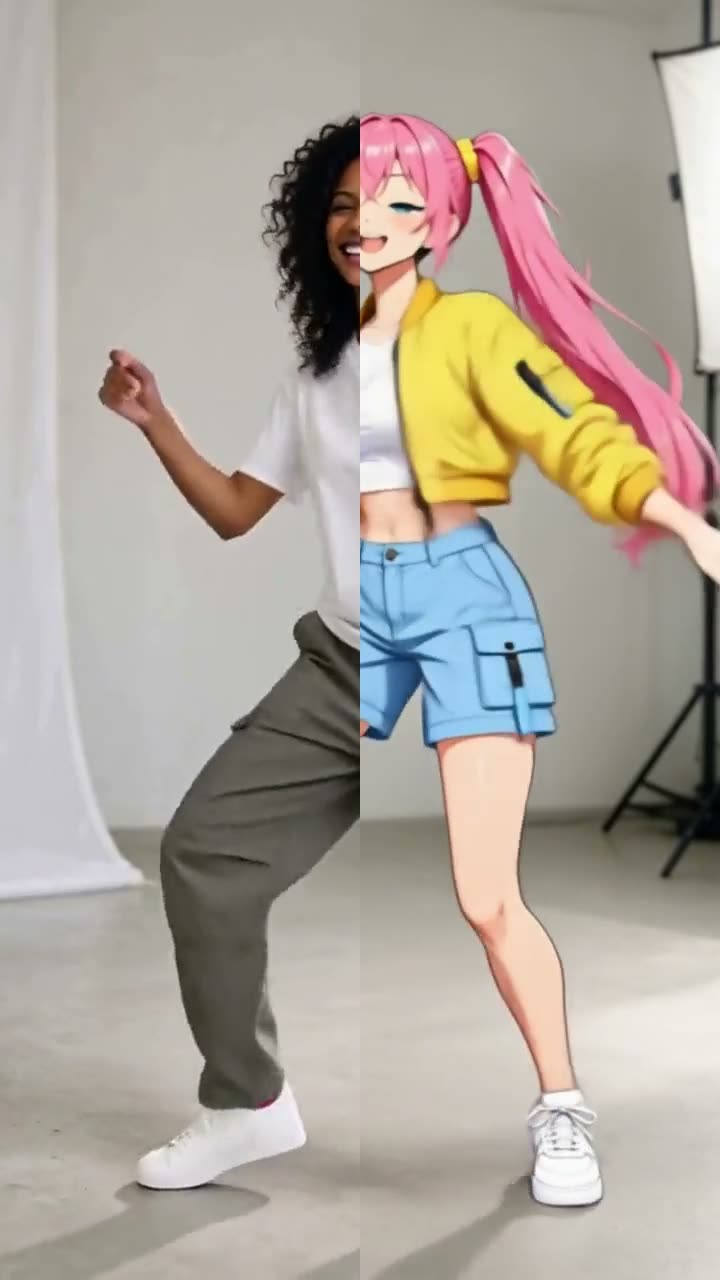
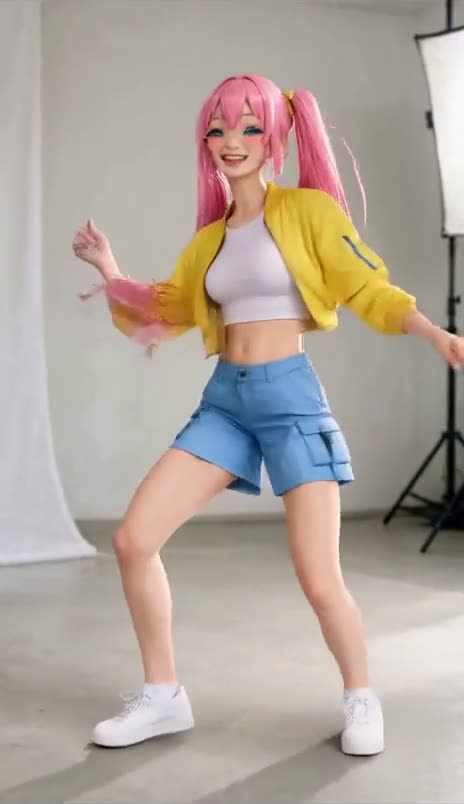
Studio danceOne woman, full body, a white studio
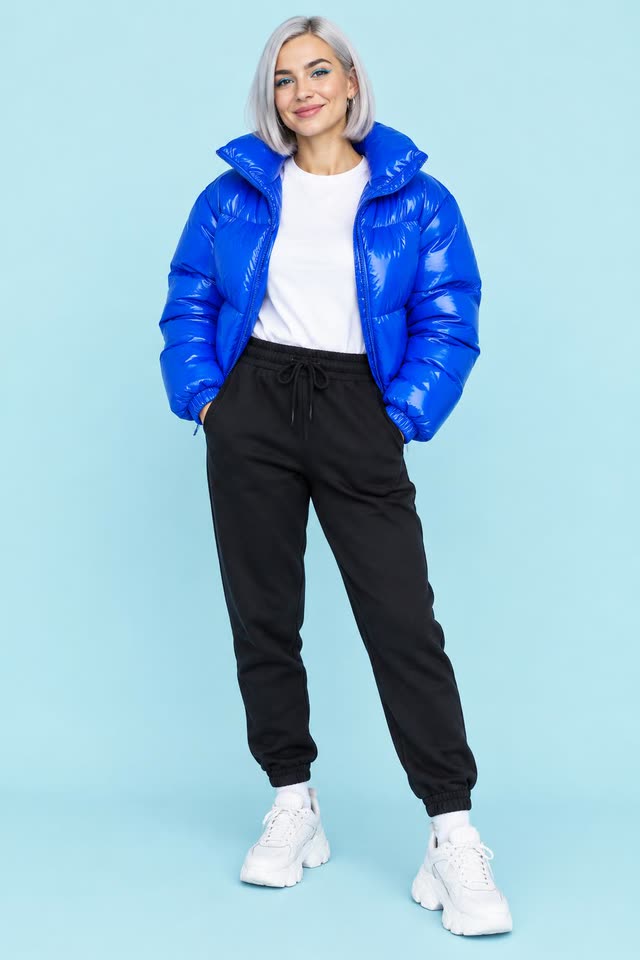
Hana
HanaAnime
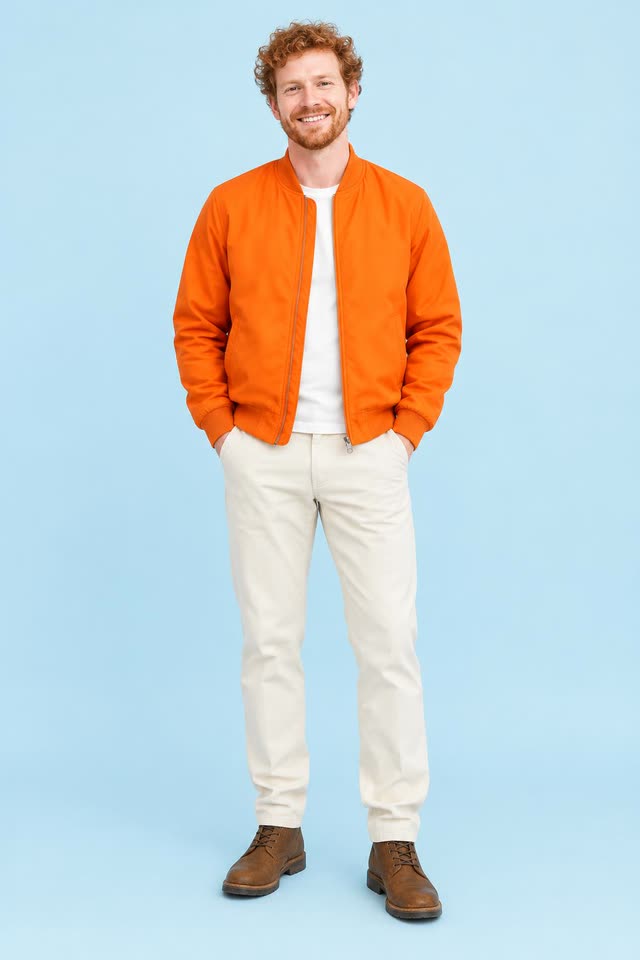
Kai
KaiPhoto
Your clip
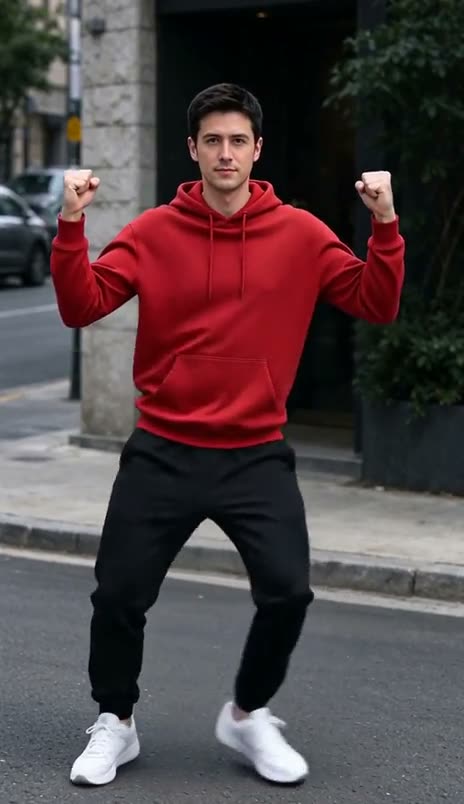
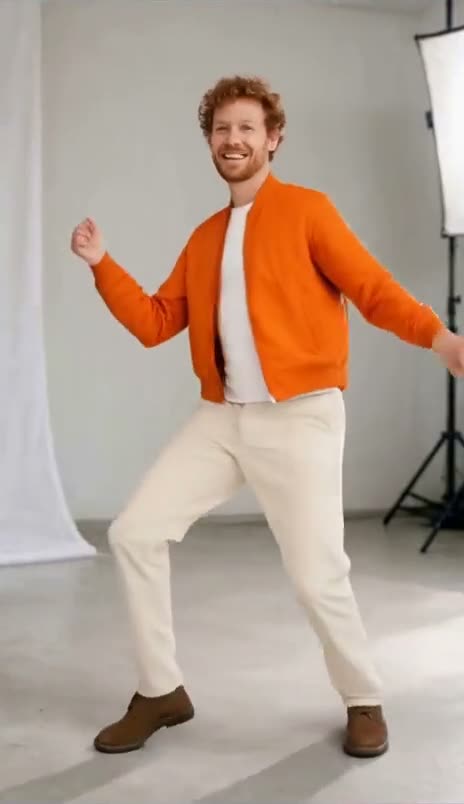
Street danceOne man, full body, a city street
Hana
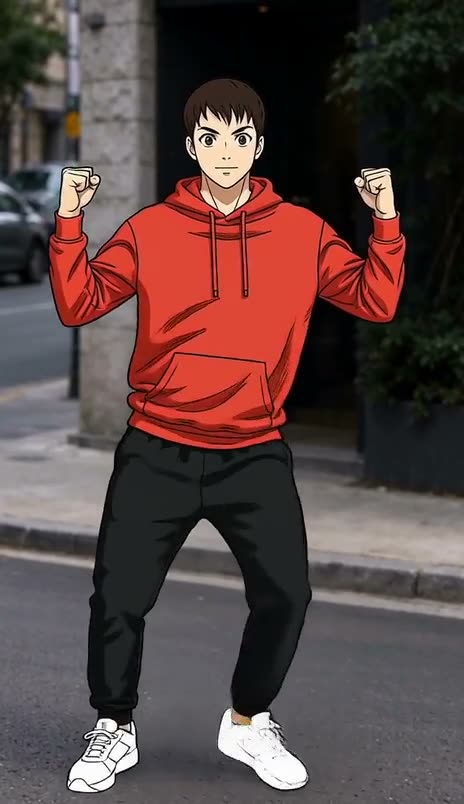
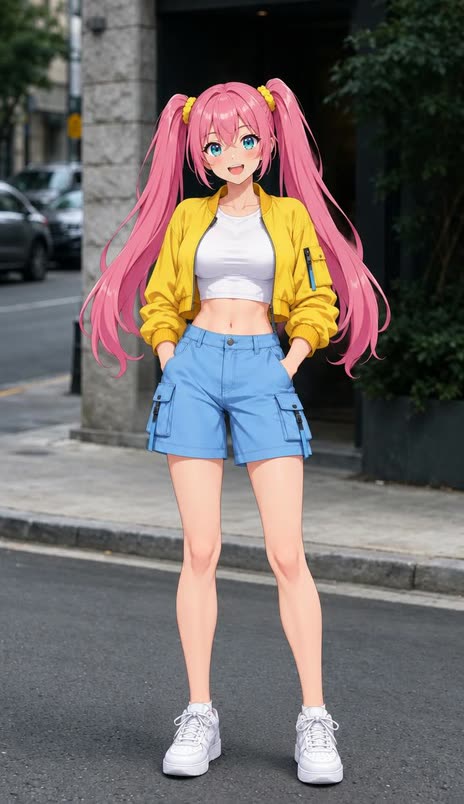
HanaAnime
Nova
NovaPhoto
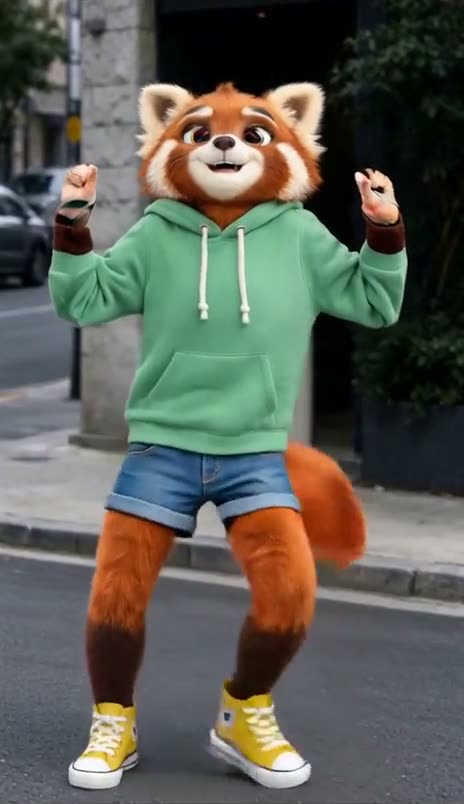
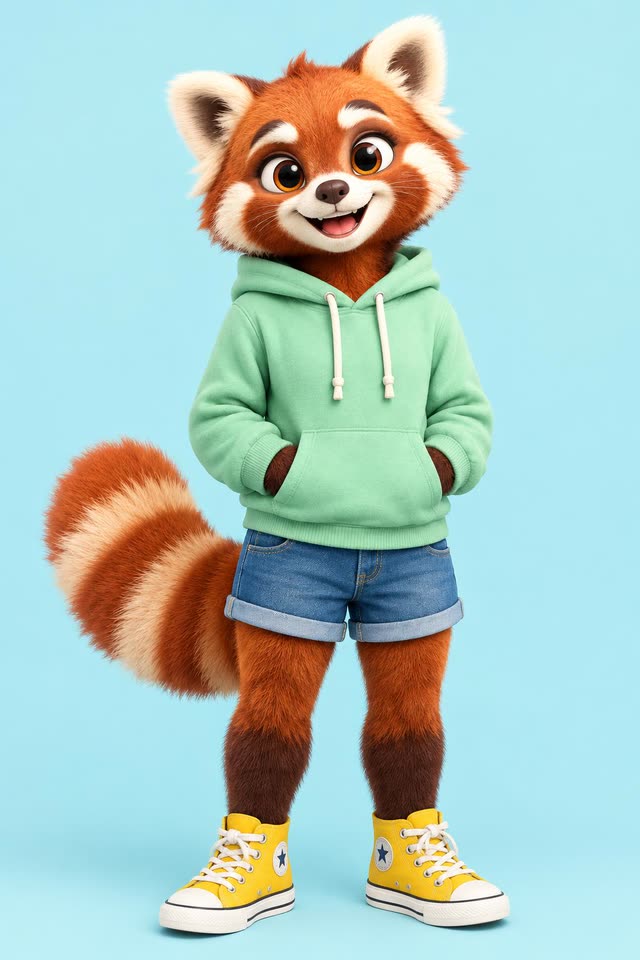
Ember
Ember3D mascot
Your clip
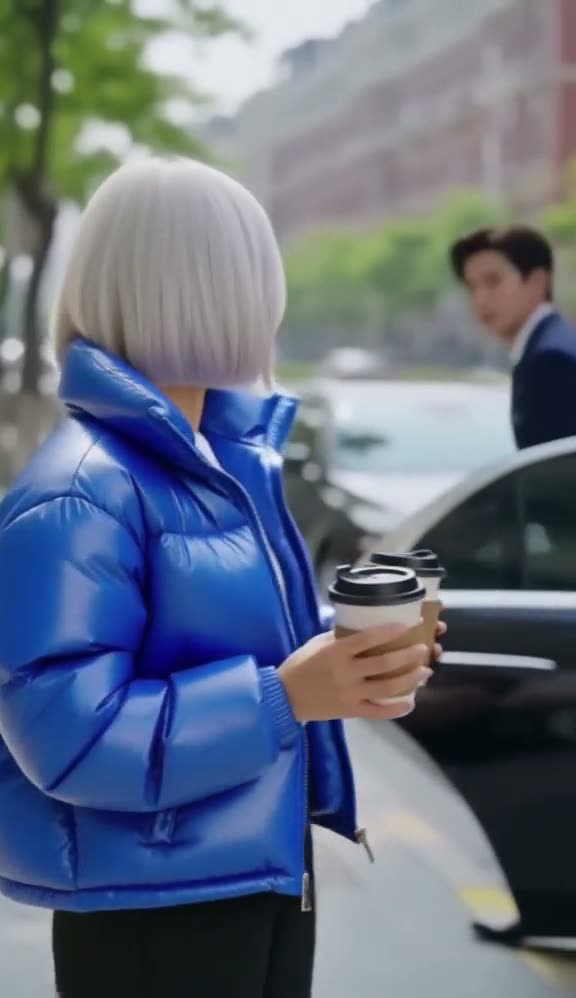
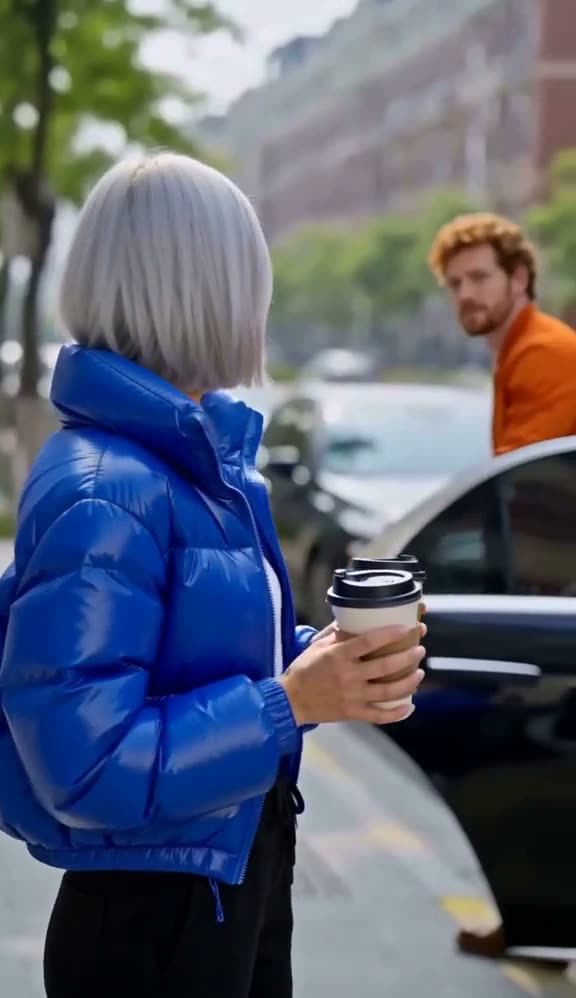
Two peopleA cafe worker and a man in a suit, a street
Nova
NovaPhoto
Hana
HanaAnime
Kai
KaiPhoto
How it works
From your clip to a new character, in four steps
01
Bring a clip
Upload up to 30 seconds, or start from one of ours. Trim the part you want: you pay only for the seconds you keep.
Free to add
02
Choose the character
Add a photo, a picture you made, or write who they are and we draw them for 4 credits. Real people only from photos you have the right to use, and only adults.
Photo, picture or description
HanaNovaEmberKai
03
Check the first frame
Before the full render, we put your character in the first frame of your clip. It is a picture, so it takes seconds and costs 14 credits. The swap follows this frame, so a good frame means a good swap.
14 credits
First-frame preview
04
Get the swap
The scene, the camera and the timing of every move stay. Drag a slider across the result to compare it with your clip, and download the MP4. Pick Basic, Pro or Ultra: the price shows before you run. This one is Pro, 720p: 5 seconds cost 187 credits.
Pro 187 credits for 5 s
05
Or make it anime
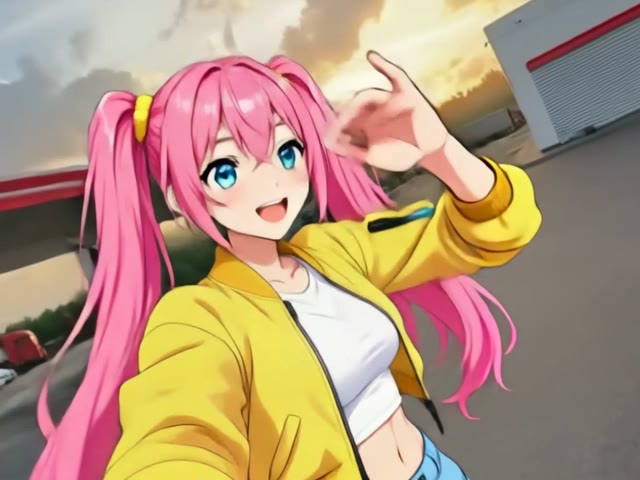
Anime-ify redraws the person in your clip as an anime version of themselves and swaps them in. The street stays real, the person does not.
Anime-ify
HanaNovaEmberKai
First-frame preview
Four ways
Change who is in the clip, or what is around them
Same two source clips, four modes, and what Basic, Pro and Ultra cost for 5 seconds. Tap a card to play it.
Nova
Swap the character
Replace the person with your character. Everything else in the clip stays.
For 5 s: Basic 75, Pro 187, Ultra 291 credits
Good for One person or two, a scene you already shot
The man in the red hoodie, swapped into Nova. Made with Wan 2.2 Animate Replace at 480p; Basic runs it at 580p.
Anime
Anime-ify
Redraw the whole clip as anime, from a sentence of your words. The moves and the camera stay.
For 5 s: 38 credits (Basic)
Good for An anime version of yourself or your clip, a trend in your style
The same man, redrawn from one sentence of words. Basic: FLUX 3 Edit Video, 720p. No first frame to check, and half the price of the old way.
Hana
Copy the motion
Your character does the moves of your clip, in its own scene.
For 5 s: Basic 75, Pro 187, Ultra 291 credits
Good for Make your character do a trend or a dance
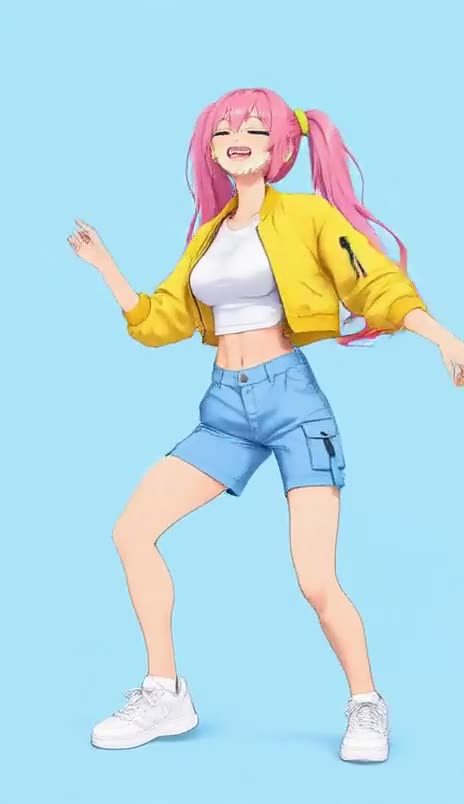
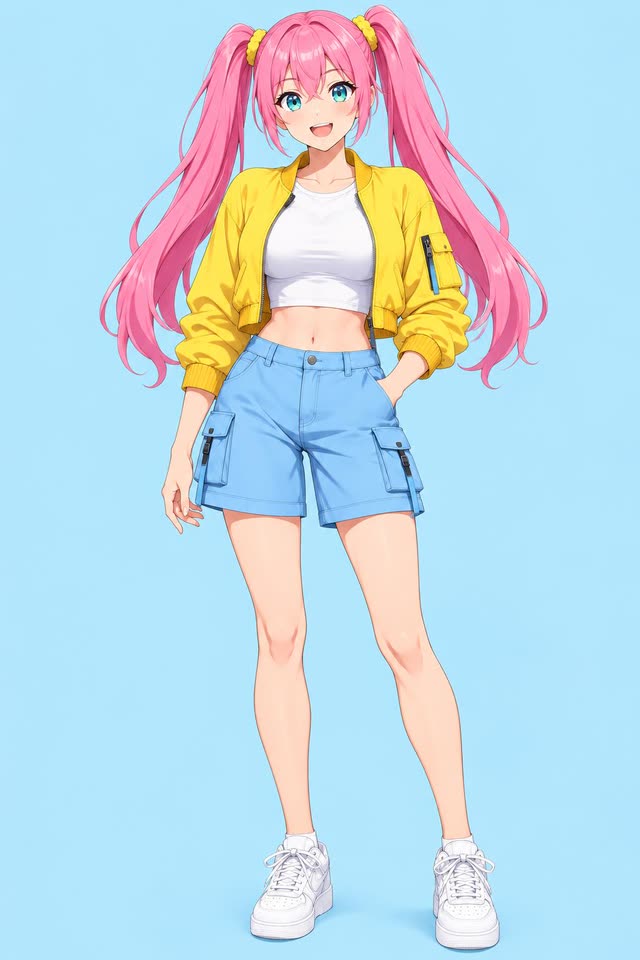
Hana in her own blue studio, doing the studio dance. Made with Wan 2.2 Animate Move at 480p; Pro and Ultra run on Kling 3.0 Motion Control, which we also tested: clean hands and face, 1168 x 1776 on Ultra.
Background
Object or background
Describe a new background or a changed object, or add a picture to swap in.
For 5 s: 38 credits in words (Basic); with a picture 38 (Basic) or 60 (Pro)
Good for A product, a prop or a new place
The studio swapped for a sunny rooftop terrace, from one sentence: "a sunny rooftop terrace full of plants, with a city skyline". Basic: FLUX 3 Edit Video. Add a picture instead and it runs on PixVerse.
Basic, Pro or Ultra
Pick the quality. We pick the model.
You choose Basic, Pro or Ultra and see the exact price. Underneath, we route your request to the model that does it best for what you asked, the clip length and the number of people, and if one fails we try the next one for you at no extra cost. We ran one clip of a cafe worker and a man in a suit on Basic, Pro and Ultra. Basic and Pro swapped the woman and left the man; Pro put in the character from the photo, outfit included, at 720p. Ultra recast both people from two photos at once, sharper still. Tested 19 October 2026.
Your clip
Original5 seconds
Basic
Wan 2.2 Animate Replace, 580pOne person. 75 credits for 5 s
Pro
Kling O3 Video Edit StandardOne person. 187 credits for 5 s
Ultra
Kling O3 Video Edit ProTwo people. 291 credits for 5 s
What runs under each tier, and what we saw on our test clips
What you ask for
Tier
Runs on
Clip length
5 seconds
What we saw
Swap the character
Basic
Wan 2.2 Animate Replace, 580p
2 to 15 s
75 credits15 credits a second
Held the dance, hands and edges on a woman and a man, and took on a photo, an anime and a mascot look. A character with a non-human head can come back with a human face: a robot did, and a red panda did on one of two clips.
Swap the character
Pro
Kling O3 Video Edit Standard
3 to 15 s
187 credits37 credits a second
Swapped in the character from the photo, outfit included, with clean hands and edges and no preview step; on the cafe clip it changed only the woman. The picture at the top of this page is a Pro run.
Swap the character
Ultra
Kling O3 Video Edit Pro
3 to 15 s
291 credits58 credits a second
Recast two people at once with new outfits, sharper at 768p, and kept the sound.
Anime-ify
Basic
FLUX 3 Edit Video
2 to 15 s
38 credits7.6 credits a second
The whole clip redrawn as clean anime from one sentence: line art, flat shading, the same moves. Far cleaner than our first try with Wan and a redrawn first frame.
Anime-ify
Pro
Not offered
-
-
Basic already runs on the best model we tested here, and no higher tier does better. A higher tier would only cost more.
Anime-ify
Ultra
Not offered
-
-
Basic already runs on the best model we tested here, and no higher tier does better. A higher tier would only cost more.
Copy the motion
Basic
Wan 2.2 Animate Move, 580p
2 to 15 s
75 credits15 credits a second
Put Hana in her own studio doing the moves of the clip.
Copy the motion
Pro
Kling 3.0 Motion Control Standard
3 to 30 s
187 credits37 credits a second
Kling Motion Control Standard on the studio dance: clean hands, face and hair, 768 x 1168, a clear step up from Wan Move at 480p.
Copy the motion
Ultra
Kling 3.0 Motion Control Pro
3 to 30 s
291 credits58 credits a second
Kling Motion Control Pro on the studio dance: the same clean hands and face as Standard, at 1168 x 1776.
Change the scene in words
Basic
FLUX 3 Edit Video
2 to 15 s
38 credits7.6 credits a second
A sunny rooftop terrace with plants and a skyline, lit like the scene, from one sentence; the dancer kept her moves. Words only: no picture.
Change the scene in words
Pro
Not offered
-
-
Swapping in a picture runs on Basic and Pro: add the picture. A change in words runs on Basic.
Change the scene in words
Ultra
Not offered
-
-
Ultra is not offered here yet. Basic (words) and Pro (a picture) are the best we tested.
Swap in a picture
Basic
PixVerse Swap, 540p
1 to 5 s
38 credits7.6 credits a second
With a picture, PixVerse at 540p: the new place came out grayer than the picture we gave it.
Swap in a picture
Pro
PixVerse Swap, 720p
1 to 5 s
60 credits12 credits a second
PixVerse at 720p. Not run at this size in our test.
Swap in a picture
Ultra
Not offered
-
-
Ultra is not offered here yet. Basic (words) and Pro (a picture) are the best we tested.
Credits are the exact quote for a 5 second clip, the same function that charges you. A clip is billed per started second. A higher tier costs more because it runs a larger model or more pixels. Model names are the engines we run today and can change; the tier stays.
Anime clips too
Your OC runs through an anime scene
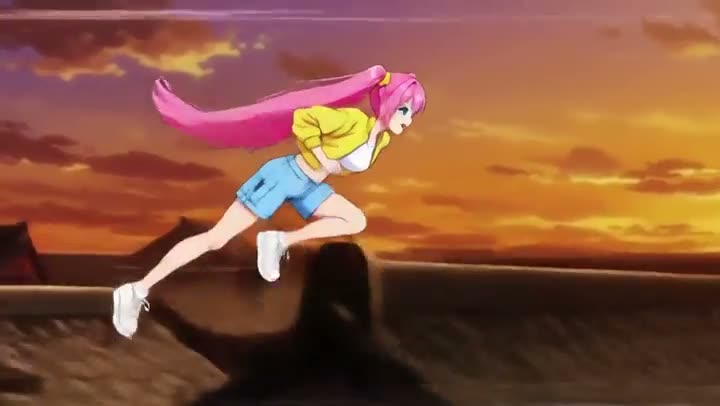
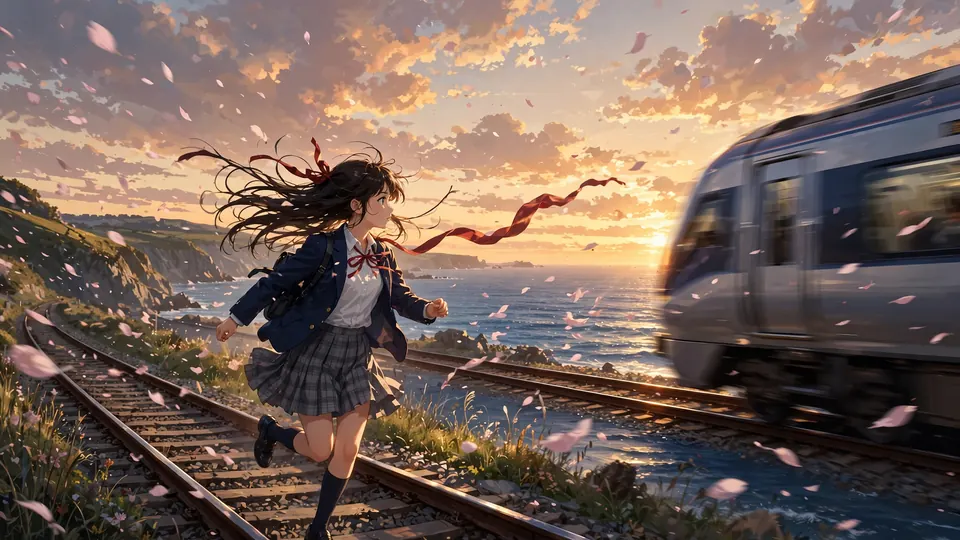
It is not only for real footage. We swapped the runner of an anime rooftop clip for Hana. The run, the rooftops and the sunset light stayed; the character came from one picture. Pro, Kling O3 Video Edit Standard, 3 seconds: 113 credits. Tested 20 October 2026.
Your clip
Original3 seconds
Hana
Swapped, ProKling O3 Video Edit Standard. 113 credits
Ziztu or Viggle
How it compares with Viggle
Viggle is an app people weigh this against, and its paid plan costs less to start. Here is what is different, from its public pricing page and ours, read on 19 October 2026. Where its page says nothing we write that, not a guess.
Ziztu
Viggle
How you pay
Credits. The exact price for your clip, per second, shows before you run it. A 5 second Basic swap is 75 credits.
Monthly plans with credits. Its pricing page says credits are used across its tools and models, at costs that vary by feature and model.
Cheapest paid plan
$12 a month
$7.99 a month (Pro, 80 credits)
Free use
40 free credits that pay for the first-frame preview, with a small watermark. No card.
A free plan with 5 videos a day, shown with a watermark and stored for 7 days.
See it before you pay
A first-frame preview with your character in your clip, for 14 credits.
Not stated on its pricing page.
Quality you pick
Basic, Pro or Ultra, each with its exact price. We route to the best model for your request and name it: Wan 2.2 Animate Replace and Move, H3 Max Recast, Kling 3.0 Motion Control, PixVerse Swap.
Not stated on its pricing page.
People per clip
Ultra recasts up to four people at once. Basic and Pro swap the one you tap.
Not stated on its pricing page.
Source for Viggle: viggle.ai/pricing, 19 October 2026. Plans and prices change: check the page before you decide.
Who it is for
What people do with a character swap
Recast a micro drama scene
Try a different lead in a scene you already made, without a reshoot.
A character swap puts a new face on a real recording, so we set the rules first. They are in the product, not only on this page. Fictional, anime and cartoon characters are welcome.
Adults onlyWe do not swap a child or a teenager, and we do not make one. A request that says so is refused.
Only likenesses you can useReal people only from photos you upload, with a tick that you have the right to use their likeness. Every upload step asks for it.
No public figuresNo celebrities, politicians or other public figures, by name or by "looks like". The tool refuses the words and the providers' safety checkers stay on for every run.
Nothing sexualNude, sexual or suggestive requests are refused, and the providers' output checkers run on every result.
Free results are markedResults from free accounts carry a small watermark. Paid results do not.
Your filesClips and pictures you upload are deleted within 24 hours.
Report a result or a misuse
Frequently asked questions
What is an AI character swap?
An AI character swap replaces the person in a video with a different character, and keeps what you filmed: the scene, the camera, the timing of every move and the sound. The new character does what the original person did. It is not a face swap: a face swap pastes a face on the same body, a character swap changes the whole person, with their hair, clothes and body shape.
How do I swap a character in a video?
Add a clip of up to 30 seconds, or pick one of ours. Add the character: a photo, a picture you made, or a description we draw for you. Tap the person to swap in the first frame, check the preview picture, pick Basic, Pro or Ultra, and run it. The result comes with a before and after slider and an MP4 download.
How much does an AI character swap cost?
Every price shows before anything runs, for your clip, per second. You pick a quality tier. For a 5 second character swap, Basic costs 75 credits, Pro 187 and Ultra 291 (Ultra at 1080p on H3 Max Recast is 779). The first-frame preview is 14 credits, and drawing a new character from a description is 4 credits. Copying motion costs 75 credits on Basic and 291 on Ultra for 5 seconds, and a background or object change costs 38 on Basic (in words), or 60 on Pro when you swap in a picture; Anime-ify is 38 on Basic. Plans start at $12 a month.
Is the AI character swap free?
The first-frame preview is covered by the 40 free credits of a new account, with no card, and it carries a small watermark. Swapping a whole clip starts on any plan or credit pack. The pre-rendered examples on this page are free to watch, and each one says which engine made it and what it cost.
Should I pick Basic, Pro or Ultra?
Basic is for trying an idea: a fast, low-cost swap at 580p. Pro is the clip you post: it puts in the character from your photo, outfit included, with clean hands and edges, at 720p. Ultra is the best we run: 1080p-class output, up to four people recast from your photos at once, and clips of up to 30 seconds. Underneath, we route each request to the model that does it best for what you asked, and say which one: today Basic runs on Wan 2.2 Animate Replace, Pro on Kling O3 Video Edit Standard and Ultra on Kling O3 Video Edit Pro, or on H3 Max Recast for clips longer than 15 seconds and when you ask for 1080p. If a model cannot make your clip, we try the next one for you and you never pay more than the price you saw.
Can I turn a video into anime with AI?
Yes. Pick Anime-ify, add your clip and, if you like, a sentence about what to keep. The whole clip is redrawn as anime with clean line art and flat shading, and the people, their moves, the camera and the timing stay. It runs on FLUX 3 Edit Video from Black Forest Labs on the Basic tier: 38 credits for 5 seconds, and there is no first frame to check first. In our test it was far cleaner than redrawing the first frame and swapping that in.
Can I change the background of a video with AI?
Yes. Pick Object or background and describe the change in words, for example "a sunny rooftop terrace full of plants, with a city skyline". It runs on FLUX 3 Edit Video on the Basic tier: 38 credits for 5 seconds, up to 15 seconds. In our test the new place was lit like the original scene and the dancer kept her moves. If you want a particular picture in the scene, add the picture instead: that runs on PixVerse Swap, Basic or Pro, up to 5 seconds, and at 540p the new place came out grayer than our picture.
Can I swap two people in the same clip?
Yes, on Ultra. Add one photo per person, up to four; they replace the people in the clip from left to right. Basic and Pro swap one person at a time: tap the person you want in the first frame.
Does the swap keep the original sound?
Yes. In our tests the result kept the sound of the source clip, and the swap keeps the length and the timing of your moves. Copying the motion with Kling 3.0 Motion Control has a switch to keep the original sound or not.
How long can the clip be?
Up to 30 seconds to upload. Basic takes 2 to 15 seconds, Pro 3 to 15 seconds, Ultra 3 to 15 seconds, or 15 to 30 seconds on H3 Max Recast with no single shot over 15 seconds (3 to 30 seconds when it copies motion), and an object or background swap takes up to 5 seconds. Use the trim handles to pick the part you want; you pay only for that part.
Can I use a celebrity, a public figure or a real person?
No public figures or celebrities, by name or by likeness. Real people only from photos you upload, with a tick that you have the right to use their likeness, and only adults. Fictional, anime and cartoon characters you made, or have the right to use, are fine. Results from free accounts carry a watermark, and every result has a report link.
What does the tool get wrong?
It does best with a person-shaped character and a clean first frame. On Basic, a character with a non-human head can come back with a human face: in our tests a robot did, and a red panda did on one of two clips, so we left both out of the gallery. The first-frame preview is how you catch it before you pay. Fast spins, hands crossing the face and very crowded shots are harder. Standard works on one person. A background swap came out grayer than the picture we gave it. The first-frame preview shows you the character before you pay for the full run.
What is the difference between a character swap and copying the motion?
A swap keeps your clip and changes who is in it. Copying the motion does the opposite: your character keeps its own picture and background, and does the moves of your clip. Pick Copy the motion: Basic runs on Wan 2.2 Animate Move, Pro on Kling 3.0 Motion Control Standard and Ultra on Kling 3.0 Motion Control Pro.
Where do my files go?
Clips and pictures you upload are deleted from our servers within 24 hours. The result stays in your account until you delete it, and you can open it in Ziztu Studio to cut it into a project.





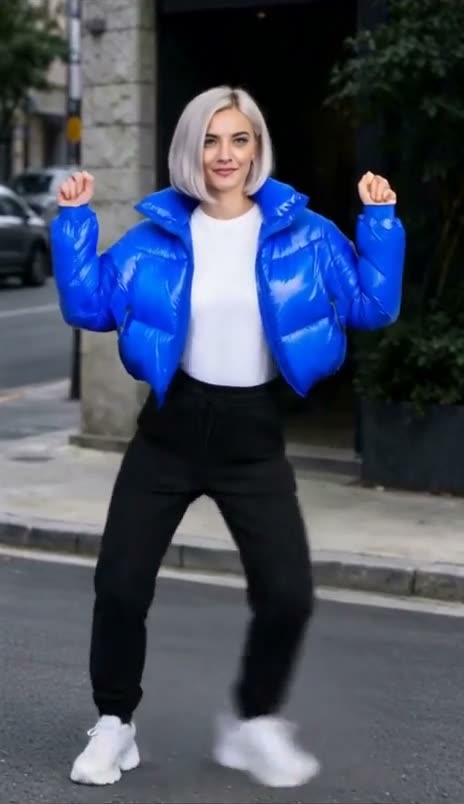 Nova
Nova