AI YouTube Shorts Generator
Draw vertical scenes for your Short here. For the full narrated Short, with voice and captions, use the AI Story Video Generator.
Updated
Example outputs
The first 24 seconds of a Short made with the AI Story Video Generator, our story video app, from the topic "How compound interest works": script, Ideogram 4.5 scenes, voiceover and captions. Not made with the widget above.
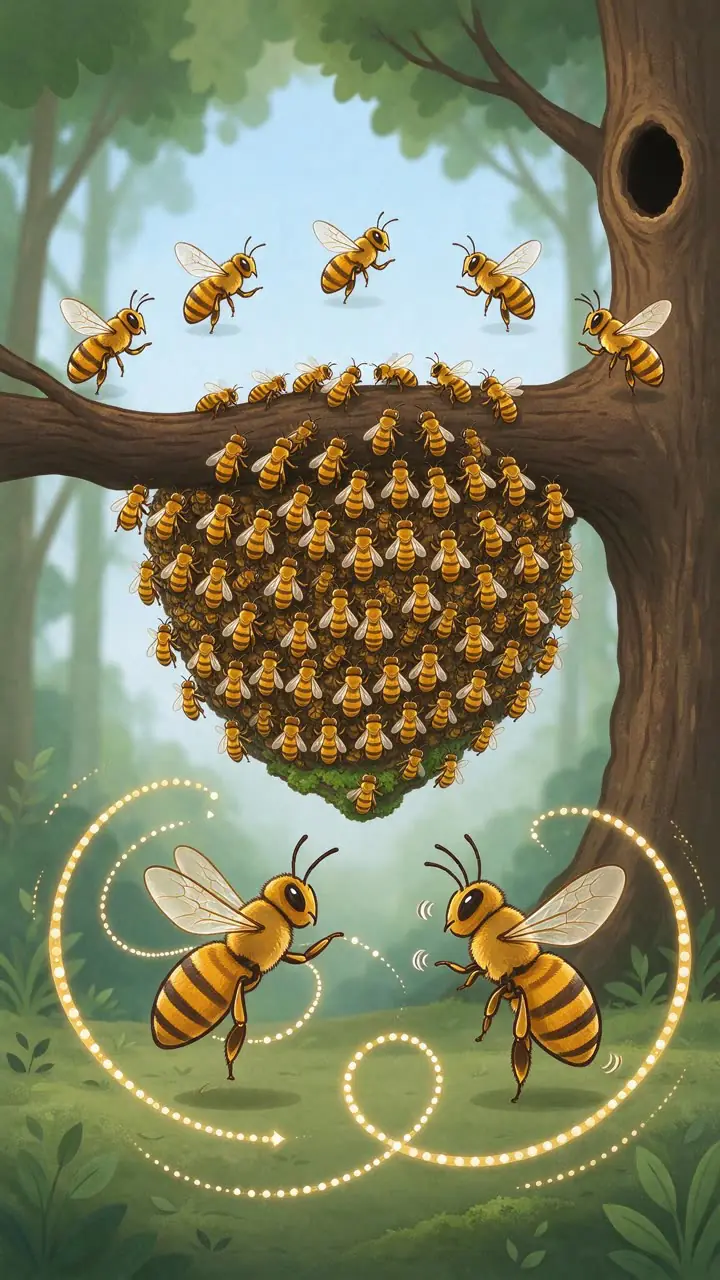
Made with the widget above. Scene: "how honeybees vote on a new home: scout bees dance in front of the swarm". Educational explainer, Soft cartoon. Model: Seedream 5 Flash, 7 credits.
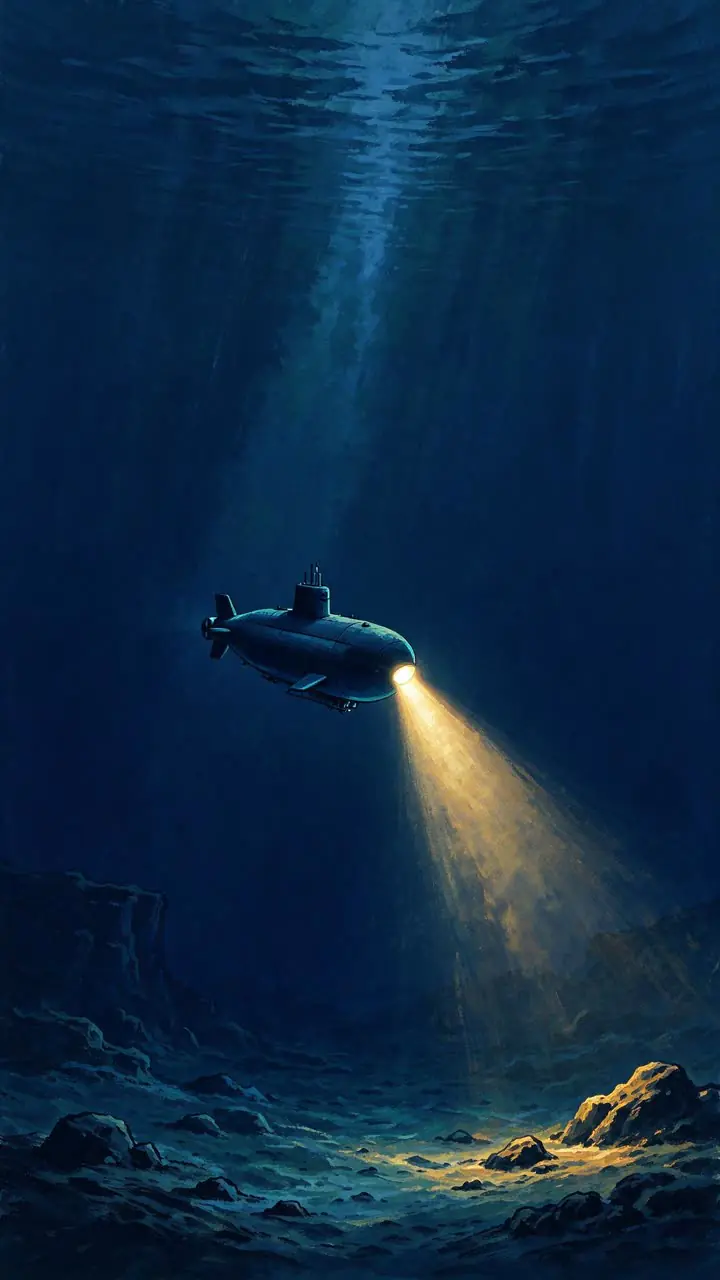
Made with the widget above. Scene: "the deepest point of the ocean, a tiny submarine lit by its own lamp in the dark". Top facts, Painterly illustration. Model: Seedream 5 Flash, 7 credits.
How it works
Type your topic or one scene of your Short, for example "how honeybees vote on a new home".
Pick the Short style and the visual style. Seedream 5 Flash draws one vertical 9:16 scene in about half a minute.
For a finished Short with a script, voiceover and captions, open the AI Story Video Generator in the app and give it your topic.
| Where | What it makes | Price |
|---|---|---|
| This page | One 9:16 illustrated scene per run | 7 credits |
| AI Story Video Generator in the app | A narrated Short: script, scenes, voice and captions, as a 9:16 MP4 | Shown before you start |
How to grow a YouTube Shorts channel without a camera
YouTube Shorts has created a genuine path to channel growth for creators who do not want to appear on camera. Educational, trivia, motivation and story channels can grow with purely illustrated Shorts. The format rewards consistent posting and clear narration.
The biggest constraint for faceless Shorts creators is content production speed. Sourcing or creating unique visuals for every scene, writing the voiceover, recording or generating it, and editing the whole thing down to under 60 seconds with the right pacing can take two to four hours per video. AI cuts most of that work: the script, the pictures and the voice.
The full Shorts are made in the AI Story Video Generator, our story video app. It was built for narrated cartoon-story video: it writes the script from your topic, draws an illustrated still for each beat and records the narration with an AI voice. It assembles the final 9:16 video with captions, ready to upload. This page draws single scenes, so you can try a look first.
Best topics for AI YouTube Shorts
Some topics convert much better than others in the Shorts format. The generator works best for evergreen content that does not depend on live footage:
- History and true stories: hidden historical events, origin stories and "you did not know this" topics perform consistently. The illustrated style makes unfamiliar settings accessible.
- Science and psychology: facts about the brain, sleep, habits, perception and nature. These topics get re-shared because they feel personally useful.
- Motivational and personal growth: short stories about real people overcoming obstacles, narrated with a warm voice and illustrated in a soft cartoon style.
- Explainers: how complex systems work, from beehive democracy to the electrical grid, explained in under 60 seconds with clear illustrated diagrams.
Topics that depend on live footage, real faces or recent news are harder to illustrate convincingly.
YouTube AI content labeling requirements
YouTube requires creators to disclose AI-generated content using the platform's dedicated label when the content is realistic and could be mistaken for real footage.
For illustrated Shorts, the risk of misleading viewers is lower because the art style clearly signals it is not real footage. Regardless, applying the AI-generated label to every video produced with this tool is recommended. It protects your channel from enforcement action and builds viewer trust over time.
The AI voiceover is synthetic speech. YouTube's guidelines cover synthetic audio as well as video. Label the narration as AI-generated in the video's description or end card if the voice sounds human-like.
Frequently asked questions
Does this page make the whole video?
No. This page draws one vertical scene per run. The full narrated Short, with script, voiceover and captions, is made in the AI Story Video Generator, our story video app. The video example above was made there.
Is it free?
You can try it free. Sign up with an email address and you get 40 free trial credits. One scene costs 7 credits. Free trial results carry a small watermark.
Do I need to show my face?
No. Faceless Shorts use illustrations, a voiceover and captions instead of a person on camera.
Will the scenes have text on them?
No. The scenes are drawn without text, with room at the top and bottom for captions. The AI Story Video Generator adds the captions.
Do I need to label AI content on YouTube?
YouTube asks creators to disclose realistic altered or synthetic content. Clearly illustrated, cartoon-style Shorts usually do not need the label, but check YouTube's current rules for your video.
Can I monetize faceless Shorts?
YouTube decides that. Its rules favor original content that adds value. A clear script, your own topic research and a consistent style help.