
To make Twitch emotes with AI, generate a simple, bold image of one face or symbol on a plain background, remove the background, crop it tight to a square, and export it as a transparent PNG. Twitch displays emotes at 28, 56 and 112 pixels, so the design must still read at 28 pixels. Upload it in the Emotes section of your creator dashboard, either one large square image for Twitch to scale or all three sizes yourself.
The design rules that matter at 28 pixels
Most emotes fail because they look great at full size and turn into a blob in chat. Follow these rules from the start.
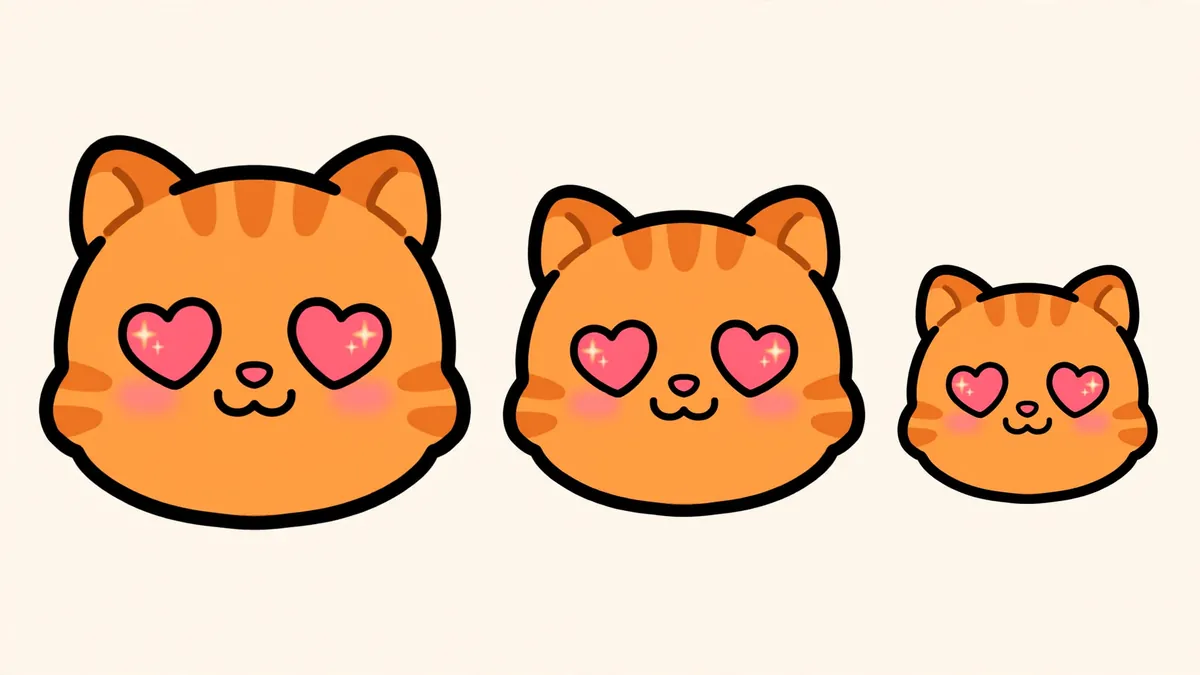
- One idea per emote. One face, one hand gesture or one symbol. No scenes.
- Exaggerate the expression. Huge eyes, a giant grin, tears like waterfalls. Subtle does not survive at 28 pixels.
- Thick, dark outlines. The outline is what separates the emote from both light and dark chat themes.
- Few colors. Three or four flat colors with strong contrast.
- Fill the square. Crop tight. Empty padding makes the emote look smaller than everyone else's.
- No small text. If you want a word like GG or LOL, make it one or two big letters, or add it by hand in an editor.
Step by step: making an emote with AI
- Decide the set. Most channels start with the classics: a hype face, a sad face, a laugh, a love face, a shocked face, a lurk emote.
- Write the prompt. Use a fixed base and change only the emotion. Base: "Emote style sticker of [your character], head and shoulders, thick black outline, flat bright colors, simple shapes, centered, plain white background." Then add "huge grin and fist raised" or "tears streaming, tiny frown."
- Generate several versions. Drafts are cheap: in Ziztu a Meta Muse Image draft costs 3 credits and a Seedream 5 Flash image costs 7.
- Keep the character the same. If your emotes feature your mascot or PNGTuber character, attach the character image as a reference when you generate each emotion. In Ziztu you attach images and name them in the prompt as Image 1.
- Remove the background. Any background remover works. Check the edges at full zoom.
- Crop to a square with only a few pixels of margin.
- Test the size. Shrink it to 28 pixels and look at it next to real chat on a dark and a light background. If you cannot tell the emotion, simplify the design.
- Export PNG files. Keep a large master copy, and export the sizes you need from it. The free Twitch emote resizer makes the 28, 56 and 112 pixel sizes, Discord and 7TV sizes from one image, right in your browser.
Emote ideas with prompts
| Emote | What it shows | Prompt detail |
|---|---|---|
| Hype | Fists up, mouth wide open | fists raised, shouting with joy, sparkles |
| Sad | Big wet eyes, tiny frown | tears streaming, droopy ears, tiny frown |
| Laugh | Eyes squeezed shut, tears of laughter | laughing hard, eyes shut, tears at the corners |
| Love | Heart eyes, blush | heart shaped eyes, blushing, hands together |
| Shock | Mouth open, tiny pupils | jaw dropped, pupils tiny, hands on cheeks |
| Lurk | Half hidden behind a wall edge | peeking from behind a wall, only eyes visible |
| GG | Thumbs up, confident | thumbs up, wink, confident smile |
| Sweat | Nervous smile, one sweat drop | nervous smile, big sweat drop, eyes looking aside |
Uploading to Twitch
- Open your creator dashboard and go to the Emotes section (under Viewer Rewards).
- Choose the emote type and tier.
- Upload your image. Twitch lets you upload one large square image and scales it down for you, or you can upload the 28, 56 and 112 pixel sizes separately for the cleanest result at each size.
- Set the emote code, a short name your viewers type in chat.
- Submit. Twitch checks emotes against its emote guidelines, so keep them original and within the content rules.
The uploader shows the current file size limits and how many emote slots your channel has. Those numbers change over time, so trust the dashboard over old guides.
Animated emotes
Animated emotes are short looping GIFs. Two simple ways to make one with AI:
- Frame swap. Generate two or three versions of the same emote (eyes open, eyes closed) as edits of the first image, then join them into a looping GIF in a free editor.
- From a clip. Animate the emote image as the first frame of a short video in Ziztu Studio (31 credits for 5 seconds at 480p), cut a one second loop, and convert it to GIF.
Keep animated emotes short and small so they load fast in chat.
Use the same character everywhere
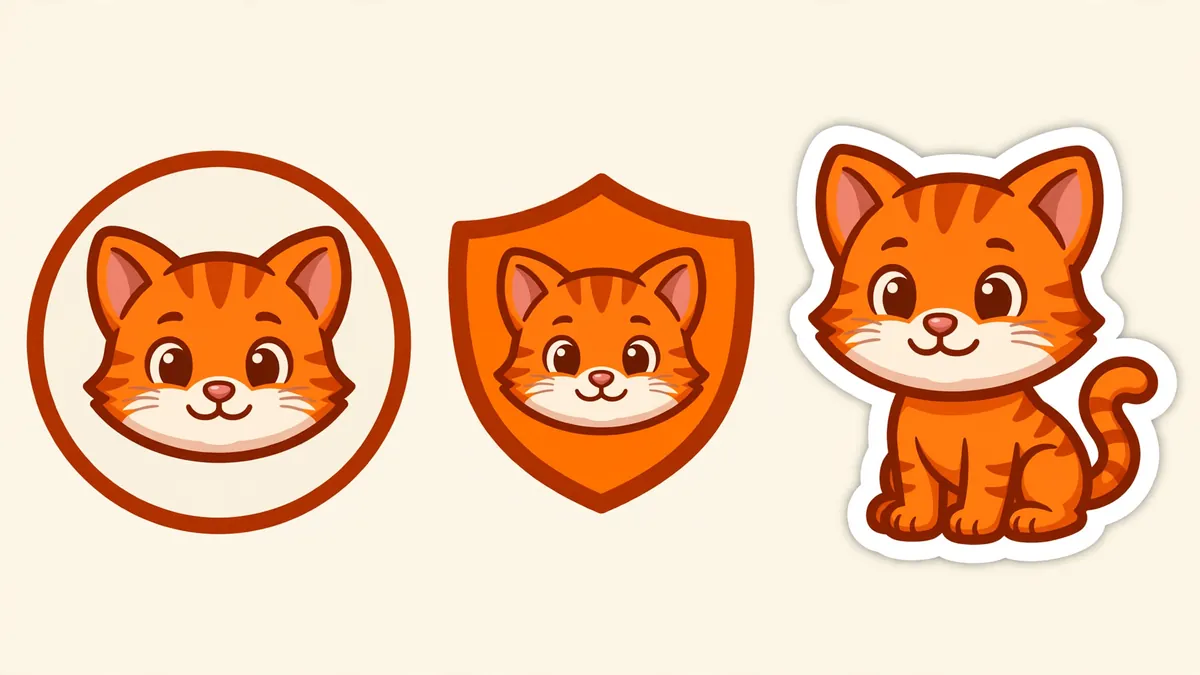
Emotes work best as part of a set: the same character as your PNGTuber avatar, your channel banner and your alerts. If you have not made one yet, start with our guide on how to make a PNGTuber for OBS, or design a character with the OC Maker.
Honest limitations
- AI drafts need cleanup. Expect to fix outlines and edges by hand.
- Text inside AI images is unreliable. Add letters yourself.
- Very similar emotes can look the same at 28 pixels. Make each emotion different in shape, not just in small details.
- Twitch reviews every emote. Original designs and clean content are the only reliable way through.
Browse every free and paid tool on the Ziztu tools page.