
The best AI anime video generator depends on what you are making. For one striking clip, the big video models (MiniMax H3, Kling, Seedance, Runway) all do good anime from a strong first frame. For a short film where the same characters appear in every shot, you need more than a model: shot planning, character sheets and a timeline. That is the gap Ziztu fills. We make Ziztu, so read our entry with that in mind; every price below comes from each tool's own pricing page.
How we compared them
We looked at five things that matter for anime in particular.
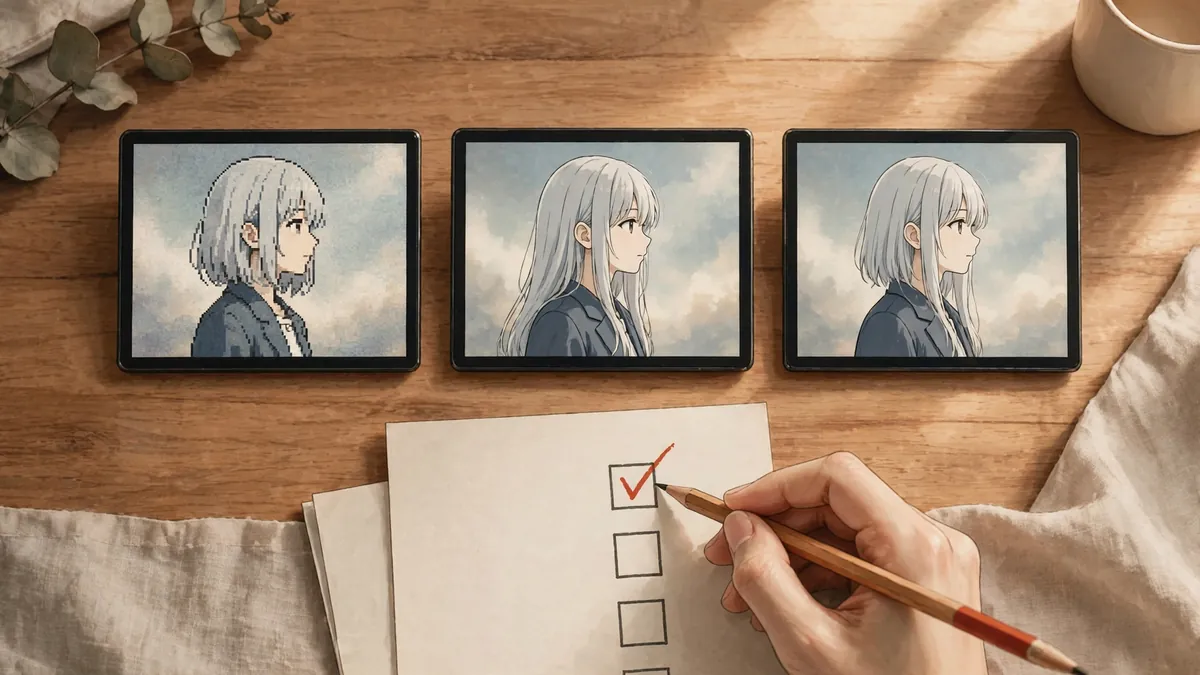
- Style. Does the output hold clean line art and flat cel shading, or does it drift toward a glossy 3D look?
- Character consistency. Can the same face and outfit appear in shot after shot?
- Price per clip. Plans use different credits, so we compare what a plan buys, not the credit count.
- Free access. What you can try before you pay.
- The rest of the film. Music, captions and editing. A clip is not a film.
Competitor prices were read from their official pricing pages on 3 October 2026. Prices change often, so check the page before you subscribe.
The tools
1. Ziztu: best for anime short films with consistent characters
Ziztu is an AI film studio. You describe an idea, the Director suggests a cast, places and a shot list, and you generate first frames and clips on one timeline. It runs several video models side by side, including MiniMax H3, Kling 3.0, Seedance 2.5 and Grok Imagine, so you can use a cheap model for drafts and a stronger one for hero shots.
- Characters: character sheets for every cast member, and Identity lock (H3 Max References), which sends reference images with each clip so the face and outfit hold.
- Music and edit: generated score or songs, your own uploaded track with beat markers, captions and MP4 export.
- Style presets: samurai, shonen battle, fantasy adventure, cyberpunk and mecha, retro 80s OVA, pastoral, sports, slice of life, dark fantasy and magical idol.
- Price per 5 second clip (every model is listed in the AI video price index): 31 credits at 480p, 50 at 768p, 99 at 1080p on H3 Max Turbo; 106 for Identity lock at 768p with three references.
- Plans: from $12 a month for 1,000 credits.
- Free: 40 credits for new accounts, 480p with a watermark.
- Limits: clips top out at 15 seconds on H3; no lip sync to uploaded vocals; you still review every shot.

2. Hailuo AI (MiniMax): best value for raw H3 clips
Hailuo is MiniMax's own app for its H3 video models, the same family Ziztu uses for most anime shots. If you only need clips and you are happy to edit elsewhere, it is a direct way in.
- Plans: Standard is $8.40 a month billed yearly ($100.80 a year) for 1,000 credits; Pro is $30.40 a month billed yearly for 4,500 credits. The page showed higher monthly prices without the yearly discount.
- Free: a free plan with one-time trial credits, limited to Hailuo models.
- Limits: clips only. Planning, consistent casts and the edit are up to you.
3. Kling: best for dynamic motion
Kling's models handle fast action and camera moves well, which suits fight scenes and sports anime.
- Plans (monthly): Standard $10 for 660 credits, Pro $37 for 3,000, Premier $92 for 8,000 and Ultra $180 for 26,000. First-month discounts were running when we checked.
- Free: daily free credits for subscribers are listed on the plans; check the page for the current free tier.
- Limits: a general video tool. Anime style depends on your first frame and prompt.
4. Pika: best for quick social clips
Pika is built for short, playful clips and effects, with a simple app.
- Plans (monthly): Starter $10 for 900 credits, Creator $35 for 3,150 credits and Fancy $95 for 8,550 credits.
- Free: a free plan with no monthly credits (credit packs only). The page lists no watermark on any plan.
- Commercial use: listed from the Creator plan up.
- Limits: made for short one-off clips more than for multi-shot films.
5. Runway: best for cinematic and mixed media
Runway is a general creative video suite with strong cinematic models and an editor.
- Plans: Standard $15 a month ($12 billed yearly) for 625 credits, Pro $35 ($28 yearly) for 2,250 credits, Max $95 ($76 yearly) for 9,500 credits.
- Free: a free plan with 125 credits.
- Limits: no anime specific presets; you steer the look with your frames and prompts.
6. Higgsfield: best for trend effects and presets
Higgsfield bundles many models and viral video presets in one app.
- Plans (monthly): Basic $9 for 120 credits, Pro from $29 for 600 credits, Max from $79 for 1,800 credits. Yearly billing showed 30 percent off.
- Free: the sign-up screen offered 50 credits for signing in with a business email.
- Limits: credits go fast on premium video models. Read our guide on whether Higgsfield is free, or compare Higgsfield alternatives.
Side by side
| Tool | Entry price (monthly) | Free option | Built for |
|---|---|---|---|
| Ziztu | $12 for 1,000 credits | 40 credits, 480p, watermark | Multi-shot anime films |
| Hailuo | $8.40 billed yearly | One-time trial credits | H3 clips |
| Kling | $10 for 660 credits | See official page | Motion and action |
| Pika | $10 for 900 credits | Credit packs only | Social clips |
| Runway | $15 for 625 credits | 125 credits | Cinematic video |
| Higgsfield | $9 for 120 credits | 50 credits (business email) | Presets and effects |
Which one should you pick?
- One clip for TikTok or Reels: Hailuo or Kling. Make a good first frame, animate it, post it.
- An original character in many scenes: Ziztu. Design the character with the OC Maker, make a sheet, then use it as a reference in every shot.
- A music video or short film: Ziztu, because the music, captions and cut live in the same project. Our guide on making an AI music video from a song shows the full workflow.
- Live-action or mixed styles: Runway.
If you need general video models rather than anime ones, our list of the best AI video generators in 2026 compares them side by side.

The limit every tool shares
AI video in 2026 is good at single shots and still weak at long continuity. Faces drift over many clips, hands slip in fast action, and no model writes a scene for you. The tools that help most are the ones that make reviewing and retaking a single shot cheap. Plan your shots, lock your characters, and expect to regenerate about one shot in three.
To start, read our step by step guide on how to make anime with AI, or browse more tool alternatives.