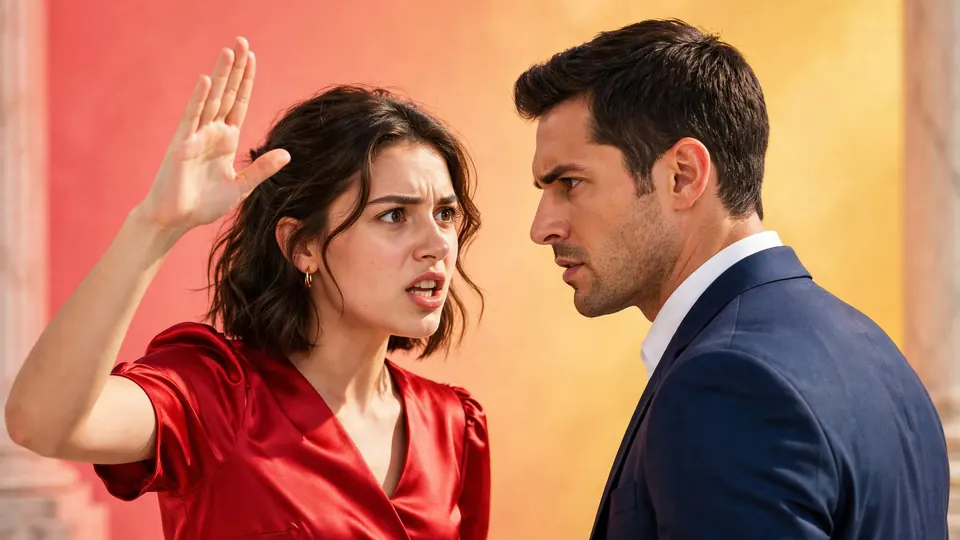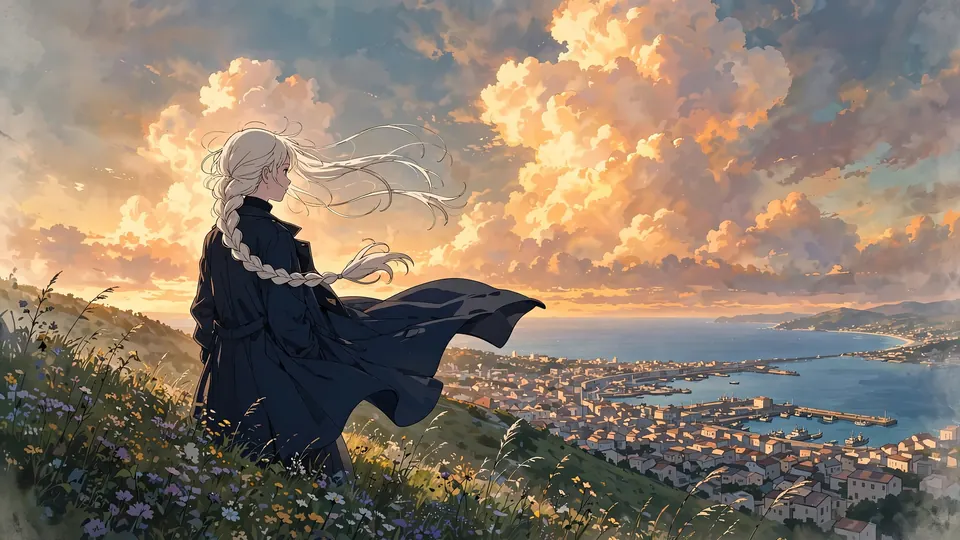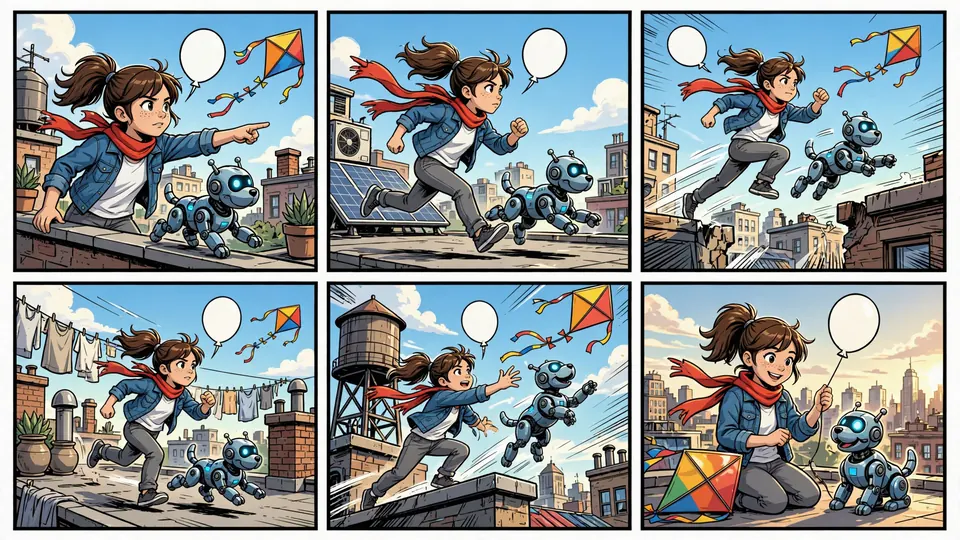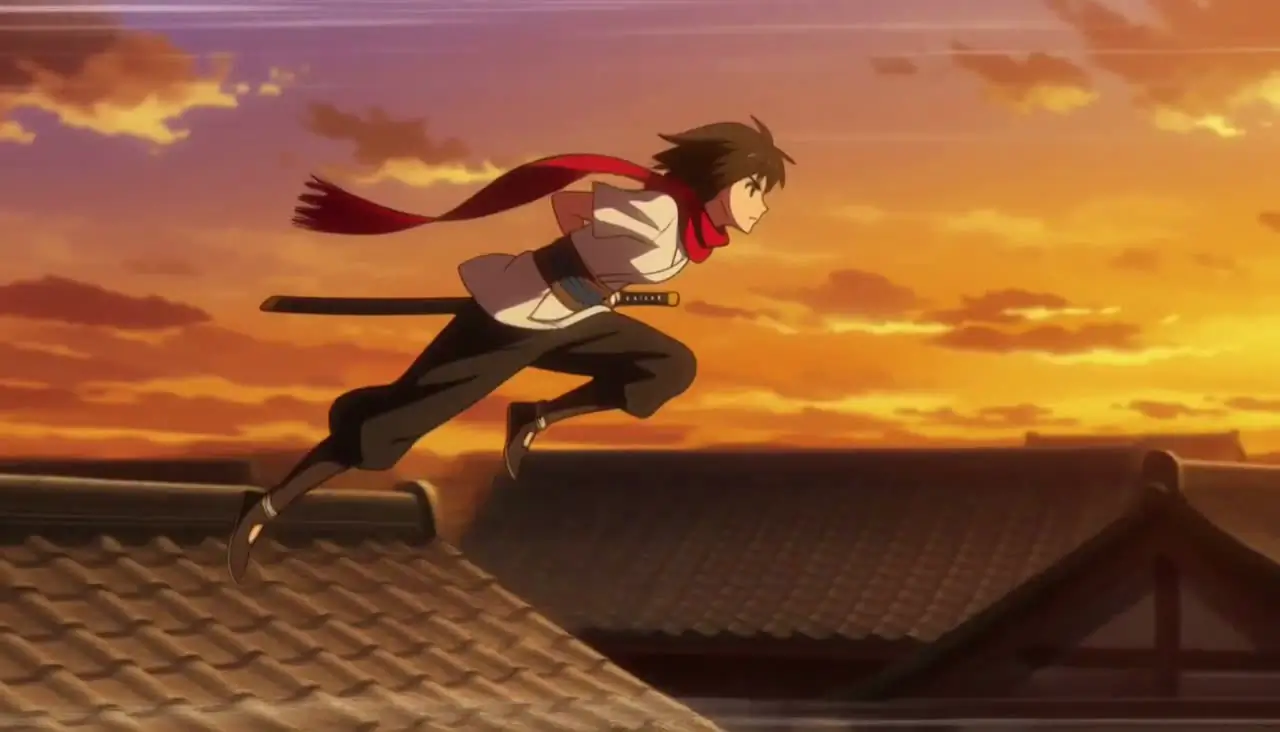
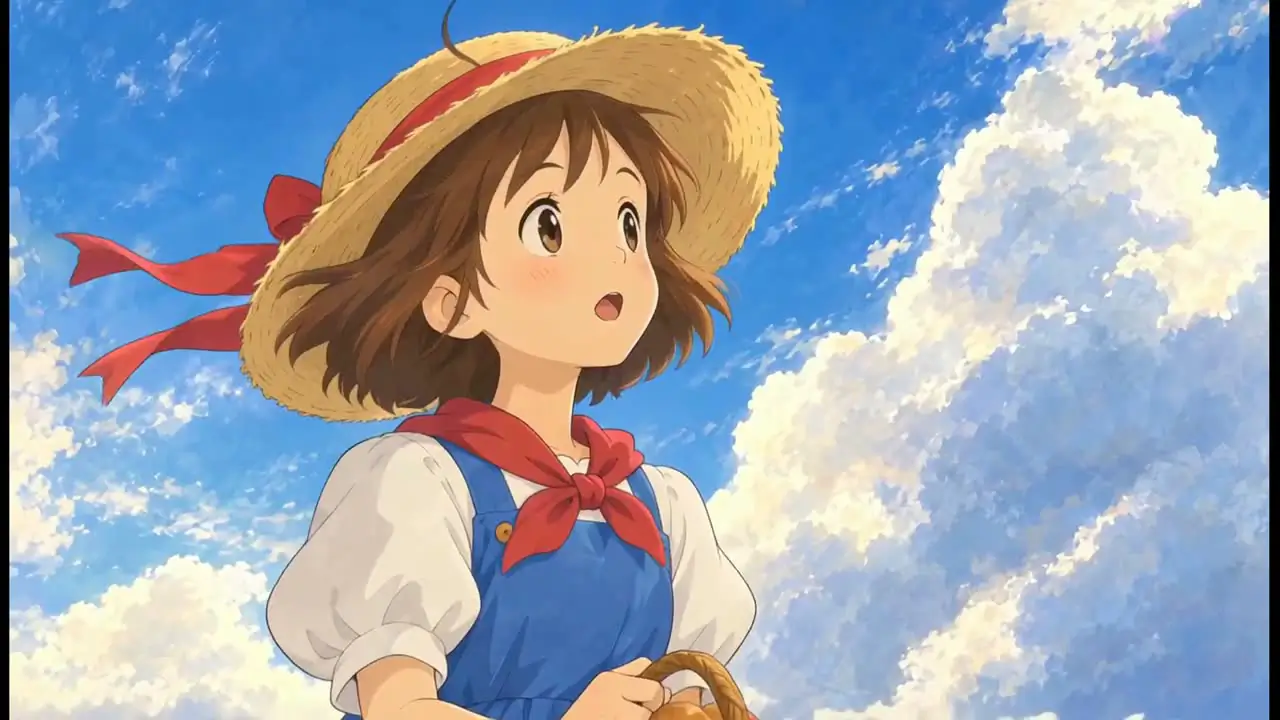
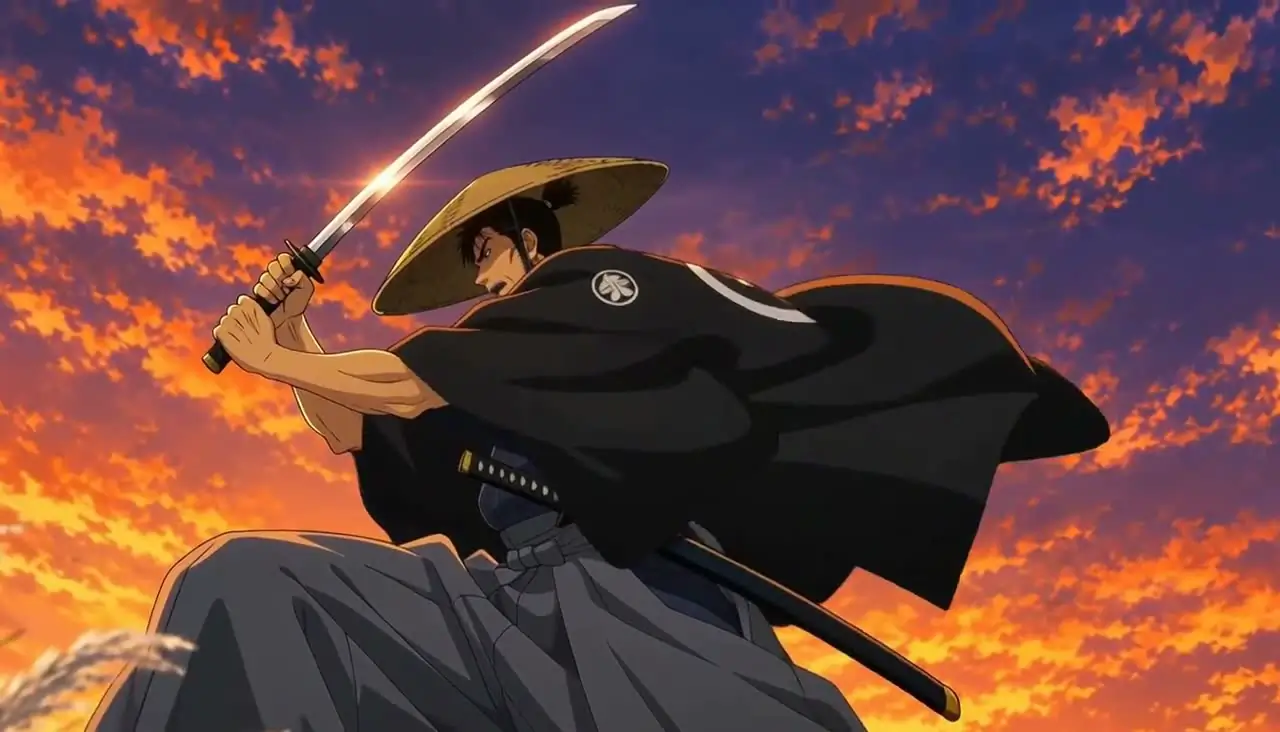
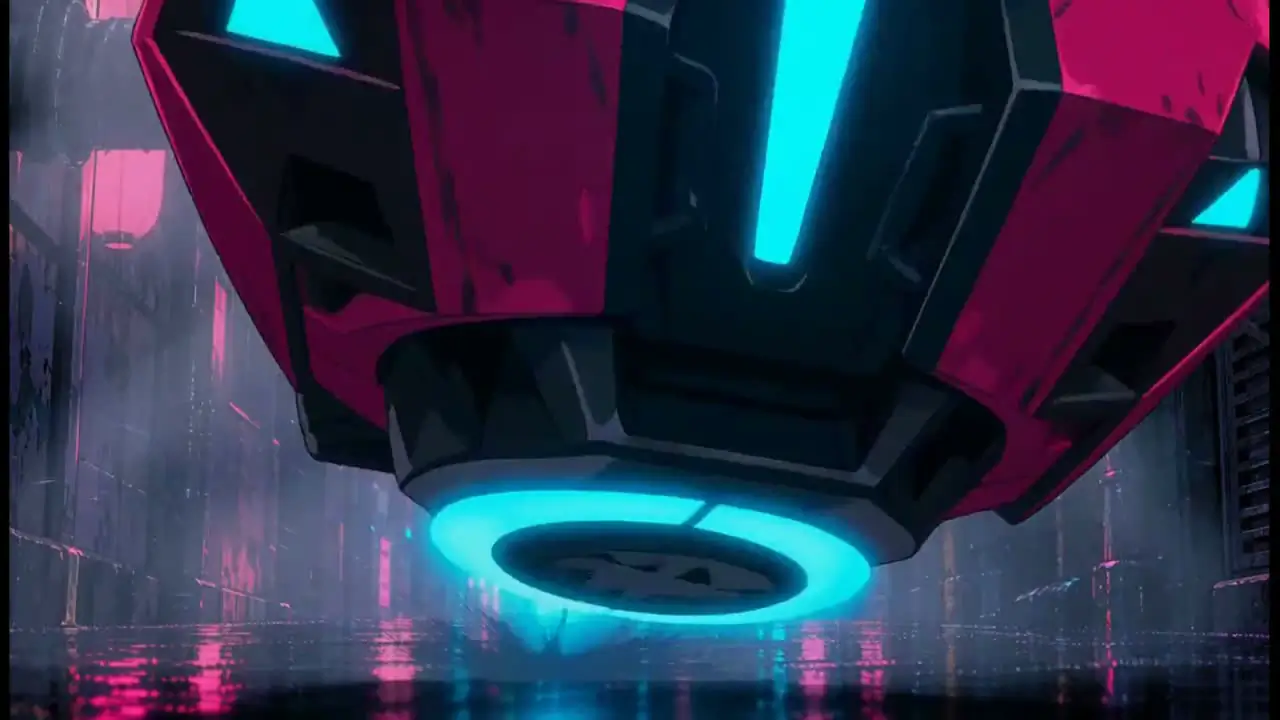
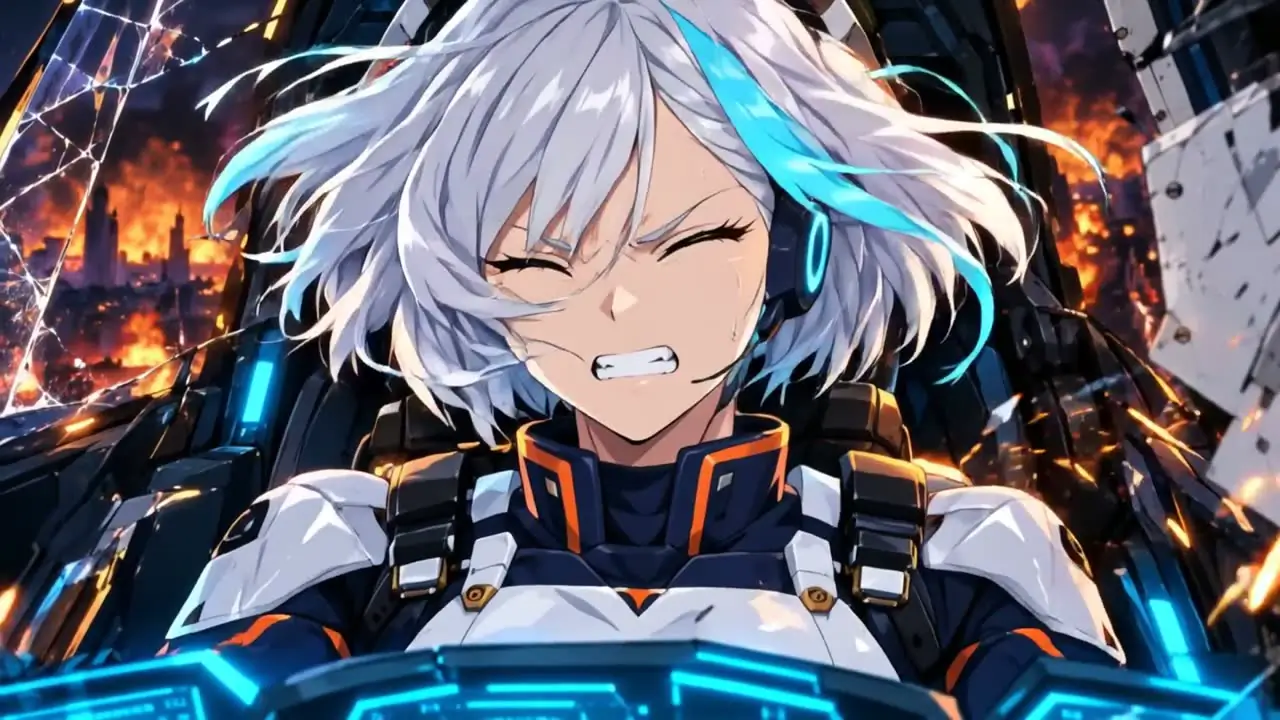
Shonen actionmade on this page
AI Anime Video Generator
Describe a scene, pick a look and watch it move. Then grow it into an episode, where a character sheet keeps the same face in every cut.
40 free credits, no card
Made on this page with“a young swordswoman in a red scarf leaps across rooftops at sunset, the camera tracking beside her” 5 s at 768P, 50 credits
From a finished filmThe Sky Whale, 58 s, made in Ziztu Studio. Watch it
From a finished filmThe Last One, 1 min 57 s, made in Ziztu Studio. Watch it
From a finished filmRush Order, 1 min 2 s, made in Ziztu Studio. Watch it
From a finished filmRedline, 30 s, made in Ziztu Studio. Watch it
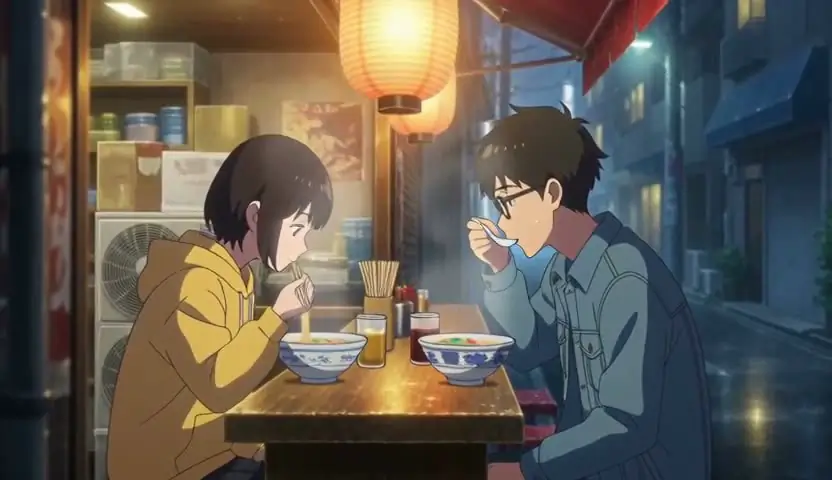
Made on this page with“two friends eating ramen at a tiny counter in a rainy Tokyo alley at night, steam rising, warm lantern light” 5 s at 480P, 31 credits
Change the look the whole page follows
Ekonte, the storyboard
Every cut planned, every face the same
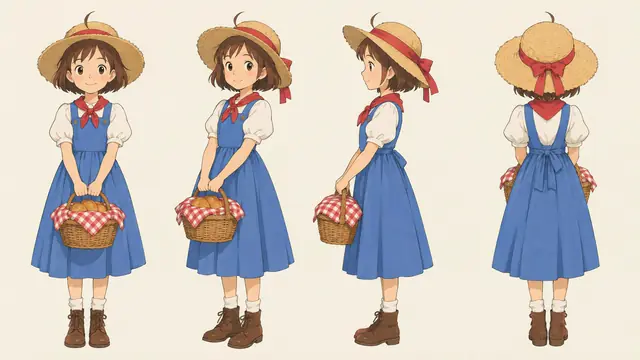
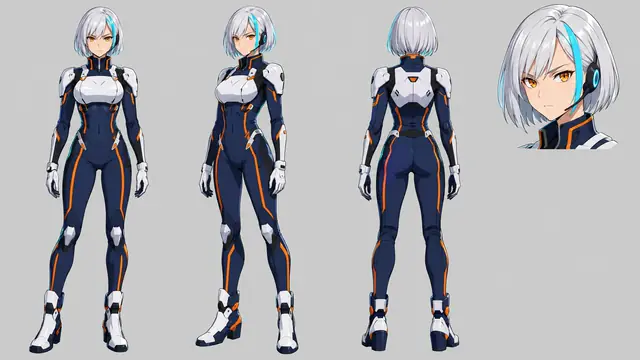
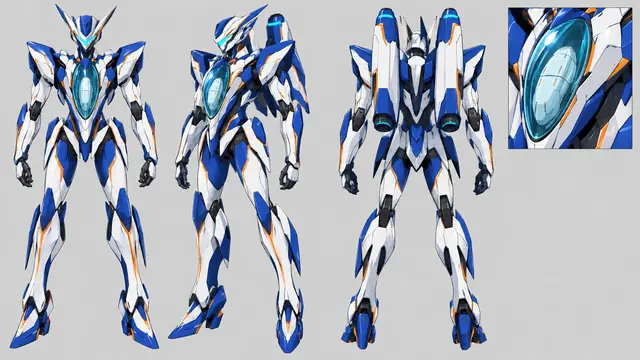
A film starts as a storyboard. The Director writes each cut, and every character is drawn once as a sheet that every cut starts from. Pick a film and read it cut by cut.
The Sky Whale
A child in a sleeping seaside village makes a wish, and a whale made of cloud answers it.
Watch the filmCharacter sheets

-
01
 HookThe eye in the cloudA huge cloud, and one gentle eye opening slowly in the billows.
-
02
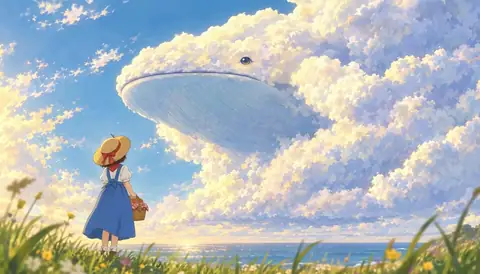 RevealThe sky whaleMio stands on the hilltop as a whale made of cloud rises out of the sky.
-
03
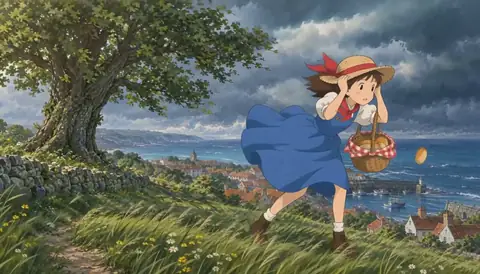 ProblemThe gustA storm wind pulls at Mio’s straw hat as she holds on to her basket.
-
04
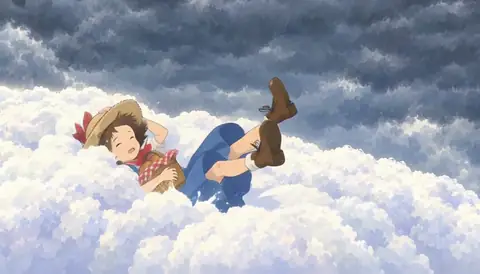 RescueA soft landingMio falls toward the storm, and the whale catches her on its cloud back.
-
05
 VistaThe sea of cloudsThe whale glides over a golden sea of clouds at sunset with Mio on its back.
-
06
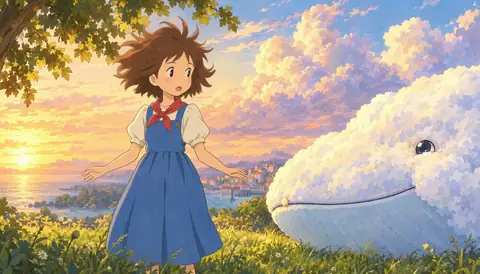 ButtonThat was my hatSafe on the hill, a messy-haired Mio looks at the smiling whale. Her hat is gone.
Six of its 20 cuts. Every cut that shows a character starts from that character’s sheet.
The Last One
Two swordsmen meet at a roadside tea stand at sunset. One dango is left, and only one of them walks away.
Watch the filmCharacter sheets
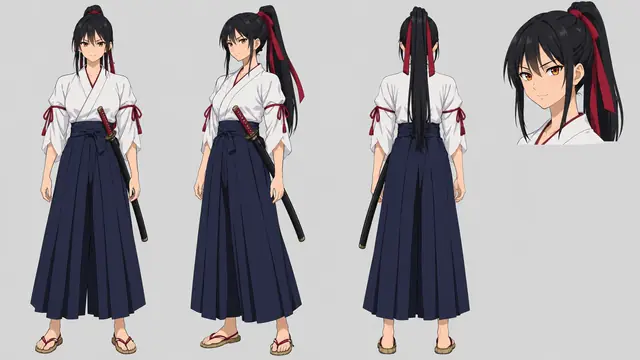
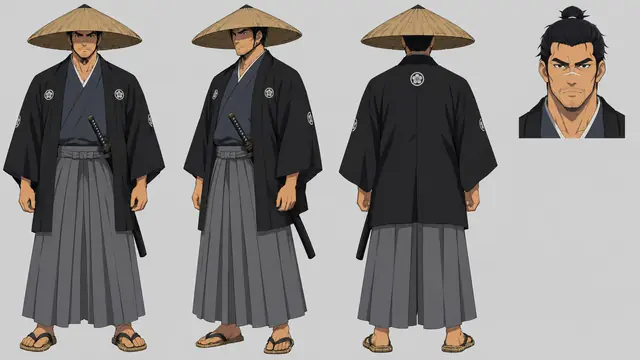
-
01
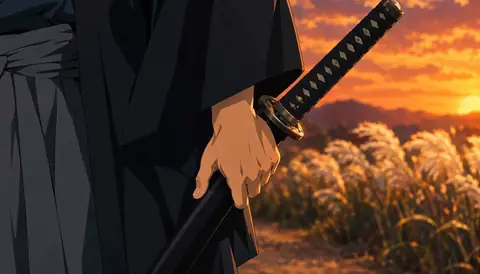 HookThe bladeA thumb pushes the iron guard, and an inch of steel slides out in the sunset.
-
02
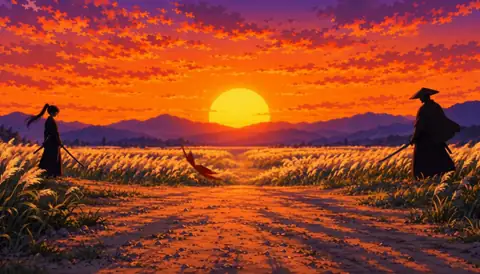 The falling leafA red maple leaf drifts across the road between two motionless swordsmen.
-
03
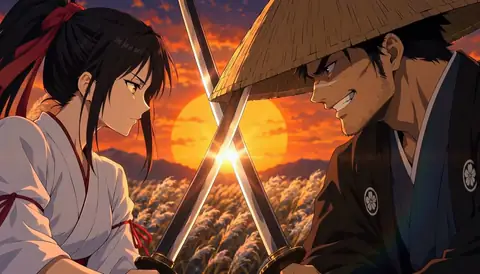 You’ve gotten slowLocked blades, faces close, and the sun glowing between them.
-
04
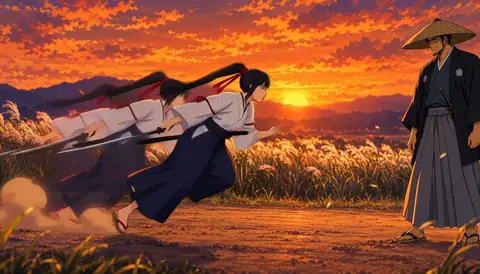 Afterimage dashHana bursts out of her crouch and dashes straight at Tetsu.
-
05
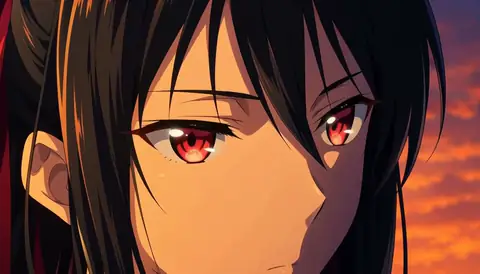 Eyes openA close-up of Hana as her closed eyes snap open.
-
06
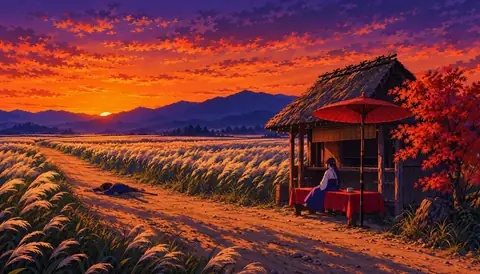 DuskThe endAt dusk the swordswoman sits at the tea stand, and the road is quiet.
Six of its 32 cuts. Every cut that shows a character starts from that character’s sheet.
Rush Order
A hover-bike courier races through a rain-soaked neon megacity, chased by a giant rider who turns out to be a hungry customer.
Watch the filmCharacter sheets
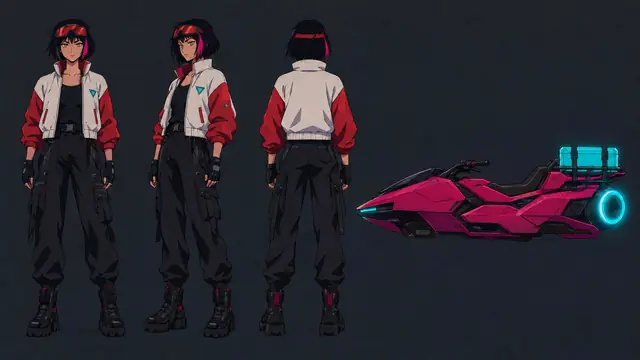
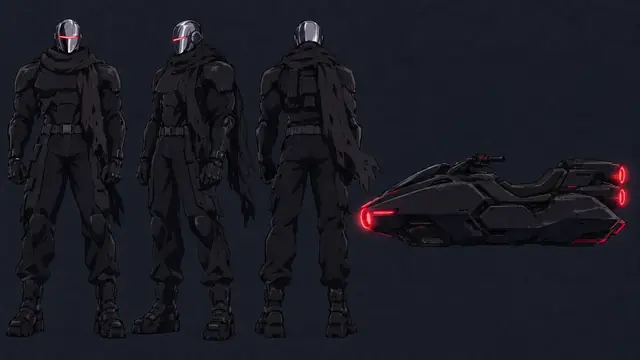
-
01
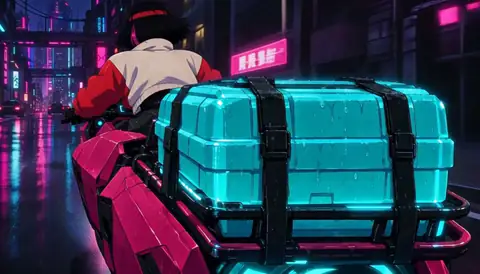 HookThe caseA glowing teal case strapped to the back of a hover bike in the rain.
-
02
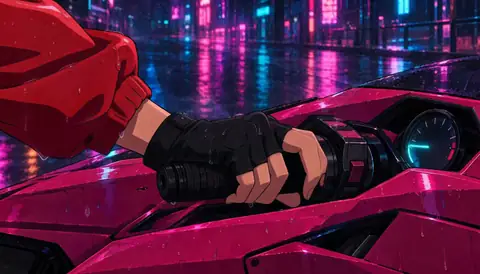 ThrottleA gloved hand twists the throttle on a neon-lit street.
-
03
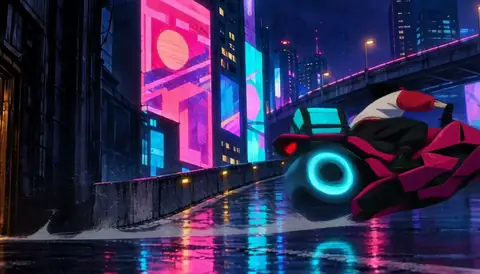 Up the rampThe bike climbs a ramp in front of giant neon billboards.
-
04
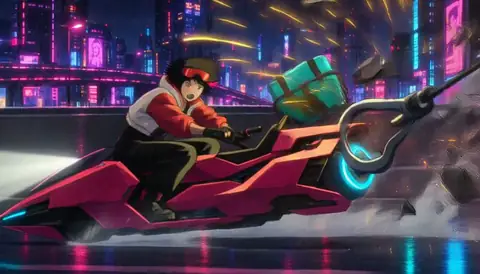 Near missJuno swerves past a swinging hook with sparks flying.
-
05
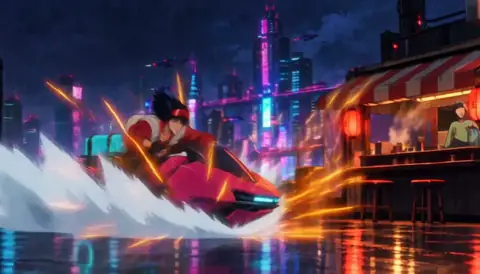 Rooftop landingThe bike skids in with a wave of spray beside the ramen stall.
-
06
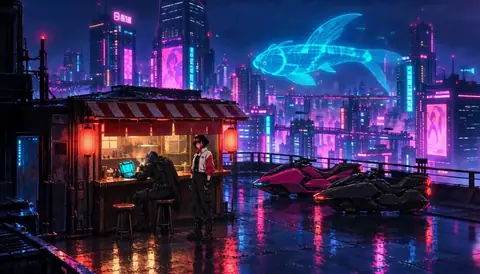 Last biteAt the ramen stall under a hologram fish, the chase turns out to be about dinner.
Six of its 30 cuts. Every cut that shows a character starts from that character’s sheet.
Redline
Noa pilots the mecha Kite against the enemy mecha Hex over a burning city, and pushes it past the limit.
Watch the filmCharacter sheets
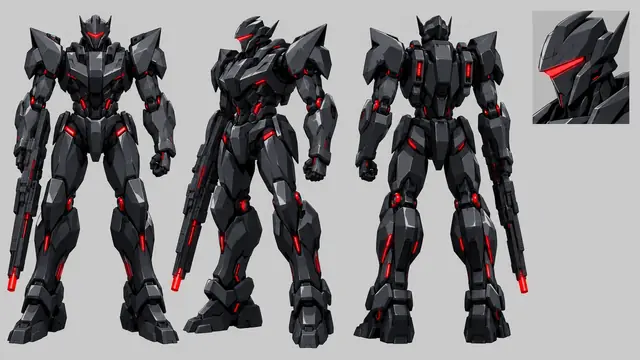
-
01
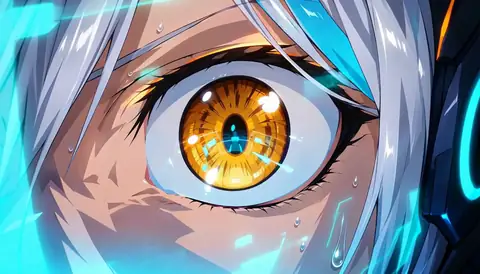 EyeAn amber eye, wide open, in a close-up.
-
02
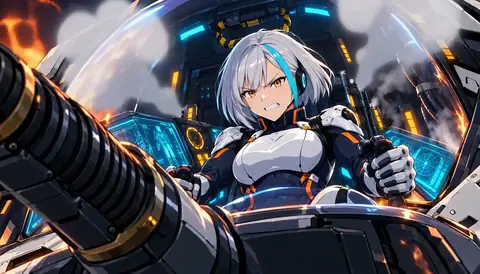 StrainNoa grips the controls as the cockpit shakes and smoke rolls in.
-
03
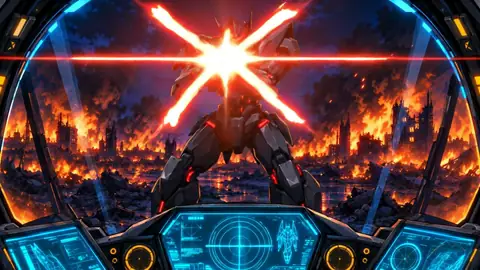 GunfireHex fires straight at the cockpit, and each hit leaves a white star on the glass.
-
04
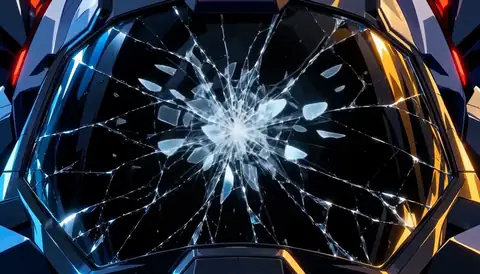 GlassThe canopy glass cracks outward and tiny shards fall.
-
05
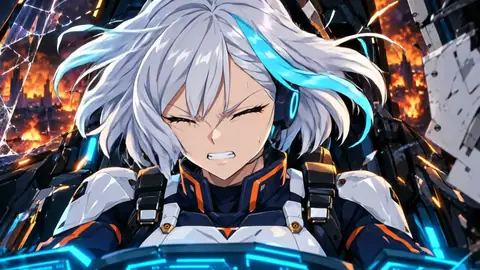 BreachWind whips through the broken canopy as panels tear loose.
-
06
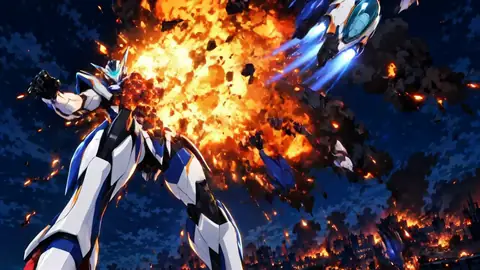 EscapeKite explodes behind her, and her escape pod rockets out through the fire.
Six of its 12 cuts. Every cut that shows a character starts from that character’s sheet.
Try one clip
Make a 5 second anime clip right here
Describe who is there, where, and what happens, pick a style and press Generate. MiniMax H3 Max Turbo makes it in about a minute: 31 credits at 480P, 50 at 768P. A clip is video, so it starts on a plan; the 40 free credits cover scripts, character art, storyboards, voices and sound.
In Studio each shot can use its own model: Seedance 2.5 for takes up to 30 seconds with sound, Kling O3 with start and end frames, MiniMax H3 Max with up to 9 reference images to keep a face, Grok Imagine for quick drafts.
Next episode
Episode 1 starts with one line.
Type the idea. The Director plans the cuts, draws a sheet for every character and keeps each face the same, and you approve every cut before it costs a credit.
40 free credits, no card. Free credits cover scripts, character art, storyboards, voices and sound; video starts at $12 a month.
The details
What this AI anime generator does
Ziztu generates short anime clips from a plain text prompt. You describe the scene, pick a style, and the AI handles the rest: backgrounds, motion, lighting and character animation. The result is a 5-second clip in the style you picked.
The generator works with a range of styles. Shonen action produces bold, high-energy visuals with speed lines and dramatic lighting. Slice of life captures quiet, warm moments. The soft painterly style creates lush, natural scenes with gentle camera movement. Cyberpunk delivers neon-lit urban environments. Chibi uses round, expressive characters. Retro 90s adds grain and a limited color palette for a classic look.
Every style is generated by the same underlying model, so you can switch between them for the same prompt and compare results before committing to a direction.
From a single clip to a full episode
A 5-second clip is the starting point, not the end. Ziztu chains multiple shots into a multi-scene episode with consistent characters across every frame. The AI Director reads a story outline and plans a shot list: establishing shots, close-ups, action sequences and cutaways, each generated and assembled on a timeline.
Character identity lock keeps the same face, outfit and personality throughout. Once you set a character reference, every shot in the episode uses that reference automatically. This solves the biggest problem with AI video: characters that change appearance between shots.
Music sync rounds out the episode. You can generate a score with the built-in music tools or upload your own audio track, and the timeline cuts to the beat.
Tips for better anime video prompts
The clearest prompts produce the most consistent clips. A few principles:
- Describe the camera angle. "A low-angle shot looking up at a warrior on a cliff" gives the AI more to work with than "a warrior on a cliff".
- Name the lighting. "Golden hour backlight" or "blue moonlight" sets the mood immediately.
- Keep the action simple. One clear movement per clip works better than several. "She reaches for the glowing orb" lands better than "she fights, flies and cries".
- Reference the style in the prompt. Adding words like "cel shading", "hand-drawn feel" or "painterly background" reinforces the style choice.
- Iterate. The first generation is rarely final. Change one word at a time to find what works.
Honest limits of AI anime video
AI anime video is improving fast but it has real limits worth knowing before you start a project.
Character consistency within a single clip is reliable when you provide a reference image. Consistency across many clips without a reference degrades quickly, which is why Studio uses identity lock for longer projects.
Complex motion, such as a detailed fight choreography or precise lip sync, is harder than simple camera pans and character walks. The results vary by prompt and style.
Clip length is currently capped at 15 seconds. Full-length episodes are built by chaining clips on a timeline, not by generating a single long video.
Text rendered inside the video is unreliable. For titles, subtitles and captions, add those in post via the timeline overlay tools.
Anime video models in Ziztu
This page runs MiniMax H3 Max Turbo, the fast model of the Hailuo 3 family. Ziztu Studio lets each shot of an episode use another model, and every price shows before you generate. Prices are for a 5 second clip at the lowest resolution the model offers.
- MiniMax H3 Max Turbo: the model on this page, text to video with clips of 1 to 15 seconds. A 5 second clip at 480P costs 31 credits, about $0.37.
- MiniMax H3 Max References: identity lock, up to 9 reference images that keep a character the same in the shot. A 5 second clip at 480P costs 62 credits, about $0.74.
- Kling O3, from Kuaishou: start and end frames with up to 4 reference images, sound on, 3 to 15 seconds. A 5 second clip at 720P costs 139 credits, about $1.67.
- Seedance 2.5, from ByteDance: clips of up to 30 seconds with sound, from text, frames or image, video and audio references. A 5 second clip at 480P costs 137 credits, about $1.64.
- Grok Imagine Video 1.5 Lite, from xAI: the quick, low priced Grok video, 1 to 15 seconds. A 5 second clip at 480P costs 28 credits, about $0.34.
Try the video models in the AI Video Generator.
Image models for anime keyframes and character sheets
An episode starts from pictures: a character sheet for each person, and a keyframe for each shot. Ziztu draws them with the image model you choose, and shows the price of one picture first.
- Meta Muse Image: the Studio default for character sheets, plates and reference shots, with up to 10 reference images. One image costs 3 credits, about $0.04.
- Nano Banana Pro, from Google: photo edits and sheets at 1K, 2K or 4K, with up to 14 reference images. One 2K image costs 38 credits, about $0.46.
- GPT Image 2.5, from OpenAI: takes up to 16 reference images, with sizes up to 4K. One high quality 2K image costs 15 credits, about $0.18.
- Seedream 5 Flash, from ByteDance: fast, low priced images, up to 6 at a time. One image costs 7 credits, about $0.08.
Voices, music and sound for anime
An anime episode needs a voice for each character, a score and sound effects. They come from these models, on the same credit balance as the video.
- ElevenLabs Eleven v4 voices: spoken lines for characters. A 200 character line costs 4 credits, about $0.05.
- Google Lyria 3.5: film score cues. One score cue of about a minute costs 25 credits, about $0.30.
- ElevenLabs Music: instrumental music of the exact length you set. A track of up to 1 minute costs 149 credits, about $1.79.
- ElevenLabs Sound Effects v2: sound effects from a text description. A 5 second effect costs 3 credits, about $0.04.
| Style | Look | Best for |
|---|---|---|
| Shonen action | Bold lines, speed effects, high contrast | Fight scenes, training arcs, dramatic moments |
| Slice of life | Soft light, warm tones, everyday settings | Character moments, dialogue scenes, daily routines |
| Soft painterly | Lush backgrounds, gentle movement, natural light | Nature scenes, gentle journeys, magical realism |
| Cyberpunk | Neon, rain, high contrast city environments | Dystopian cities, tech settings, night scenes |
| Chibi | Small round characters, exaggerated expressions | Comedy, cute moments, introductions |
| Retro 90s | Grain, limited palette, VHS feel | Nostalgia, intro sequences, classic anime homage |
Frequently asked questions
How do I make anime with AI for free?
Video starts on any plan, so the clip itself is not free. Sign up with an email address and you get 40 free credits for scripts, character art, storyboards, voices and sound. A 5-second clip at 480P costs 31 credits.
How do I make an anime video with AI?
Type a description of your scene in plain English, pick a style preset, and press Generate. The AI interprets your prompt and produces a short anime clip. Longer episodes are built in Ziztu Studio, which chains multiple shots with consistent characters.
Can AI make anime from manga?
Yes, in Ziztu Studio. Upload a panel or a character sheet and animate it into a short clip with image to video. This page works from a text prompt only.
What is the best AI anime video generator?
The best tool depends on what you are making. For short clips and quick experiments, a prompt-to-video tool like this one works well. For a full episode with consistent characters, music and a script, Ziztu provides an AI Director that plans and generates multi-shot stories.
Is there a watermark, and can I use the clips commercially?
Clips made with paid credits have no watermark. Read our terms for the details on using clips in your own projects.
How long can the clips be?
This tool makes 5-second clips with MiniMax H3 Max Turbo. In Ziztu Studio one shot can run up to 15 seconds, up to 30 seconds on Seedance 2.5, and a full episode chains many shots on an editing timeline.
Can AI make anime edits?
Yes. In Ziztu Studio you can cut between your own AI clips and add music for an AMV-style edit.
Which AI model is best for anime video?
It depends on the shot, so Ziztu offers several. MiniMax H3 Max Turbo is the fast, low priced default and animates a first frame: 31 credits (about $0.37) for 5 seconds at 480P. Kling O3 takes start and end frames plus up to 4 reference images (139 credits (about $1.67)), Seedance 2.5 makes takes of up to 30 seconds with sound (137 credits (about $1.64)), and Grok Imagine Video 1.5 Lite is the quick draft model (28 credits (about $0.34)). Each price is for a 5 second clip at the model's lowest resolution.
Does Ziztu have Seedance, Kling or Hailuo for anime?
Yes. Ziztu Studio runs Seedance 2.5 and Seedance 2.0 Mini from ByteDance, Kling 3.0, Kling O3 and Kling O1 from Kuaishou, MiniMax H3 Max Turbo and H3 Max (Hailuo 3), and Grok Imagine Video 1.5 from xAI. The Director picks a shot plan, and you choose the model for each shot or keep the default.