
Higgsfield is not free to use beyond a small sign-up bonus. Signing up costs nothing, and when we checked on 3 October 2026 the sign-up screen offered 50 credits for signing in with a business email. There is no ongoing free plan: the cheapest paid plan, Basic, is $9 a month for 120 credits. Below is what each plan includes, how far the credits go, and when another tool is a better fit.
All Higgsfield details come from its official pricing and sign-up pages as we saw them on 3 October 2026. Higgsfield changes plans and promotions often, so check its page before you pay.
What you get for free
- A free account. You can sign up with Google, Apple, Microsoft or email.
- Sign-up credits. The sign-up screen said "Sign in with business email & Get 50 credits." That covers a few images or a short test, not a project.
- No free monthly allowance on the pricing page. Every plan listed is paid.
So Higgsfield is free to try, not free to use.
Higgsfield plans and prices
Monthly billing, as listed on the pricing page:
| Plan | Price per month | Credits per month | What Higgsfield says that buys |
|---|---|---|---|
| Basic | $9 | 120 | About 60 Nano Banana Pro images or about 7 Seedance 2.0 Fast videos |
| Pro | from $29 | 600 (up to 900 for $43) | About 300 Nano Banana Pro images or about 27 Seedance 2.0 videos at 600 credits |
| Max | from $79 | 1,800 (up to 5,400) | About 900 Nano Banana Pro images or about 80 Seedance 2.0 videos at 1,800 credits |
A few details from the same page:
- Yearly billing was shown at 30 percent off.
- Pro and Max include a set of "unlimited and free generation" models; Basic does not.
- Seedance 2.0 at 720p was listed at about 22 credits per 5 seconds and was not included on Basic. At 1080p it was about 45 credits per 5 seconds.
- Kling 3.0 was estimated at about 14 credits per 8 second generation at 720p.
- Concurrent jobs: 2 on Basic, 3 on Pro, 8 on Max.
- Business plans for teams sit on a separate tab.
How far the credits really go
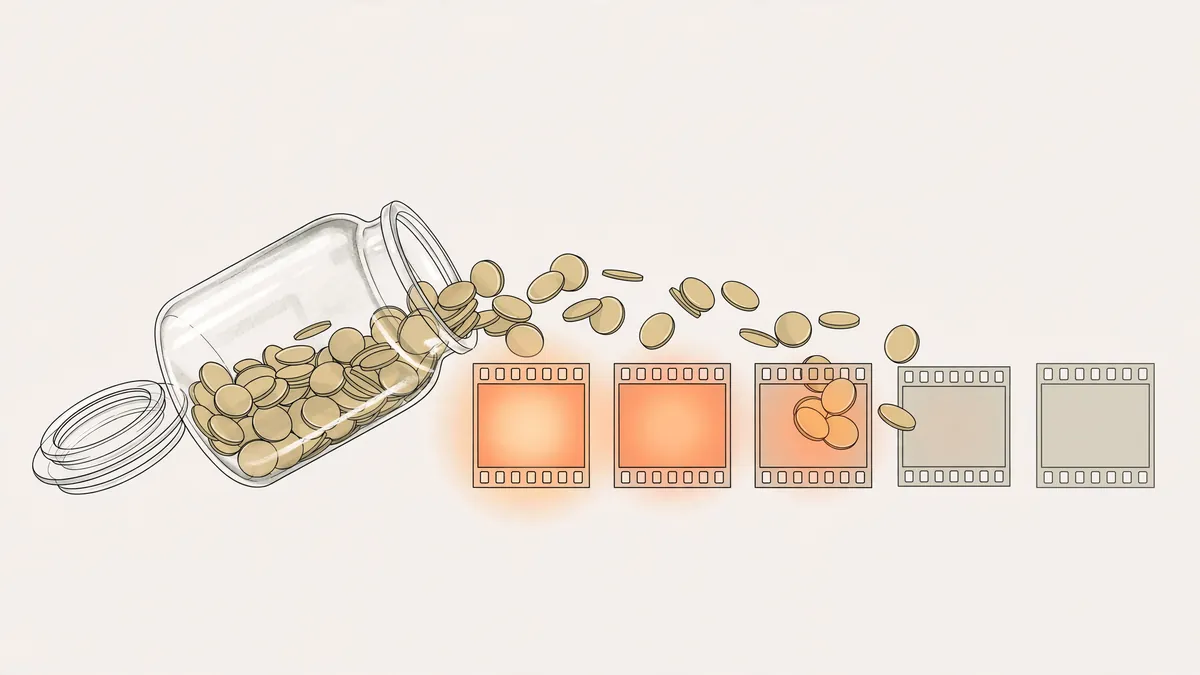
Credits disappear fastest on premium video. With Basic's 120 credits you can make a handful of short clips a month on the cheaper models. Anyone posting video several times a week will end up on Pro or Max. Always check the per-generation cost of the exact model and resolution you want before you choose a plan.
What Higgsfield is good at
- Lots of models in one place, including Kling, Seedance and Nano Banana Pro.
- Presets and trend effects that make viral formats quick.
- Many apps under one login: image, video and audio sections, a storyboard generator (Popcorn) and an ads studio, according to its site menu.
Where another tool can fit better
Higgsfield is a broad toolbox. If your project is one story told across many shots, you may prefer a tool built around a single project file:
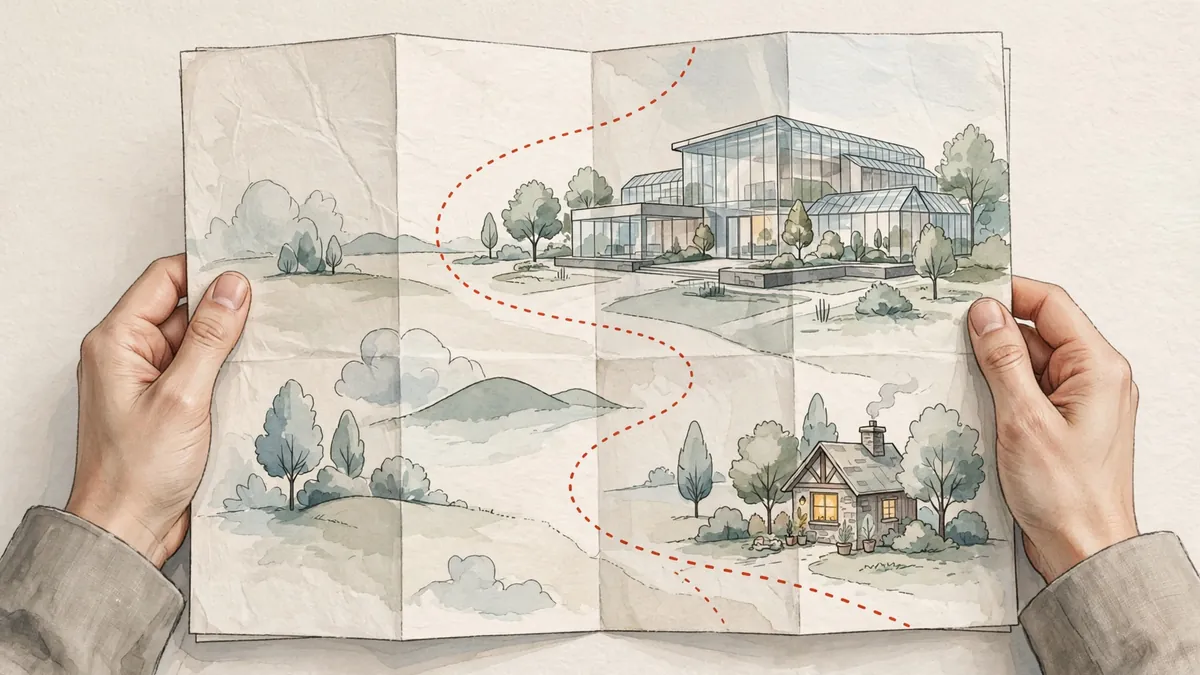
- A Director, a shot list and a timeline, so the shots are planned, generated and cut in one place.
- Character sheets that travel with every shot of the project.
- Music, captions and the edit on the same timeline, with cuts that snap to the beat of your track.
That is what Ziztu is built for. Here is how the two compare on price, using each company's own numbers.
| Higgsfield | Ziztu | |
|---|---|---|
| Free to start | 50 credits (business email sign-in) | 40 credits, 480p with a watermark |
| Cheapest plan | $9 a month, 120 credits | $12 a month, 1,000 credits |
| Next plan | $29 a month, 600 credits | $29 a month, 2,500 credits |
| Yearly billing | 30 percent off | 12 months for the price of 10 |
Credits are not the same unit across tools, so compare clips, not credit counts. In Ziztu a 5 second H3 Max Turbo clip costs 31 credits at 480p and 50 at 768p, so the Starter plan makes about 20 clips at 768p. Kling 3.0 Pro with sound costs 208 credits for 5 seconds at 1080p.
Other Higgsfield alternatives
- Runway: a free plan with 125 credits; Standard is $15 a month ($12 billed yearly) for 625 credits.
- Kling: Standard is $10 a month for 660 credits on monthly billing, with first-month discounts when we checked.
- Hailuo (MiniMax): a free plan with one-time trial credits; Standard from $8.40 a month billed yearly for 1,000 credits.
- Pika: Starter is $10 a month for 900 credits; the free plan runs on credit packs.
For a wider look at the field, see the best AI video generators in 2026, ranked on price, quality and limits.
For a tool by tool look, see our Higgsfield alternatives page. For a deeper comparison of anime tools, read the best AI anime video generators. For more side by side pages, see AI tool alternatives and comparisons.
So, is Higgsfield worth it?
- Yes, if you want one subscription with many models and presets, and you mostly make single clips or images.
- Maybe not, if you only need one model, which can be cheaper at the source, or if you want one project where planning, consistent characters, music and the edit live together.
The fair test costs nothing: use the free credits on two or three tools with the same prompt and the same first frame, then compare the results and the price per finished clip. To try the studio approach, open Ziztu Studio and follow our guide on how to make anime with AI.